
Our picks
Best overall
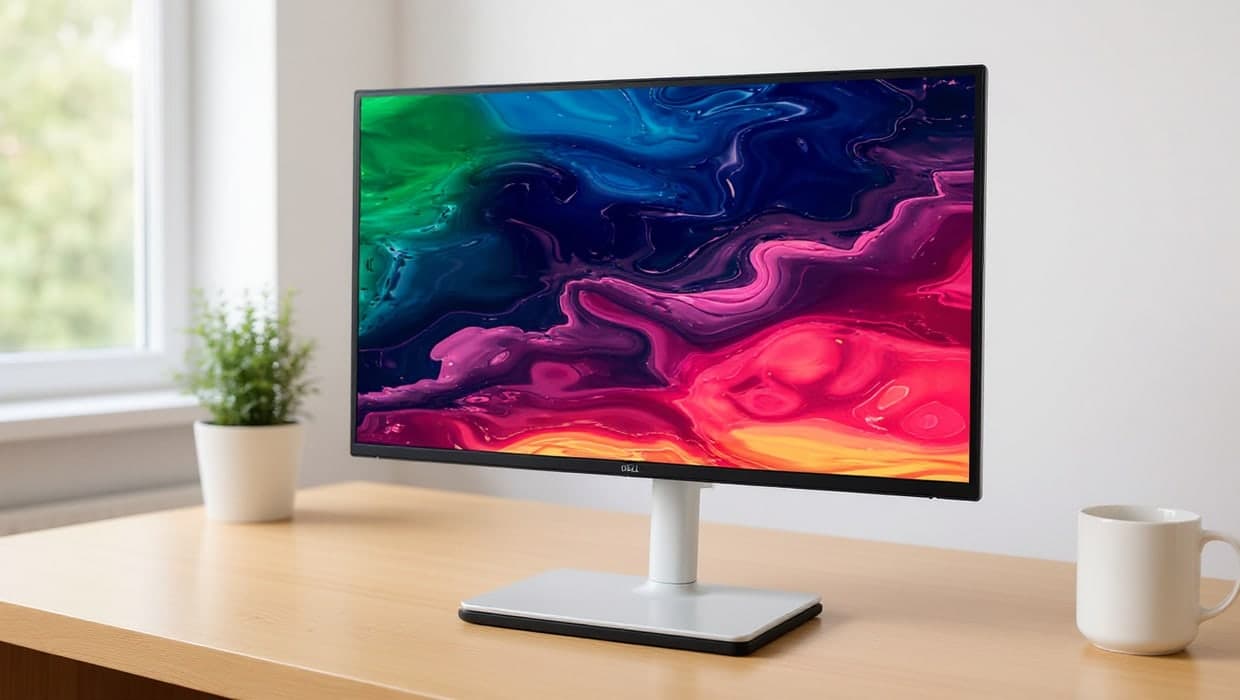
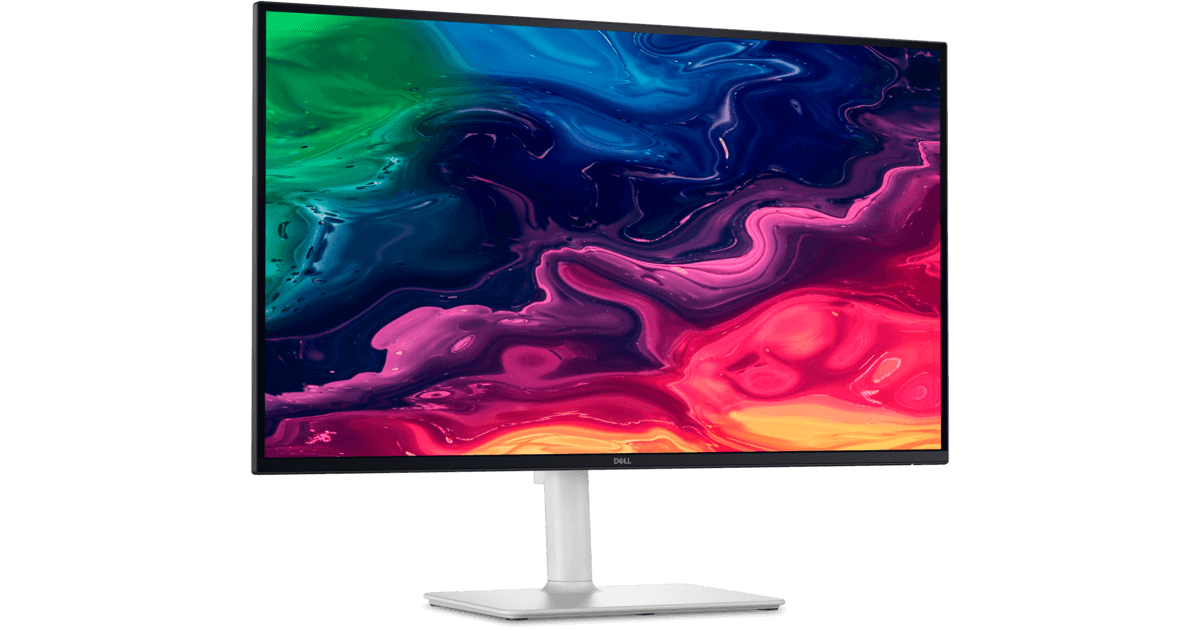
1. Dell 27 Plus 4K USB-C Monitor (S2725QC)
Dell’s 27 Plus 4K is the most complete one-cable monitor here for most laptops: a 27-inch 4K IPS panel at 120Hz, and a USB-C port that carries video (DisplayPort Alt Mode), data and up to 65W of charging. A second USB-C port supplies 15W for a phone or accessory, the stand adjusts for height, pivot, swivel and tilt, and it has built-in speakers. 65W suits most thin-and-light laptops; larger, more power-hungry laptops may charge slowly under heavy load.
Pros
- USB-C with up to 65W charging, video and data
- 4K at 120Hz on a 27-inch IPS panel
- Height, pivot, swivel and tilt stand; built-in speakers
Cons
- 65W may not keep up with high-power laptops
- USB data is 5Gbps, not Thunderbolt
Best QHD pick
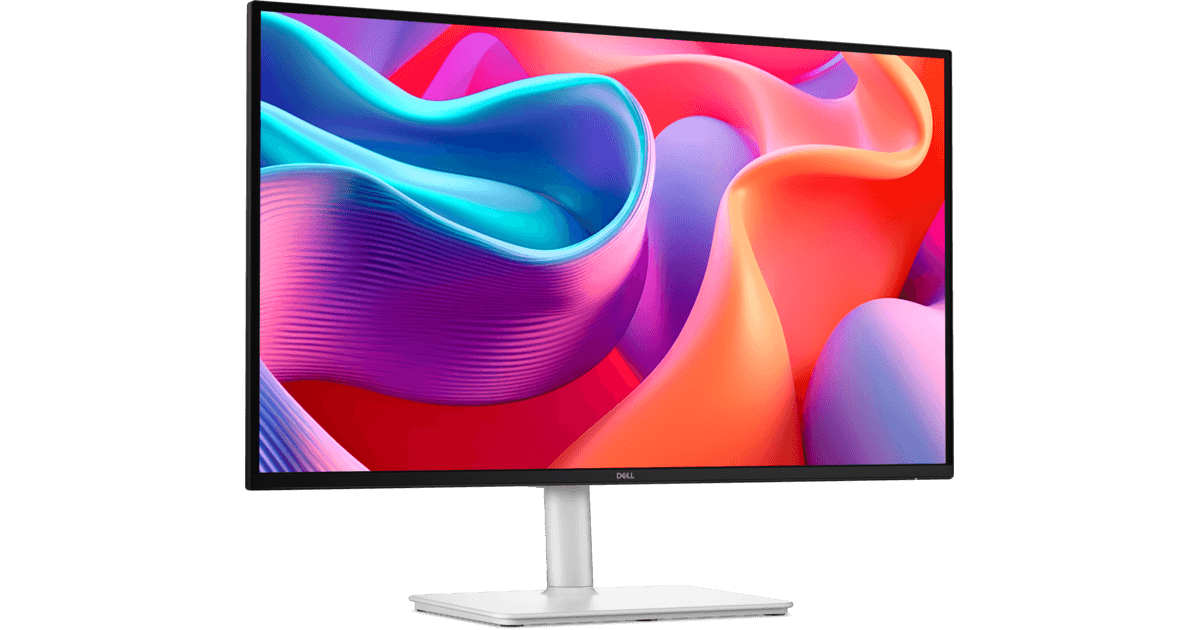
2. Dell 27 Plus QHD USB-C Monitor (S2725DC)
The 27 Plus QHD trades 4K sharpness for a 2560 x 1440 panel at 144Hz, with the same 65W USB-C connection (DisplayPort Alt Mode, 5Gbps data) as its 4K sibling. It keeps the fully adjustable stand and adds two 3W speakers. At 27 inches, 1440p text is less crisp than 4K, but it is easier to run at 100% scaling and still gives more room than a 1080p screen.
Pros
- USB-C with up to 65W charging
- 144Hz refresh for smooth scrolling
- Fully adjustable stand; two 3W speakers
Cons
- 1440p is less sharp than 4K at 27 inches
- Only one HDMI input
Also at: Dell, Micro Center
Best for power users
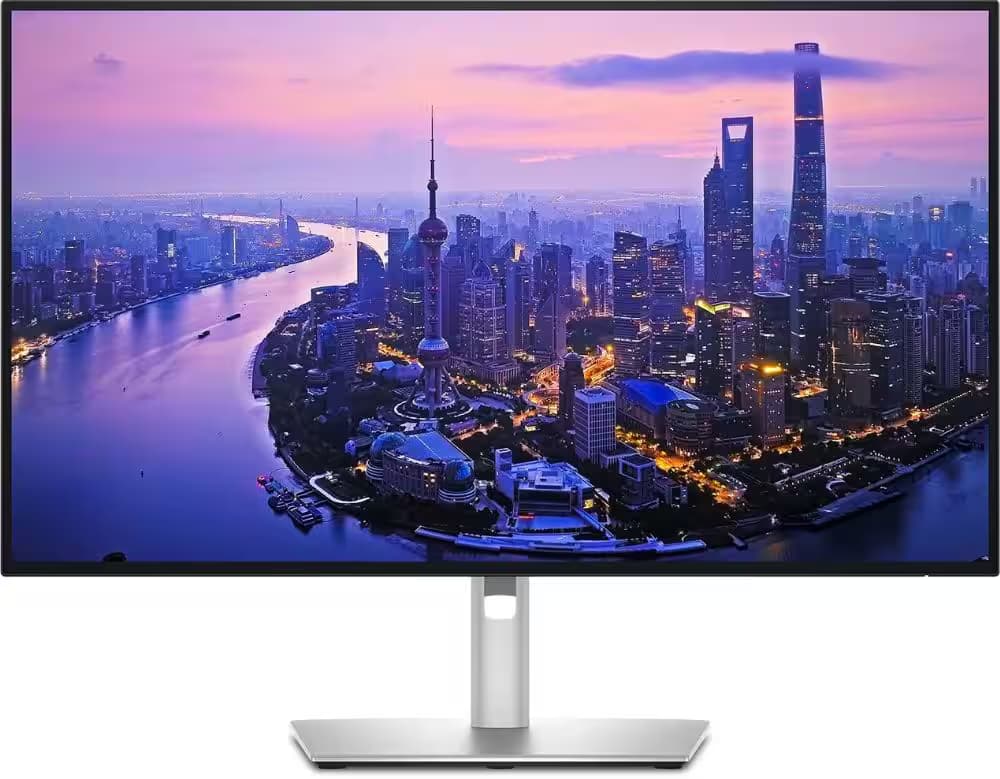
3. Dell UltraSharp 27 4K Thunderbolt Hub Monitor (U2725QE)
The UltraSharp U2725QE is the pick if one cable has to run a bigger laptop and a full desk. Its Thunderbolt 4 connection carries video, data and up to 140W of power, it can daisy-chain up to two more 4K monitors, and it adds Ethernet, USB-A and HDMI 2.1 ports. The 27-inch 4K IPS Black panel runs at 120Hz and is factory calibrated to 99% DCI-P3. It costs the most of the four, and much of that goes on features a basic laptop setup won’t use.
Pros
- Thunderbolt 4 with up to 140W charging
- Built-in Ethernet and daisy-chaining
- Factory-calibrated 4K IPS Black panel at 120Hz
Cons
- The most expensive of the four
- Best Buy’s listing is sold by a marketplace seller
Also at: Best Buy
Best smart monitor
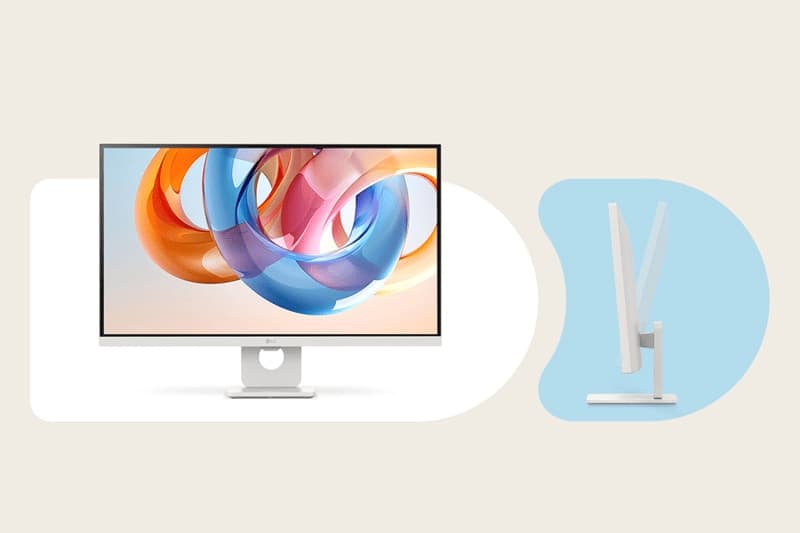
4. LG 27" 4K Smart Monitor with webOS (27U731SA-W)
LG’s 27-inch smart monitor pairs a 4K IPS panel and 65W USB-C charging with LG’s webOS, the same built-in apps platform LG uses on its TVs. It has two HDMI 2.0 inputs and two USB-A ports, so it doubles as a screen for a second device. The trade-offs are a 60Hz refresh rate and a stand that only tilts; LG’s spec sheet lists no built-in speakers, and it supports a 100 x 100mm VESA mount if you want an arm.
Pros
- USB-C with up to 65W charging
- Built-in webOS apps
- Two HDMI inputs
Cons
- Tilt-only stand
- 60Hz refresh rate
A USB-C monitor lets one cable do three jobs: send the picture from your laptop, connect the monitor's own USB ports (for a keyboard, mouse or webcam), and charge your laptop at the same time. That only works if the monitor's USB-C port delivers enough power, and that is the spec most listings bury. All four monitors here deliver at least 65W. For the bigger picture on size, resolution and panel type, start with our guide to choosing a home-office monitor.
The short version
- Best overall: Dell 27 Plus 4K (S2725QC). 4K at 120Hz, 65W USB-C, fully adjustable stand.
- Best QHD pick: Dell 27 Plus QHD (S2725DC). 1440p at 144Hz with the same 65W USB-C.
- Best for power users: Dell UltraSharp U2725QE. Thunderbolt 4 with up to 140W, Ethernet and daisy-chaining.
- Best smart monitor: LG 27U731SA-W. 4K, 65W USB-C and built-in webOS apps.
How they compare
Monitor | Resolution | Refresh | Laptop charging | Stand |
|---|---|---|---|---|
Dell S2725QC | 3840 x 2160 | 120Hz | USB-C, up to 65W | Height, pivot, swivel, tilt |
Dell S2725DC | 2560 x 1440 | 144Hz | USB-C, up to 65W | Height, pivot, swivel, tilt |
Dell U2725QE | 3840 x 2160 | 120Hz | Thunderbolt 4, up to 140W | Height, pivot, swivel, tilt |
LG 27U731SA-W | 3840 x 2160 | 60Hz | USB-C, up to 65W | Tilt only |
All four are 27-inch IPS monitors. At that size, 4K gives noticeably crisper text than 1440p, while 1440p is easier to drive at 100% scaling and supports a higher refresh rate on the S2725DC.
What "USB-C monitor" actually means
A USB-C port on a monitor can mean very different things, so check three specs before you buy:
- Video over USB-C. The monitor must accept DisplayPort Alt Mode (or Thunderbolt) on that port. Every pick here does.
- Power Delivery wattage. This is how much the monitor can charge your laptop. It is not a small detail: some monitors sold as "USB-C" supply only 15W, which is enough for a phone but won't keep most laptops charged. We left two otherwise good LG monitors (27U631A-B and 32U631A-B) out of this guide for exactly that reason.
- Your laptop's port. Your laptop's USB-C port has to support video output and charging. Most recent laptops do, but some budget models only carry data on USB-C. Your laptop maker's spec page will say.
How much charging do you need?
Look at the wattage printed on the charger that came with your laptop. If the monitor supplies the same or more, it can replace that charger on your desk. If it supplies less, the laptop usually still charges, just more slowly, and it can drain under a heavy load. If your laptop's charger is rated at 65W or less, any monitor here covers it; if it is rated higher, the U2725QE's 140W Thunderbolt connection is the safer choice.
USB-C monitor or a docking station?
A USB-C monitor with a built-in hub replaces a dock for a simple setup: one laptop, one monitor, a few accessories. If you want two external monitors, wired Ethernet or more ports than a monitor offers, a separate dock is usually the better route. See our guide to docking stations for two monitors. The U2725QE sits in between: its Thunderbolt 4 connection can daisy-chain up to two more 4K monitors and includes Ethernet.
Using a USB-C monitor with a MacBook
Every monitor here works with a MacBook over USB-C. If a Mac is your main computer, our monitors for MacBook Pro guide covers screens designed around macOS, including 5K options that match the Mac's own display scaling.
How we chose
These recommendations are research-based: we have not tested these products ourselves. Every figure quoted here comes from the manufacturer’s or a retailer’s own published spec sheet (linked under Sources), not from a shopping listing title. We started from real products sold by at least one major US retailer, removed any "USB-C" monitor that supplies under 60W of charging, and favoured monitors with adjustable stands. We also looked at:
- Charging wattage. The single most important USB-C spec, and the one listings are least clear about.
- Resolution for 27 inches. 4K for the sharpest text, or 1440p at a higher refresh rate.
- Ergonomics. A stand that adjusts for height saves buying a separate arm.
- Where you can buy it. We link to every retailer we could confirm sells the exact model; we don't compare their prices.
Frequently asked questions
Can any laptop use a USB-C monitor with one cable?
Only if the laptop’s USB-C port supports video output (DisplayPort Alt Mode or Thunderbolt) and USB Power Delivery charging. Most recent laptops do, but some budget models only carry data over USB-C. Check your laptop maker’s spec page for the port you plan to use.
Will a 65W USB-C monitor charge my laptop?
It fully covers any laptop whose own charger is rated at 65W or less; check the wattage printed on your charger. A laptop that shipped with a more powerful charger usually still charges from 65W, just more slowly, and may drain under heavy load.
Is Thunderbolt better than USB-C for a monitor?
Thunderbolt uses the same USB-C connector but guarantees higher data speeds and supports extras such as daisy-chaining more displays. For a single monitor with a keyboard and mouse, plain USB-C with enough charging wattage is usually all you need.