Complete guide
Best Monitors for a Home Office: How to Choose (2026)
The full guide to picking a home-office monitor: size, resolution and connectivity, with links to our specific picks for ultrawide, USB-C and MacBook Pro setups.
Topic
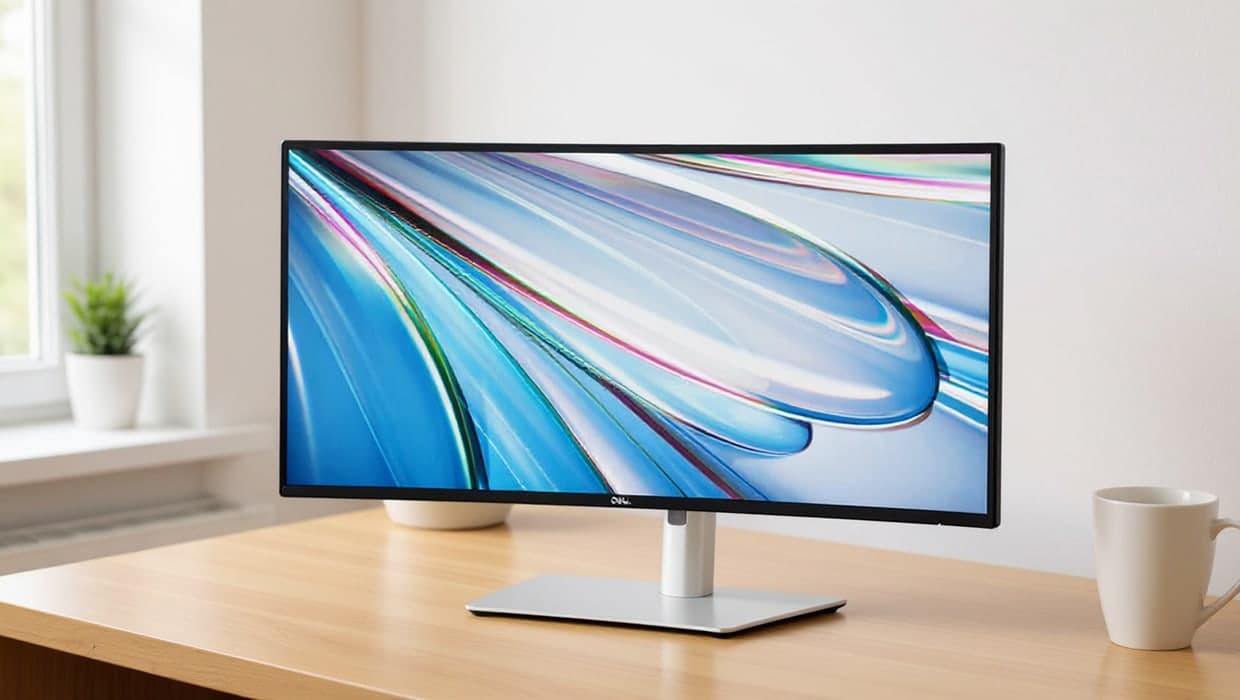
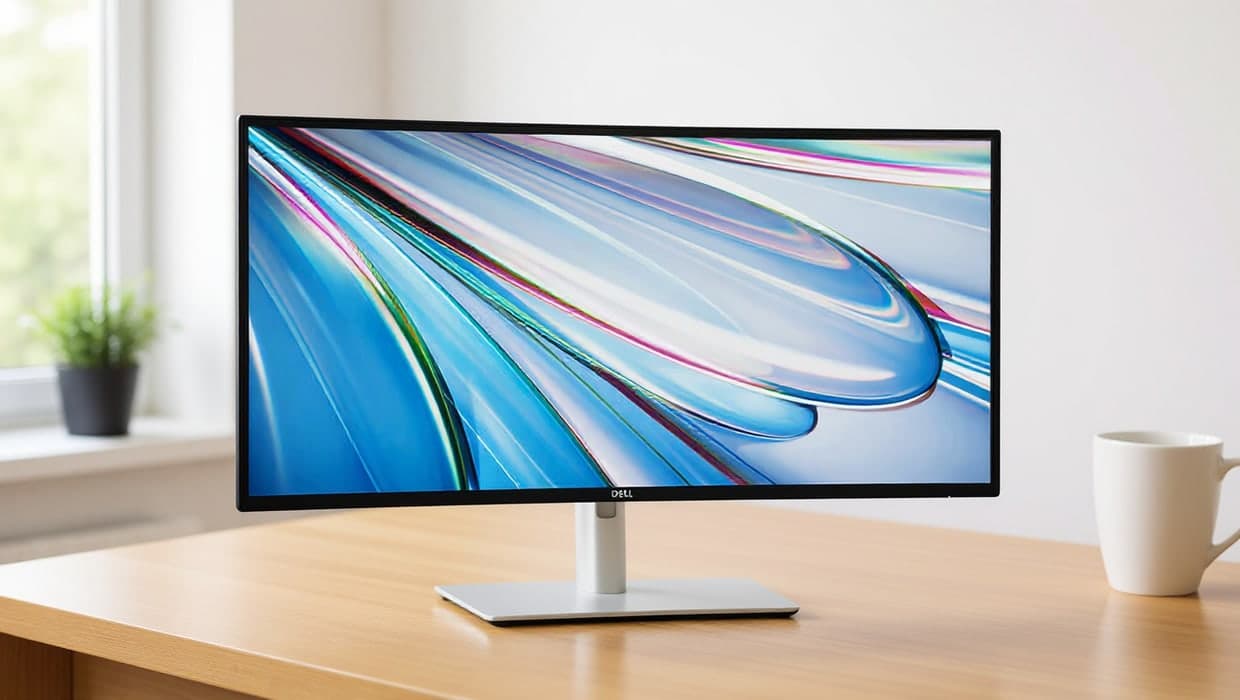
A good monitor changes how a home office feels to work in: more screen for spreadsheets and browser tabs, sharper text for long reading sessions, and less neck strain than hunching over a laptop. The right choice depends less on brand than on a few practical questions: how much desk space you have, whether one large screen or two smaller ones suits your workflow, and which ports your laptop actually offers. Ultrawide and curved monitors suit people who want one continuous workspace; a dual-monitor setup suits people who switch between distinct tasks, like writing on one screen while referencing another. USB-C monitors that charge a laptop through the same cable are worth a look if you want one connection instead of three. Our guides compare real options against these questions, so you can match a monitor to how you actually work, not just to a spec sheet.
Start here
Complete guide
The full guide to picking a home-office monitor: size, resolution and connectivity, with links to our specific picks for ultrawide, USB-C and MacBook Pro setups.
Monitors
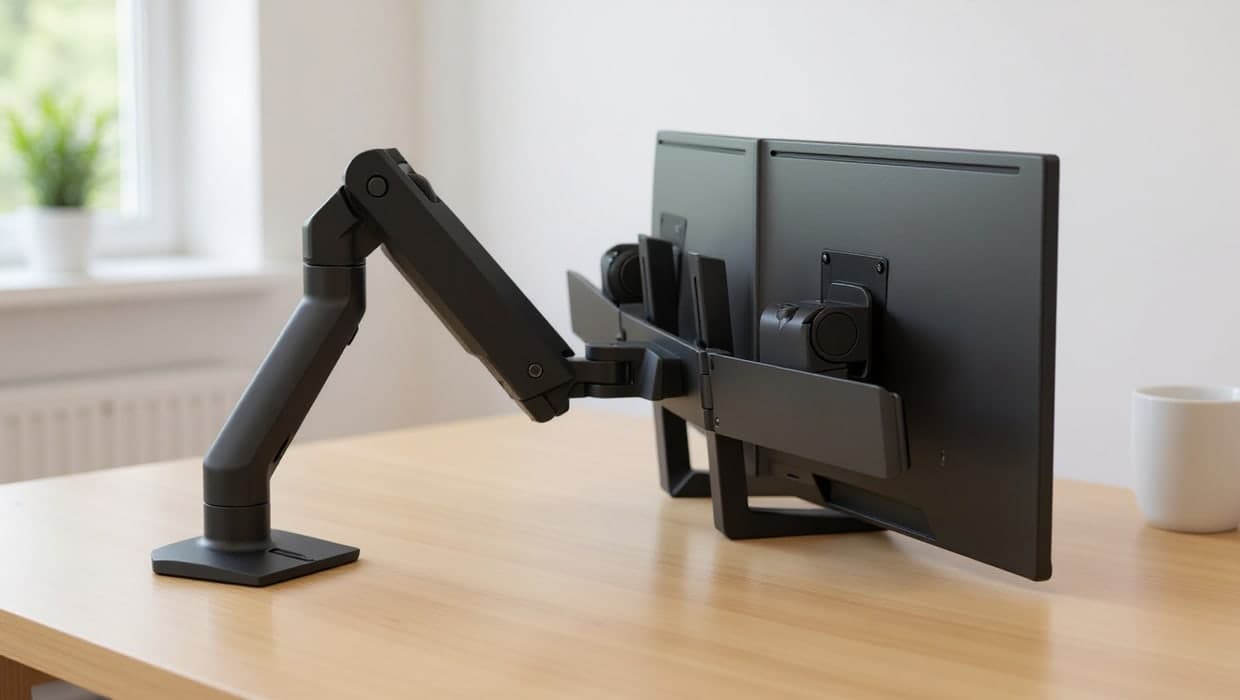
Four dual monitor arms and stands for a home office, matched to your screen size and weight, from Ergotron’s long-warranty arms to budget clamp and freestanding options.
Monitors
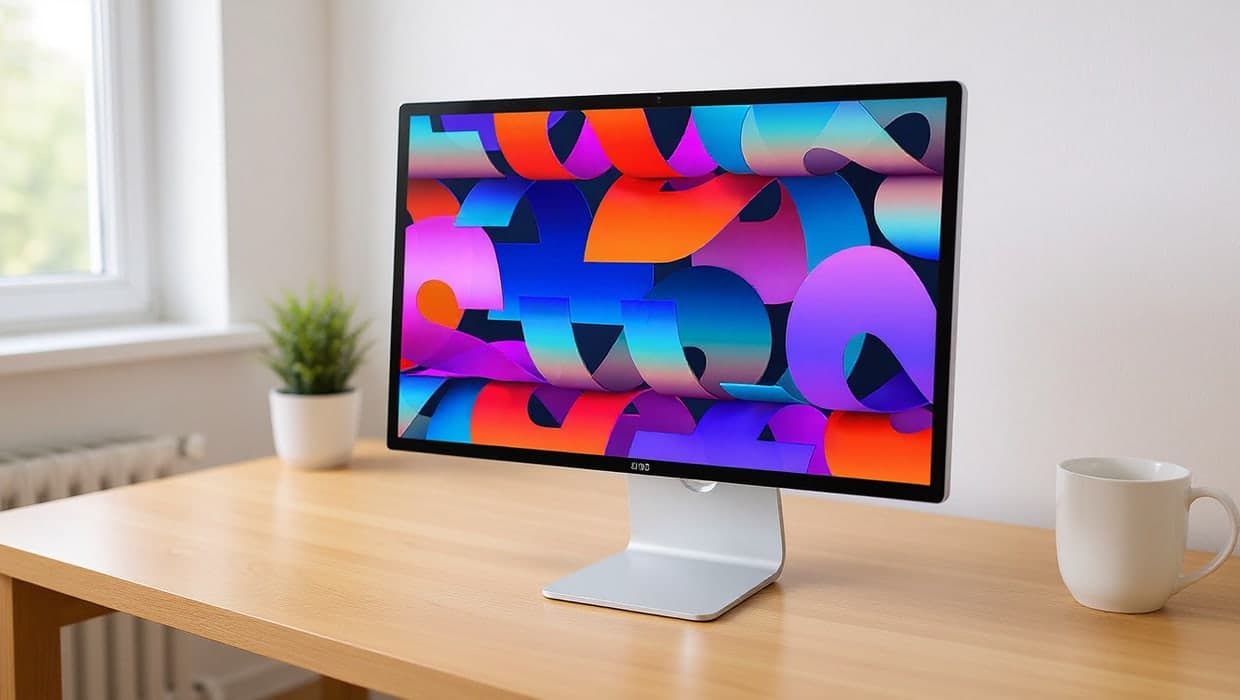
Three monitors that suit a MacBook Pro on a home-office desk, from Apple’s 5K Studio Display to Mac-tuned BenQ screens, all charging over one cable.
Monitors
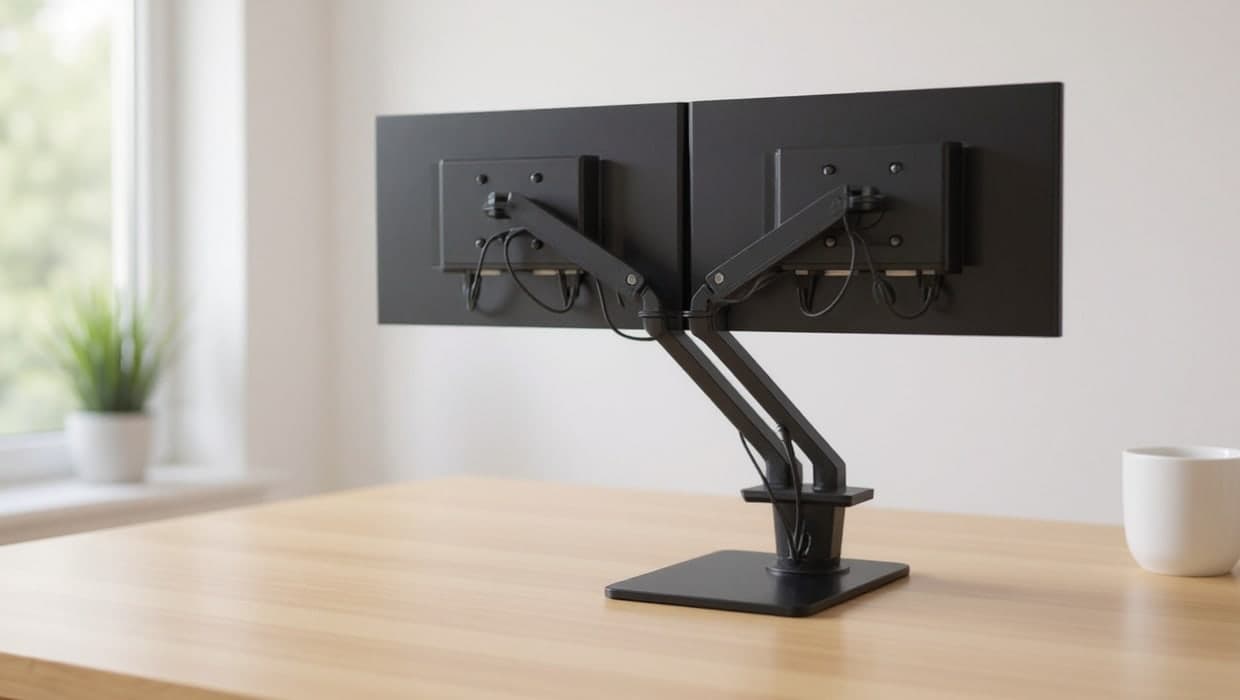
How to physically connect and arrange two monitors for work, plus how to decide between two screens and one ultrawide.
Monitors
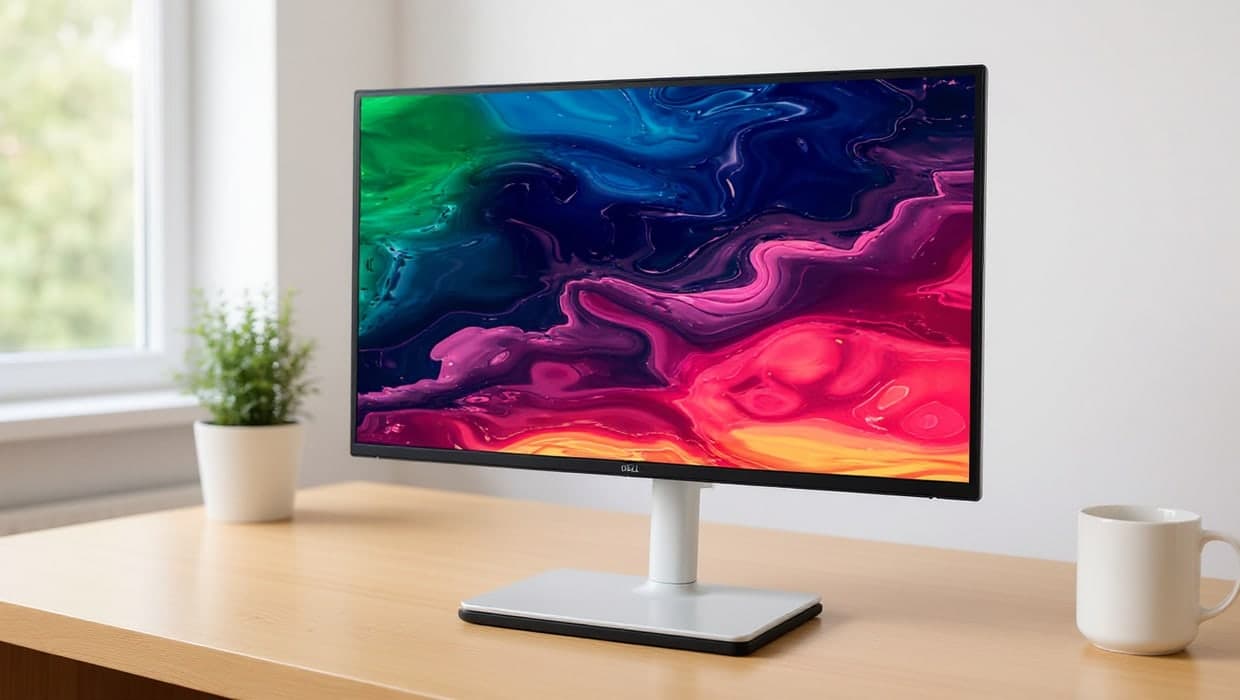
Four real USB-C monitors that carry video, data and laptop charging over one cable, with the charging wattage each one actually delivers.
Monitors
Five real ultrawide monitors for a home office, picked for single-cable docking and screen quality, not the gaming specs most "best ultrawide" lists lead with.