
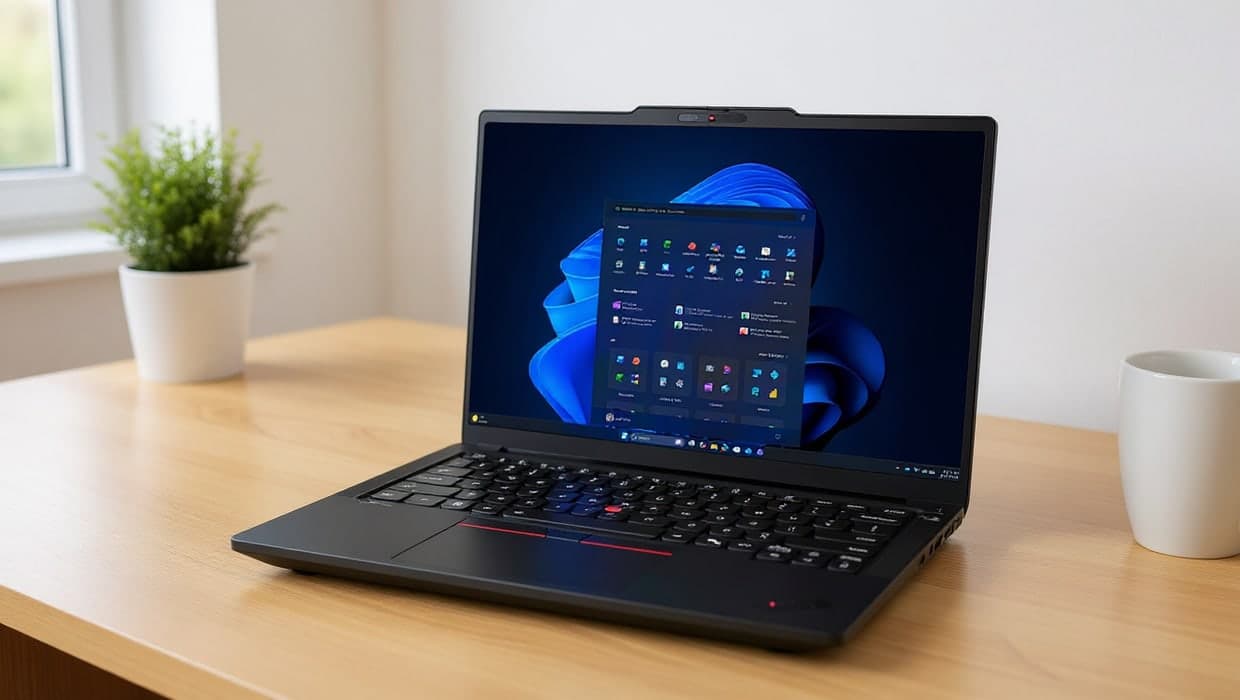
A laptop bought for a home office has different priorities to one bought for gaming or school: a keyboard you can type on for hours, a battery that lasts through a day of video calls, and enough power for your actual work, without paying for power you won't use.
The short version
- Screen size and weight matter more for a laptop you use at one desk than for one you carry daily — a 14" laptop is more portable, a 15–16" gives more screen for the same reason a bigger monitor helps.
- Battery life should be checked against your actual use: video calls drain a battery much faster than document editing, so a laptop's advertised battery life often doesn't match a full day of meetings.
- RAM and processor needs depend entirely on your software — see our RAM guide for how much you actually need.
- Picks: see Best Business Laptops for Home Offices and MacBook Air vs MacBook Pro for specific recommendations.
How to choose a laptop for remote work
Start with how you'll actually use it, not the spec sheet:
- Mostly documents, email, video calls and a browser? Almost any current laptop handles this comfortably; prioritise the keyboard, screen quality and battery life over raw processing power.
- Spreadsheets with heavy formulas, or many browser tabs? More RAM helps here more than a faster processor — see the RAM guide linked above.
- Video editing, large design files or software development? These benefit from a faster processor and more RAM; a business laptop built for office work may not be the best fit.
Keyboard and trackpad
You'll touch these more than any other part of the laptop. Try before you buy where possible: key travel (how far each key presses down) and spacing vary noticeably between brands, and what feels fine for occasional use can feel cramped after a full day of typing.
Battery life, realistically
Manufacturer battery-life claims are usually measured under light, idle-heavy conditions that don't match a real work day. Video calls, in particular, use the camera, microphone, speakers and network continuously, which drains a battery much faster than typing in a document. If all-day battery matters to you, look for reviews that specifically test video-call or "real-world" battery life, not just the manufacturer's number.
Windows or Mac
Both handle standard office work equally well today; the decision usually comes down to what you're already used to, and whether your workplace or collaborators standardise on one. See our MacBook Air vs MacBook Pro comparison if you've already decided on a Mac and are choosing between those two lines.
Ports and connectivity
Many modern laptops, especially thin ones, have shed the built-in ports older laptops carried: HDMI, an SD card slot and multiple USB-A ports are increasingly optional, replaced by one or two USB-C ports that do everything. Check what a laptop actually includes before buying, and if it's short on ports, a dock or hub adds them back — see our guide to docking stations. USB-C or Thunderbolt ports also matter if you want to connect an external monitor without a dedicated video output.
Screen quality
A laptop's own screen matters even if you plan to use an external monitor most of the time, since you'll still see it while working away from your desk. Look for a screen described as IPS (wide viewing angles, accurate colour) rather than the older, lower-quality TN panels some budget laptops still use, and consider brightness if you often work near a window — a dim screen is hard to read in bright light.
Build quality and durability
A laptop that travels with you day to day, or gets moved around a shared home, benefits from sturdier build quality than one that sits permanently on one desk. Business-oriented laptop lines are often built and tested to stricter durability standards (drop resistance, keyboard spill resistance) than consumer lines at a similar price, which is one reason they're worth considering even for a home-based worker who doesn't work in a traditional office.
Warranty and support
Check the warranty length and what it covers before buying, particularly for a laptop you're relying on for work. Business laptop lines often include or offer next-business-day, on-site repair options, which matter more if a broken laptop means lost income than they would for an occasional-use device.
Buying for a specific need
- A reliable, no-fuss laptop for office work: Best Business Laptops for Home Offices
- Choosing between MacBook Air and MacBook Pro: MacBook Air vs MacBook Pro: Which Is Better for Work?
- Not sure how much RAM you need: How Much RAM Do You Need for Remote Work?
- Want a second monitor with your laptop: see our Monitors guide
Frequently asked questions
Do I need a business laptop, or is a regular consumer laptop fine for working from home?
A regular consumer laptop is fine for most remote work. Business laptops typically add things like better build quality, easier repairability, and IT-management features, which matter more if you're issued one by an employer than if you're buying your own.
How long should a work laptop last before I need to replace it?
Most laptops remain comfortable for everyday office work for 4–6 years, though battery capacity typically fades noticeably by then. Software updates are usually the limiting factor on very old hardware, not raw performance for basic tasks.