
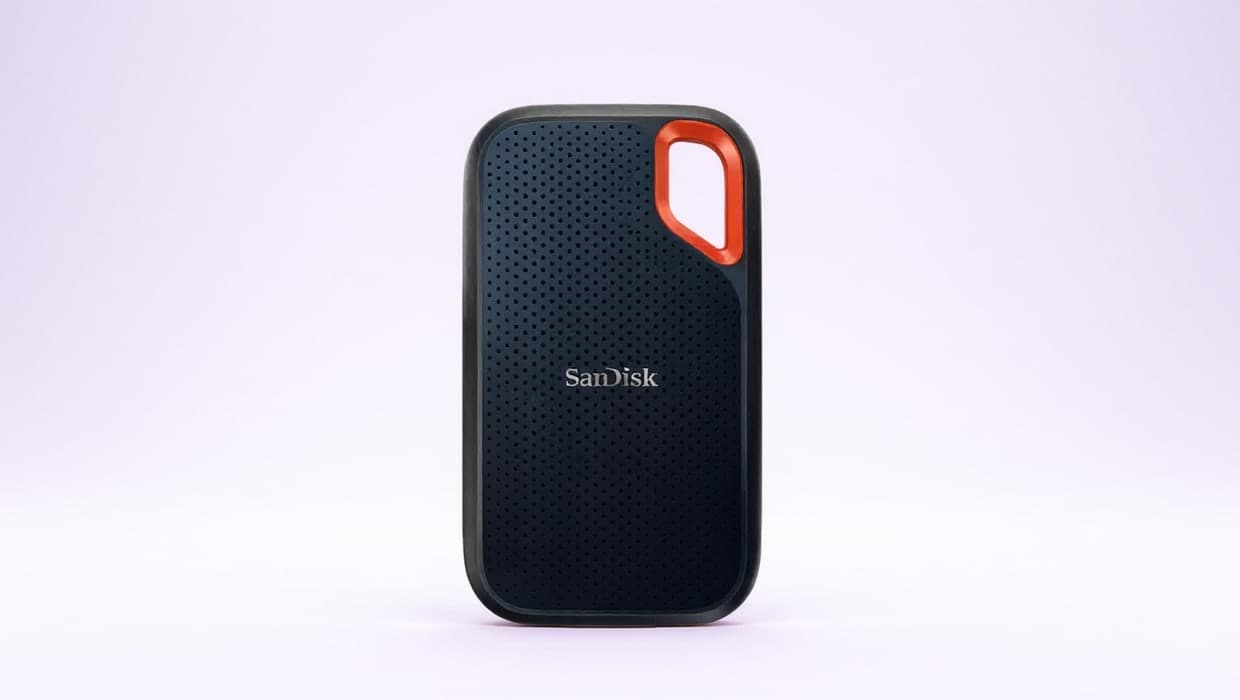
Our picks
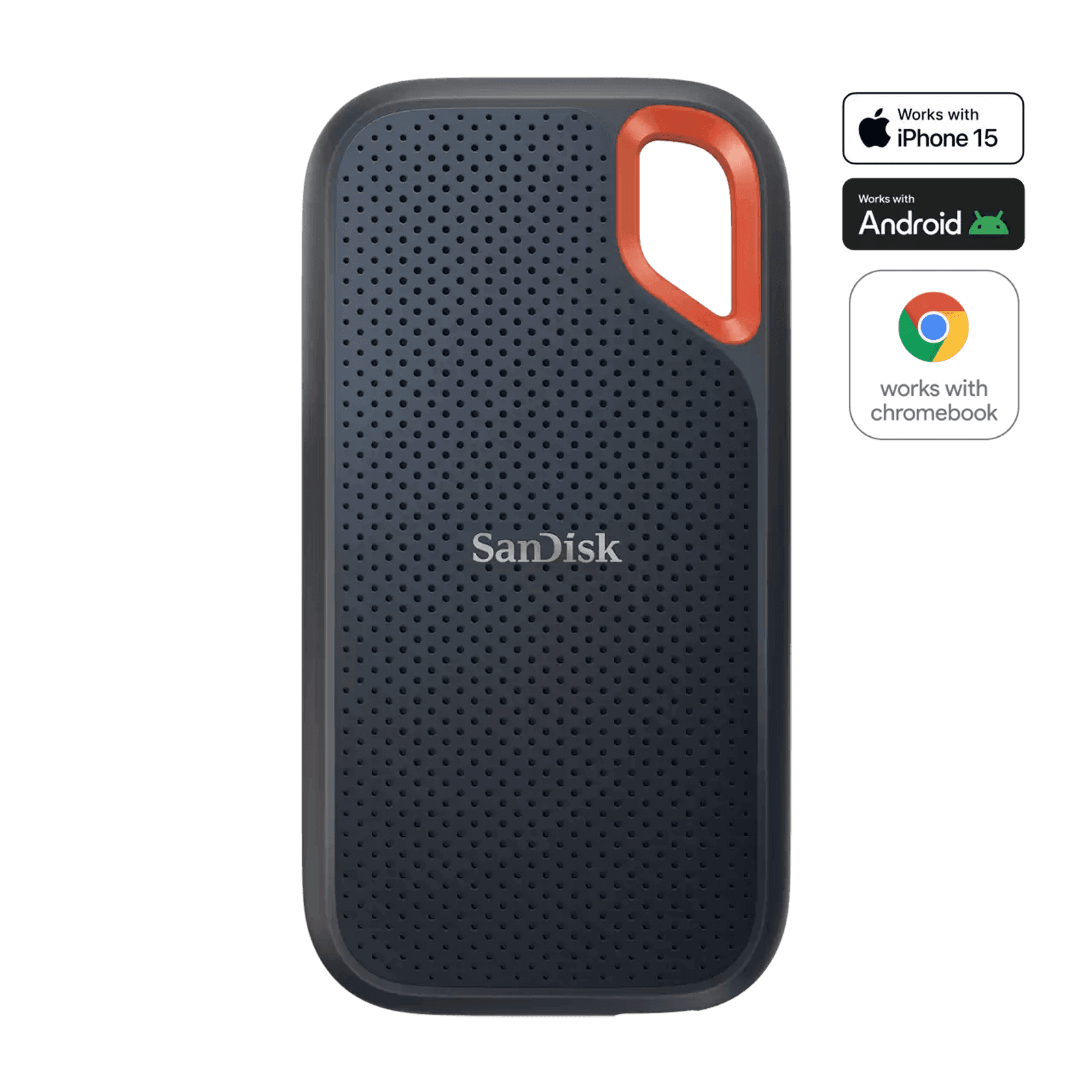
Best overall
1. SanDisk Extreme Portable SSD 2TB (SDSSDE61-2T00-G25)
The SanDisk Extreme Portable SSD is the one most laptop owners should start with. It connects over USB-C at USB 3.2 Gen 2 speeds, rated up to 1,050MB/s read and 1,000MB/s write, and SanDisk rates it IP65 for water and dust with up to three-meter drop protection. It has a carabiner loop, password protection with 256-bit AES hardware encryption, and both a USB-C cable and a USB-A adapter in the box. SanDisk backs it with a 5-year limited warranty and sells it from 500GB up to 8TB.
Pros
- IP65 rating and up to three-meter drop protection
- USB-C cable plus a USB-A adapter included
- 5-year limited warranty; capacities up to 8TB
Cons
- USB 3.2 Gen 2 (10Gbps) is half the speed of the T9
- SanDisk’s spec sheet doesn’t list a weight
Also at: Walmart
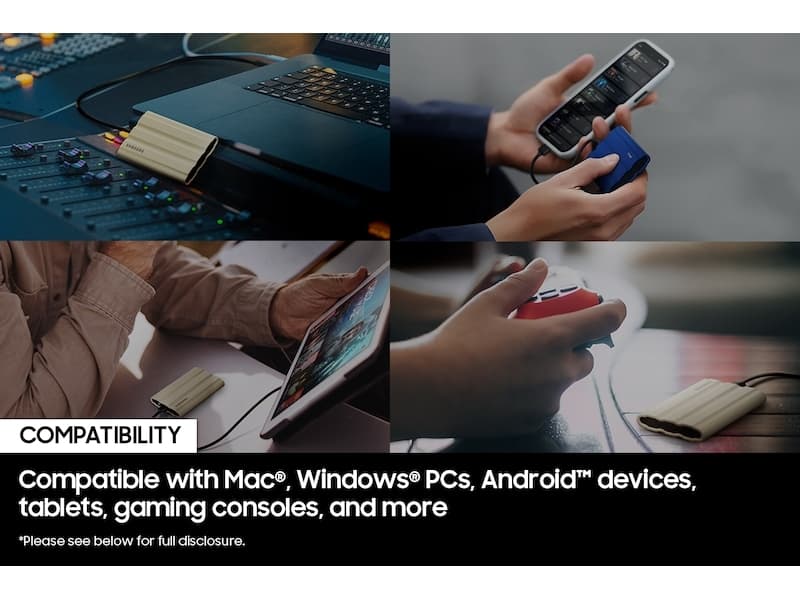
Best runner-up
2. Samsung Portable SSD T7 Shield 2TB (MU-PE2T0S/AM)
Samsung’s T7 Shield matches the SanDisk on the numbers that matter for everyday work: USB 3.2 Gen 2 (10Gbps), up to 1,050MB/s read and 1,000MB/s write, an IP65 rating, and a drop rating of up to 9.8 feet. It adds AES 256-bit hardware encryption with Samsung’s own security and Magician software, and Samsung lists its weight at 98g. It is a sound choice if you already use Samsung’s software or the SanDisk is out of stock; the trade-off is a 3-year warranty against SanDisk’s five.
Pros
- IP65 rated with up to 9.8 ft drop protection
- AES 256-bit hardware encryption
- Light at 98g, according to Samsung
Cons
- 3-year limited warranty, shorter than the other picks
- Samsung’s spec table doesn’t list the included cable
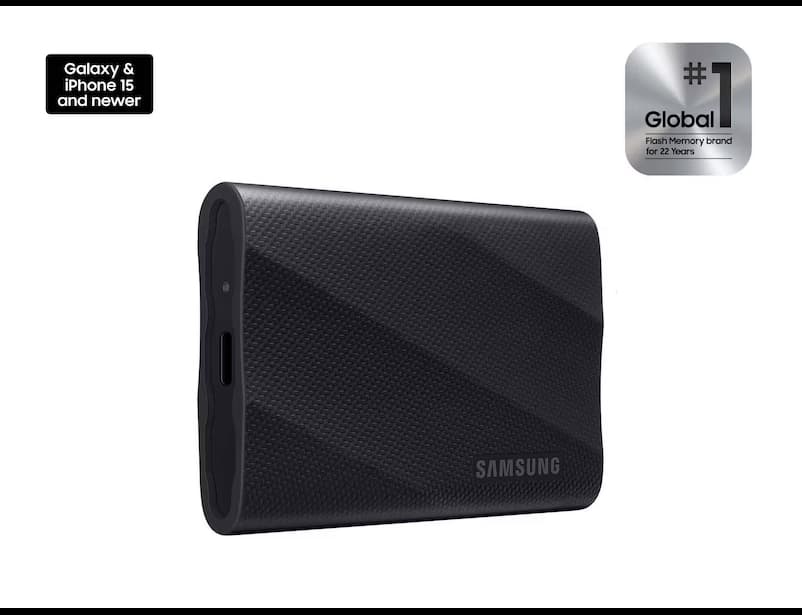
Fastest USB-C pick
3. Samsung Portable SSD T9 2TB (MU-PG2T0B/AM)
The Samsung T9 uses USB 3.2 Gen 2x2 (20Gbps), which doubles the bandwidth of the other USB picks, and Samsung rates it up to 2,000MB/s read and 1,950MB/s write. You only get those speeds from a laptop port that supports USB 3.2 Gen 2x2; on an ordinary 10Gbps port it runs at that port’s speed. It has AES 256-bit hardware encryption, up to 3-meter drop resistance and a five-year limited warranty, and Samsung lists Windows, macOS and Android support. Samsung lists no water or dust rating for it.
Pros
- Up to 2,000MB/s read over USB 3.2 Gen 2x2
- AES 256-bit hardware encryption
- Five-year limited warranty
Cons
- Full speed needs a USB 3.2 Gen 2x2 port
- No IP rating listed
Best for Thunderbolt laptops and Macs
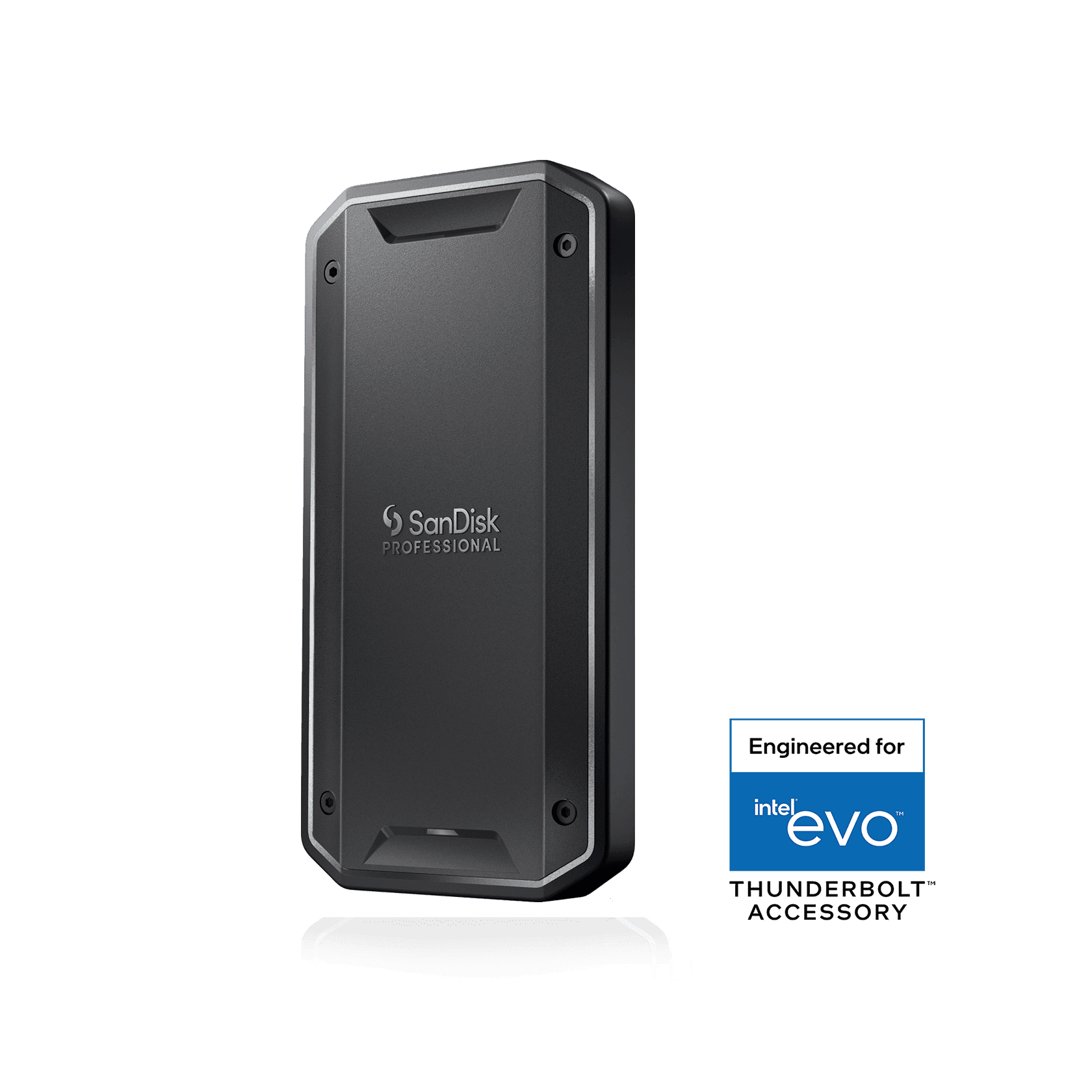
4. SanDisk Professional PRO-G40 SSD 2TB (SDPS31H-002T-GBCND)
The SanDisk Professional PRO-G40 is the pick for a Thunderbolt laptop, including Macs. Over Thunderbolt 3 (40Gbps) SanDisk rates it up to 3,000MB/s read and 2,500MB/s write, and the same USB-C connector also works with USB 3.2 Gen 2 (10Gbps) ports at USB speeds. It is also the toughest drive here on paper: IP68 dust and water resistance, 4,000lb crush resistance and up to 3m drop protection. It comes with a Thunderbolt 3 cable, supports macOS 10.13+ and Windows 10, and carries a 5-year limited warranty.
Pros
- Up to 3,000MB/s read over Thunderbolt 3
- IP68, 4,000lb crush and 3m drop ratings
- Also works on USB 3.2 Gen 2 ports
Cons
- Its top speeds need a Thunderbolt port
- No USB-A adapter listed in the box
Also at: Best Buy
The best external SSD for most laptops is the SanDisk Extreme Portable SSD: it is fast enough for everyday work files over USB-C, rated IP65 against water and dust, and it comes with both a USB-C cable and a USB-A adapter. If your laptop has a faster port, the Samsung T9 (USB 3.2 Gen 2x2) or the SanDisk Professional PRO-G40 (Thunderbolt 3) can move large files quicker. Below are four external SSDs for laptops, the specs that separate them, and how to match a drive to your laptop's ports.
The short version
- Best overall: SanDisk Extreme Portable SSD (SDSSDE61-2T00-G25). USB 3.2 Gen 2, IP65, hardware encryption, 5-year warranty.
- Best runner-up: Samsung T7 Shield (MU-PE2T0S/AM). The same class of speed and ruggedness, with Samsung's software.
- Fastest USB-C pick: Samsung T9 (MU-PG2T0B/AM). USB 3.2 Gen 2x2, up to 2,000MB/s read.
- Best for Thunderbolt laptops and Macs: SanDisk Professional PRO-G40 (SDPS31H-002T-GBCND). Up to 3,000MB/s over Thunderbolt 3, IP68.
How they compare
All figures are the makers' own "up to" ratings for the 2TB models. Each drive also comes in other sizes (see the notes below the table).
Drive | Connection | Read / write (up to) | Water and dust | Drop rating | Hardware encryption | Warranty |
|---|---|---|---|---|---|---|
SanDisk Extreme | USB 3.2 Gen 2 (10Gbps) | 1,050 / 1,000MB/s | IP65 | Up to 3m | 256-bit AES, password protection | 5 years |
Samsung T7 Shield | USB 3.2 Gen 2 (10Gbps) | 1,050 / 1,000MB/s | IP65 | Up to 9.8 ft | AES 256-bit | 3 years |
Samsung T9 | USB 3.2 Gen 2x2 (20Gbps) | 2,000 / 1,950MB/s | Not listed | Up to 3m | AES 256-bit | 5 years |
SanDisk PRO-G40 | Thunderbolt 3 (40Gbps) or USB 3.2 Gen 2 | 3,000 / 2,500MB/s (Thunderbolt) | IP68 | Up to 3m | Not listed | 5 years |
Sizes and capacities. SanDisk lists the Extreme at 3.97 x 2.07 x 0.38 inches, in 500GB, 1TB, 2TB, 4TB and 8TB. Samsung lists the T7 Shield at 59 x 88 x 13mm and 98g, and the T9 at 3.5 x 2.4 x 0.6 inches and 4.3oz; both come in 1TB, 2TB and 4TB. The PRO-G40 measures 4.37 x 2.28 x 0.47 inches, weighs 122.3g at 2TB, and comes in 1TB, 2TB and 4TB.
How to choose an external SSD for your laptop
An external SSD (solid-state drive) is flash storage in a small case that plugs into a USB-C or Thunderbolt port. Three things decide which one suits you: the port on your laptop, how much you carry it around, and how much space you need.
Start with your laptop's port
The drive can only go as fast as the port it is plugged into, so check your laptop's spec page before paying for speed.
- USB 3.2 Gen 2 (10Gbps) is the common USB-C speed on current laptops. The SanDisk Extreme and T7 Shield are built for it, and both are rated up to about 1,000MB/s.
- USB 3.2 Gen 2x2 (20Gbps) is what the Samsung T9 needs for its full 2,000MB/s. Many laptops don't have a Gen 2x2 port. On a 10Gbps port, the T9 works at that port's speed.
- Thunderbolt (40Gbps) ports appear on many business laptops and on Macs. The PRO-G40 is rated up to 3,000MB/s read over Thunderbolt 3, and SanDisk says it also works on USB 3.2 Gen 2 ports.
If you're choosing a new laptop at the same time, our guide to laptops for working from home lists the ports on each pick.
Speed ratings are a ceiling, not a promise
Every figure in this guide is a maximum from the maker's own testing. Samsung notes that performance "may vary depending on system environment", and your results depend on the port, the cable and the kind of files you copy. For document folders and spreadsheets, any drive here is fast. The extra speed of the T9 and PRO-G40 matters most when you move very large files, such as video projects or disk images.
Ruggedness: what IP65 and IP68 mean
An IP (Ingress Protection) rating has two digits: the first is protection against dust, the second against water. IP65 means dust-tight and protected against water jets; IP68 adds protection for immersion under the maker's test conditions. The SanDisk Extreme and T7 Shield are IP65, the PRO-G40 is IP68, and Samsung lists no IP rating for the T9. Drop ratings come from each maker's own tests, so treat them as a sign of a sturdier case rather than a guarantee.
Check the cable in the box
A fast drive needs a cable that can carry its speed. SanDisk includes a USB-C to USB-C cable and a USB-C to USB-A adapter with the Extreme, so it also works with older laptops that only have USB-A ports. The PRO-G40 comes with a Thunderbolt 3 (40Gbps) cable, and SanDisk lists no USB-A adapter for it. Samsung's spec tables for the T7 Shield and T9 don't list the cable, so check the retailer's "what's in the box" section before you buy. If you replace a cable later, buy one rated for the drive's connection speed, not a charging-only cable.
Encryption and passwords
If your work files include client or personal data, hardware encryption means the data on the drive is stored encrypted and unlocked with a password. SanDisk includes password protection with 256-bit AES hardware encryption on the Extreme, and Samsung lists AES 256-bit hardware encryption on the T7 Shield and T9. SanDisk's PRO-G40 page doesn't list built-in encryption; you can still use your operating system's own encryption. Encryption reduces the risk if a drive is lost, but a strong password and a second backup still matter.
How much capacity do you need?
For documents, spreadsheets and presentations, 1TB is plenty for most people. Photos, video and full laptop backups fill drives faster: pick at least as much space as your laptop's own drive if you plan to back it up. We've listed the 2TB models here; every pick is also sold in 1TB and 4TB, and the SanDisk Extreme goes up to 8TB.
Using an external SSD with a Mac
All four drives list macOS support: SanDisk lists macOS 11+ for the Extreme and macOS 10.13+ for the PRO-G40, and Samsung lists macOS for the T9. If your Mac has Thunderbolt ports, the PRO-G40 is the one built to use them. If you're also setting up a desk around your MacBook, see our monitors for MacBook Pro guide.
SSD or hard drive for backup?
Portable hard drives are still common for large backups that stay on a desk, but they store data on spinning disks, which makes them slower and more sensitive to knocks than an SSD. For a drive that travels in a laptop bag, or holds work files you open every day, an SSD is the better fit. For a nightly backup that never leaves the house, a hard drive can still make sense. Whichever you use, keep a second copy somewhere else.
How we chose
These recommendations are research-based: we have not tested these products ourselves. Every figure quoted here comes from the manufacturer’s or a retailer’s own published spec sheet (linked under Sources), not from a shopping listing title. We started from real external SSDs that major US retailers sell, then read each maker's own US product page for the interface, rated speeds, ruggedness ratings, encryption, warranty and what comes in the box. We left out drives whose spec sheets we couldn't read in full, and unbranded drives with no maker's spec page. We also looked at:
- Interface. A drive is only as fast as the laptop port it plugs into, so we cover 10Gbps USB, 20Gbps USB and Thunderbolt.
- Ruggedness. An IP rating or a stated drop rating for a drive that travels.
- Encryption. Built-in hardware encryption for work files, where the maker lists it.
- Warranty and capacities. Longer warranties and a range of sizes.
- Where you can buy it. We link to US retailers we could confirm sell the exact model; we don't compare their prices.
FAQs
What is the best external SSD for a laptop?
For most laptops, the SanDisk Extreme Portable SSD. It connects over USB-C at USB 3.2 Gen 2 speeds (up to 1,050MB/s read), is rated IP65, includes a USB-A adapter and has a 5-year limited warranty.
Will a USB 3.2 Gen 2x2 SSD work on a normal USB-C port?
Yes, it works, but only at the speed of that port. The Samsung T9 is rated up to 2,000MB/s on a USB 3.2 Gen 2x2 (20Gbps) port; on a 10Gbps port, it runs at 10Gbps speeds.
Do external SSDs work with a Mac?
The makers list macOS support for these drives: macOS 11+ for the SanDisk Extreme, macOS 10.13+ for the SanDisk PRO-G40 and macOS for the Samsung T9. The PRO-G40 can use a Mac’s Thunderbolt ports for its top speed.
Is an external SSD better than a hard drive for backups?
An SSD is faster and has no moving parts, so it suits a drive you carry around. A portable hard drive can still suit large backups that stay at home. Either way, keep a second copy of important files in another place.