
Our picks
Best overall
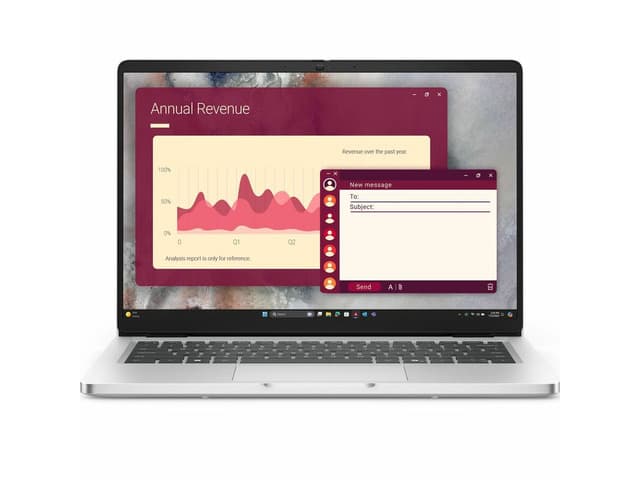
1. Dell Pro 14 (PC14250), Core Ultra 7, 16GB, 512GB
The Dell Pro 14 is a straightforward business laptop in the configuration we link: an Intel Core Ultra 7 255U, 16GB of DDR5 memory, a 512GB SSD and Windows 11 Pro on a 14-inch 1920 x 1200 IPS screen. It weighs 3 lbs and has built-in Gigabit Ethernet for a wired connection at your desk. The listing we checked rates its battery at up to 10.3 hours. It is also the easiest pick to find: five major US retailers sell this exact configuration.
Pros
- Core Ultra 7, 16GB, 512GB, Windows 11 Pro
- Built-in Gigabit Ethernet
- 3 lbs; sold by five major retailers
Cons
- Full port list not published on the listing we checked
- Wi-Fi 6, not the newer Wi-Fi 7
Best for upgradability
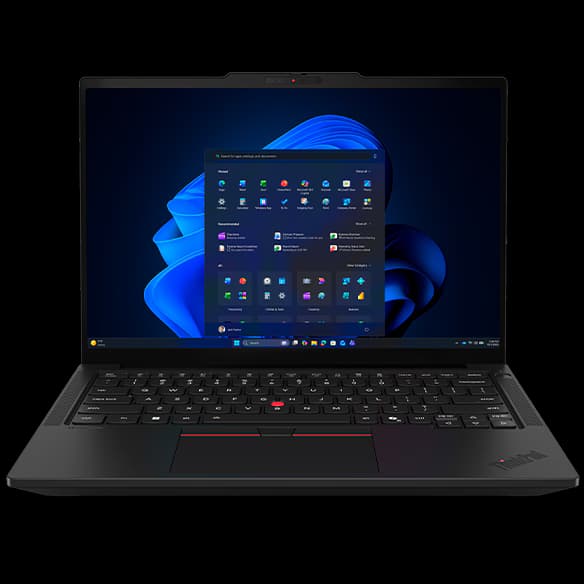
2. Lenovo ThinkPad T14 Gen 7 (14" AMD), Ryzen 5 PRO, 16GB, 512GB
Lenovo’s ThinkPad T14 Gen 7 (AMD) pairs an AMD Ryzen 5 PRO 230 with 16GB of DDR5 in a SODIMM slot, a replaceable memory module rather than chips soldered to the board, so it can be upgraded later (see our RAM guide). Its 14-inch 400-nit anti-glare screen, 5MP camera with IR face login and a privacy shutter, Wi-Fi 7, backlit keyboard and fingerprint reader make it a well-rounded work machine, and this configuration comes with one year of onsite warranty service.
Pros
- Replaceable SODIMM memory
- 5MP IR camera with privacy shutter; Wi-Fi 7
- One-year onsite warranty
Cons
- Sold directly by Lenovo only, in this configuration
- Battery life and weight not published on Lenovo’s page
Best big-screen pick
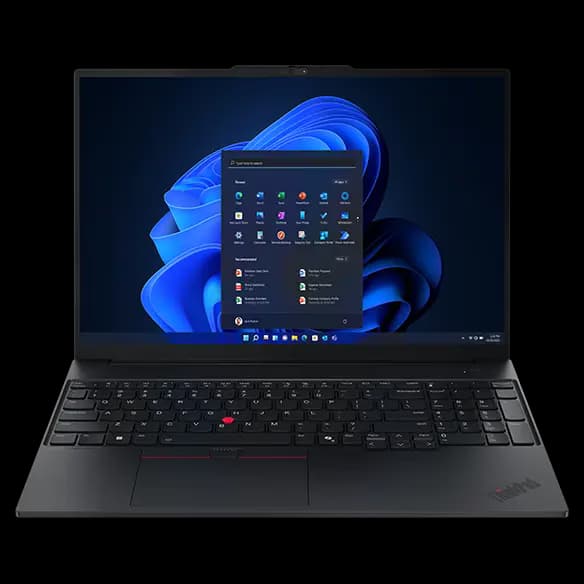
3. Lenovo ThinkPad E16 Gen 3 (16" Intel), Core 7, 16GB, 512GB
The ThinkPad E16 Gen 3 is the budget-friendlier ThinkPad, with a 16-inch 1920 x 1200 screen and a full number pad, which helps if you work in spreadsheets. This configuration has an Intel Core 7 240H, 16GB of replaceable SODIMM memory and a 512GB SSD, and Lenovo lists USB-A, USB-C, Thunderbolt 4 and HDMI ports. The screen is 300 nits, dimmer than the T14’s, so it suits a home office more than a bright room.
Pros
- 16" screen with a full number pad
- Replaceable SODIMM memory
- Thunderbolt 4 and HDMI
Cons
- 300-nit screen, dimmer than the T14
- Larger and heavier to carry than a 14" laptop
Best Mac for business
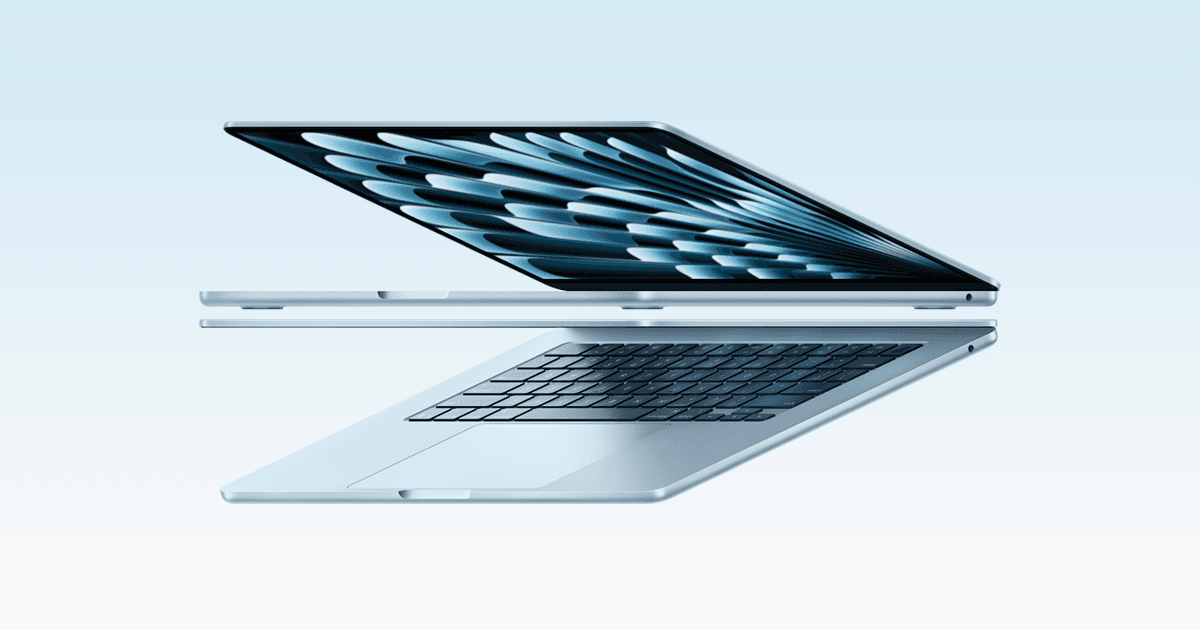
4. Apple MacBook Air 13" (M5), 16GB, 512GB
If your work runs on a Mac, the 13-inch MacBook Air with M5 is the sensible business pick. This configuration has 16GB of memory and a 512GB SSD, and Apple rates its battery at up to 15 hours of wireless web use. It has two Thunderbolt 4 ports plus MagSafe charging, can drive up to two external displays, and weighs 2.7 lbs. Memory can’t be upgraded after purchase, so choose the amount you need up front.
Pros
- Up to 15 hours of web use (Apple’s figure)
- 2.7 lbs; up to two external displays
- 12MP Center Stage camera
Cons
- Memory can’t be upgraded later
- Only two Thunderbolt ports
A business laptop for a home office doesn't need gaming graphics or a flashy design. It needs enough memory for a full working day of browser tabs and video calls, a keyboard you can type on for hours, and a webcam and security features you don't have to think about. Every laptop here has at least 16GB of RAM in the configuration we link. For the fuller picture on choosing a work laptop, see our guide to choosing a laptop for working from home.
The short version
- Best overall: Dell Pro 14. Core Ultra 7, 16GB, built-in Ethernet, sold nearly everywhere.
- Best for upgradability: Lenovo ThinkPad T14 Gen 7. Replaceable memory, Wi-Fi 7, onsite warranty.
- Best big-screen pick: Lenovo ThinkPad E16 Gen 3. 16-inch screen with a number pad.
- Best Mac for business: MacBook Air 13-inch (M5). Long battery life, 2.7 lbs.
How they compare
Laptop (configuration linked) | Processor | Memory | Storage | Screen |
|---|---|---|---|---|
Dell Pro 14 | Intel Core Ultra 7 255U | 16GB DDR5 | 512GB | 14", 1920 x 1200 |
ThinkPad T14 Gen 7 | AMD Ryzen 5 PRO 230 | 16GB DDR5 (SODIMM) | 512GB | 14", 1920 x 1200, 400 nits |
ThinkPad E16 Gen 3 | Intel Core 7 240H | 16GB DDR5 (SODIMM) | 512GB | 16", 1920 x 1200, 300 nits |
MacBook Air 13" | Apple M5 | 16GB | 512GB | 13.6", 2560 x 1664, 500 nits |
What makes a laptop a "business" laptop?
Business lines such as Dell Pro and Lenovo ThinkPad are sold with Windows 11 Pro (which adds management and encryption features that IT departments use) and with business-focused options: IR cameras for Windows Hello face login, privacy shutters, fingerprint readers and onsite warranty service. Consumer laptops can be just as fast; the consumer models our research turned up were mostly sold with 8GB of memory, which is why none made this list.
How much memory do you need?
For remote work, 16GB is the sensible minimum: a video call, a shared document and a busy browser can easily use more than 8GB together. Two of the picks here use SODIMM memory, a standard module you can swap for a bigger one later. The Dell's listing doesn't say whether its memory is replaceable, and the MacBook's can't be changed after purchase. Our RAM guide explains how to tell what you need.
Windows or Mac?
Use whatever your employer's software supports. If you have a choice, the MacBook Air is hard to beat for battery life and weight, while the ThinkPads and the Dell offer replaceable parts, wired Ethernet or a number pad. Deciding between Apple's own laptops? Our MacBook Air vs MacBook Pro comparison goes through the differences.
A budget-minded pick
Lenovo sells its E series as a step below the T series. The ThinkPad E16 Gen 3 still gives you the biggest screen here, a number pad, Thunderbolt 4 and replaceable memory. We don't show prices, since they change daily; each retailer link shows the current one.
Check the warranty
A laptop you rely on for work is worth covering properly. Both ThinkPad configurations here come with one year of onsite warranty service from Lenovo, meaning a technician can come to you rather than you shipping the laptop away. For the Dell and the MacBook, check the warranty terms on the retailer's page before you buy, and consider an extended plan if a week without your laptop would stop your work.
How we chose
These recommendations are research-based: we have not tested these products ourselves. Every figure quoted here comes from the manufacturer’s or a retailer’s own published spec sheet (linked under Sources), not from a shopping listing title. We started from laptops currently sold new by at least one major US retailer, and only kept configurations with at least 16GB of memory and an SSD. We left out HP EliteBook listings because every one we found was used or refurbished, and we skipped consumer models sold with 8GB of memory. For each laptop we link only the exact configuration described here.
Frequently asked questions
Do I need Windows 11 Pro for working from home?
Not necessarily. Windows 11 Pro adds features that company IT departments use, such as device management and BitLocker encryption. If your employer manages your laptop, they may require it; for your own business, Windows 11 Home is often enough.
Is a business laptop better than a consumer laptop?
Not always faster, but business models tend to come with more memory, security features such as IR cameras and fingerprint readers, and onsite warranty options. For a laptop you rely on every working day, those extras are usually worth it.
Can I upgrade the memory in these laptops later?
In the two ThinkPads, yes: their memory is a standard SODIMM module. The MacBook Air’s memory can’t be upgraded after purchase. For the Dell Pro 14, the listing we checked doesn’t say, so check Dell’s service manual for your exact model.