
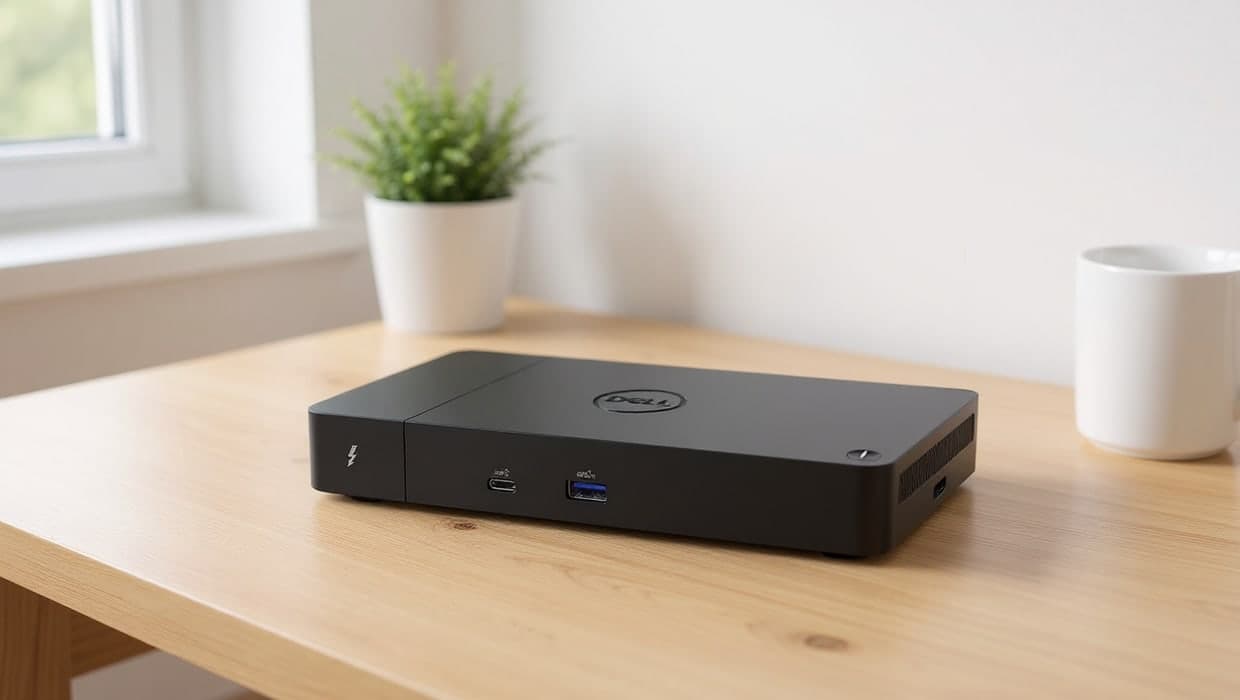
Our picks
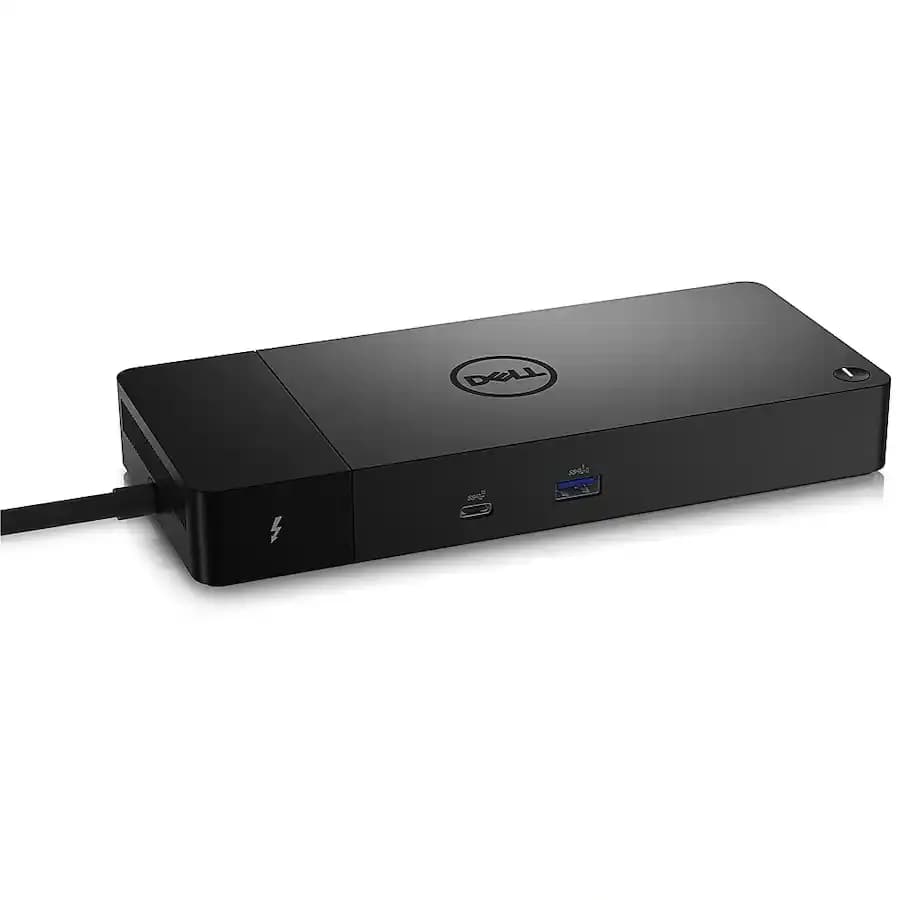
Best overall
1. Dell WD22TB4
The WD22TB4 connects to a laptop over a single Thunderbolt 4 cable, carrying video, data and power together. It drives two external displays up to 4K through 2 DisplayPort outputs plus an HDMI port, and adds 7 more ports (3 USB-A, 4 USB-C) for everything else on the desk. It needs a Thunderbolt-enabled laptop to get the single-cable benefit; without one, the dock still works over USB-C but loses the highest-bandwidth connection.
Pros
- Single-cable Thunderbolt 4 connection (video, data and power)
- 2 external displays up to 4K
- 7 USB ports (3 USB-A, 4 USB-C)
Cons
- Needs a Thunderbolt-enabled laptop for the full single-cable benefit
Also at: Office Depot, Best Buy
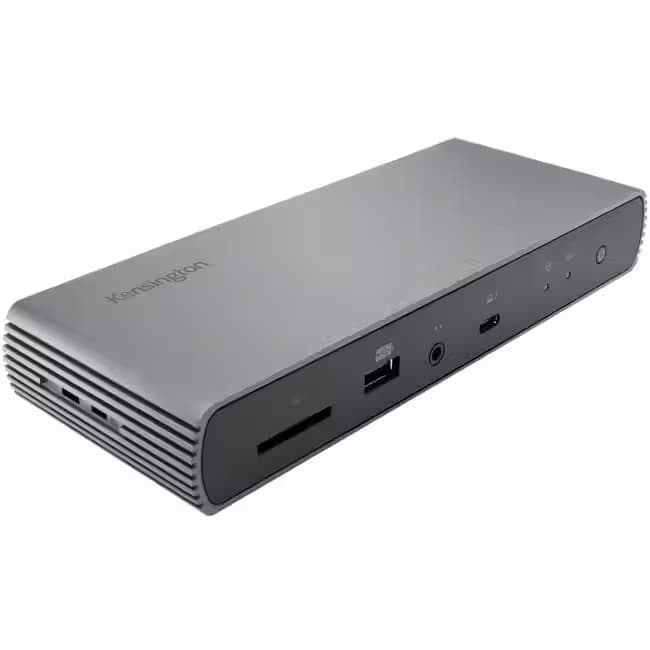
Best for a fully loaded desk
2. Kensington SD5780T
Kensington's SD5780T packs 11 ports in total, including two Thunderbolt 4 ports (one to daisy-chain a second dock or a fast peripheral) and 3 DisplayPort outputs. Its 96W of power delivery is enough to fully charge most laptops through the same cable that carries video and data, which the Dell above doesn't specify. It needs a Thunderbolt-enabled laptop, and it's carried by fewer major retailers than the Dell.
Pros
- 96W power delivery (charges most laptops fully)
- 3 DisplayPort outputs
- 11 ports total, including a second Thunderbolt 4 port for daisy-chaining
Cons
- Needs a Thunderbolt-enabled laptop
- Fewer retailers carry it than the Dell
Also at: Best Buy, Kensington
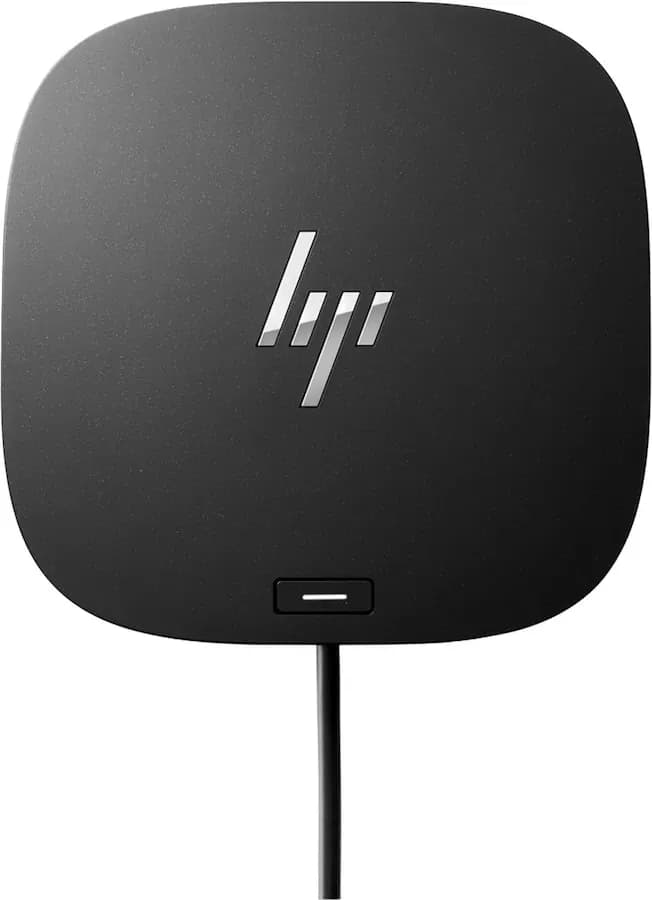
Best for three monitors
3. HP USB-C Dock G5
The G5 supports three external displays (HDMI 2.0 plus 2 DisplayPort outputs) rather than the two the Thunderbolt docks above are built for, and it works over plain USB-C, so it doesn't need a Thunderbolt-enabled laptop at all. It adds 6 more USB ports (2 USB-C, 4 USB-A) and a built-in Ethernet port. It has fewer USB-C ports than the Dell above (2 versus 4).
Pros
- Supports 3 external displays
- Works over plain USB-C, no Thunderbolt needed
- Built-in Ethernet port
Cons
- Only 2 USB-C ports, versus 4 on the Dell
Also at: Best Buy
Best for travel
4. Lenovo USB-C Dual Display Travel Dock
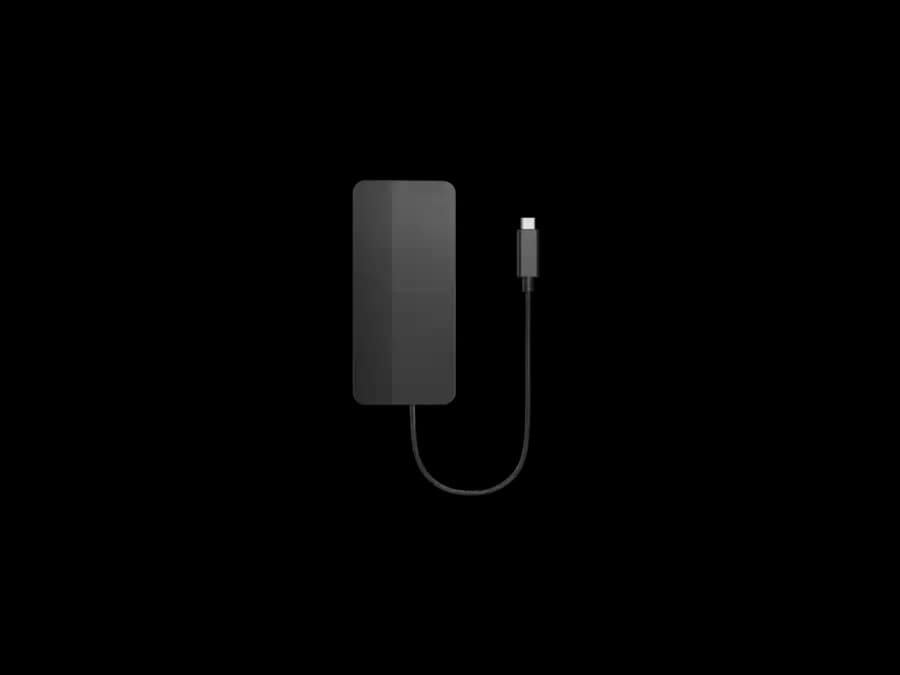
Built to travel rather than stay on a permanent desk, Lenovo's dock still drives two external displays at up to 4K, in a smaller and lighter body than the full-size docks above. That size trades off total port count: it adds just 2 USB-A ports on top of its two video outputs, so it suits someone who mainly needs a second and third screen on the road, not a fully loaded desk.
Pros
- Compact, travel-friendly size
- 2 external displays up to 4K
- Lightweight
Cons
- Only 2 USB-A ports, far fewer than the full-size docks here
Best for older laptops
5. Plugable UD-3900
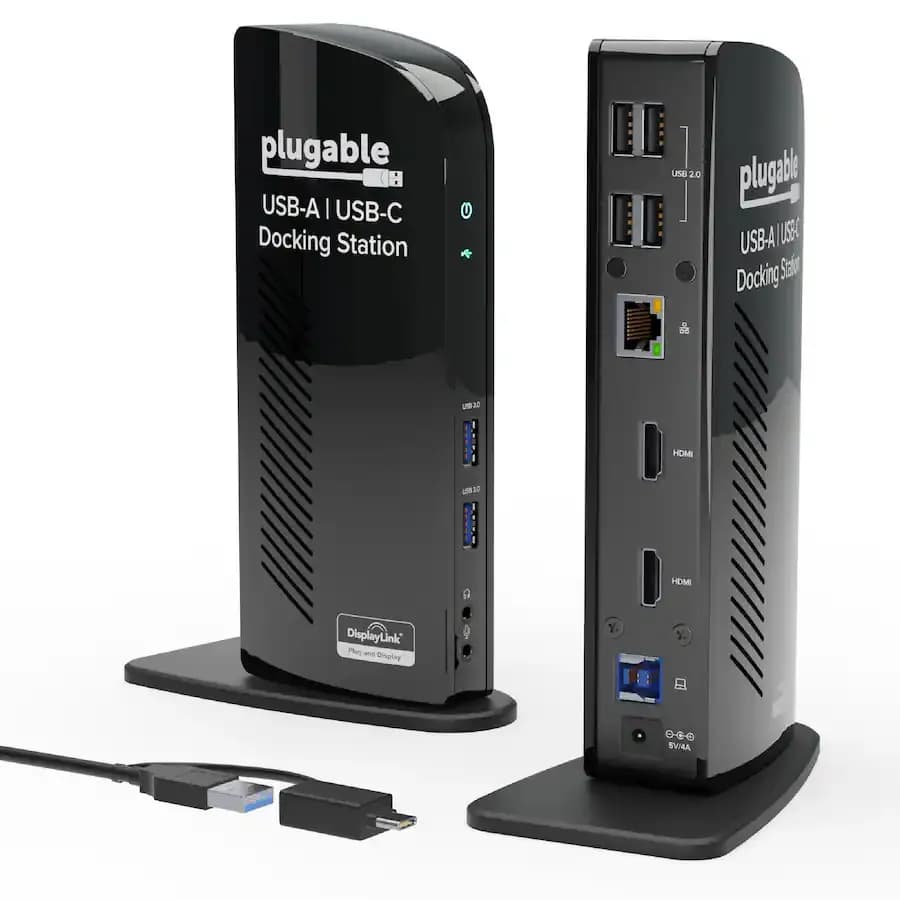
The UD-3900 uses DisplayLink technology over plain USB 3.0 instead of Thunderbolt or native USB-C video, so it works with laptops that don't support video over USB-C at all, including older ones. The trade-off is resolution: two displays are limited to 1920×1200, or a single display up to 2560×1440, not the 4K the docks above offer. It also needs the DisplayLink driver installed, and adds 6 USB ports plus Gigabit Ethernet.
Pros
- Works over plain USB 3.0, no Thunderbolt or USB-C video support needed
- 6 USB ports plus Gigabit Ethernet
- Works with older laptops the other docks here can’t
Cons
- Dual displays capped at 1920×1200, not 4K
- Needs the DisplayLink driver installed
Also at: Office Depot, Best Buy
A good docking station solves one specific problem: a modern laptop has two or three ports, and a real desk needs a lot more than that. The right dock turns one cable into two monitors, a keyboard, a mouse, external storage and often a laptop charger too, all at once. The five above were chosen for exactly that, checked against each retailer's own spec sheet rather than a shopping listing title alone.
The short version
- Best overall: Dell WD22TB4 — a single Thunderbolt 4 cable for video, data and power, driving two displays up to 4K.
- Best for a fully loaded desk: Kensington SD5780T — 11 ports, 96W of charging, and a second Thunderbolt port to daisy-chain further.
- Best for three monitors: HP USB-C Dock G5 — supports three external displays over plain USB-C.
- Best for travel: Lenovo USB-C Dual Display Travel Dock — dual 4K in a compact, lightweight body.
- Best for older laptops: Plugable UD-3900 — works over USB 3.0 with no Thunderbolt or USB-C video support needed.
See our Docks, hubs and cables hub for more on choosing between a simple hub and a full docking station.
How we chose
These recommendations are research-based: we haven't tested every dock here ourselves. Each pick was checked against its retailer's own published spec sheet (linked in Sources below), not just a shopping listing title, and cross-checked for stock and price across at least two retailers. We looked at four things:
- Connection type. A Thunderbolt dock (Dell, Kensington) needs a Thunderbolt-enabled laptop but gives the most bandwidth for video and data together. A USB-C dock (HP, Lenovo) works on more laptops but usually supports fewer or lower-resolution displays. A DisplayLink dock (Plugable) works over plain USB 3.0 on almost any laptop, at a real cost in maximum resolution.
- How many displays, and at what resolution. "Dual monitor" means different things: up to 4K each for most docks here, but capped lower for the DisplayLink pick.
- Total ports. How much else the dock replaces: USB-A and USB-C ports, Ethernet, and whether it charges the laptop and how much power it delivers.
- Price and availability. All five are in stock at the time of writing, at more than one US retailer where possible.
How they compare
Dock | Connection | Displays | Ports | Charging |
|---|---|---|---|---|
Dell WD22TB4 | Thunderbolt 4 | 2, up to 4K | 3 USB-A, 4 USB-C | Via Thunderbolt (wattage not specified) |
Kensington SD5780T | Thunderbolt 4 (x2) | 2, up to 4K | 11 ports total | 96W |
HP USB-C Dock G5 | USB-C | 3 | 2 USB-C, 4 USB-A, Ethernet | Not specified |
Lenovo Travel Dock | USB-C | 2, up to 4K | 2 USB-A | Not specified |
Plugable UD-3900 | USB 3.0 (DisplayLink) | 2, up to 1920×1200 | 6 ports, Gigabit Ethernet | Not specified |
Thunderbolt, USB-C, or DisplayLink
The single biggest choice here isn't the brand, it's the connection type. Thunderbolt (Dell, Kensington) gives the most bandwidth, carrying a high-resolution display, fast data and laptop charging over one port, but only works if your laptop actually has a Thunderbolt port — check your laptop's specs before buying one of these two. USB-C (HP, Lenovo) is more widely supported and still handles one or two displays well, though usually with a lower total display count or resolution ceiling than Thunderbolt. DisplayLink, which the Plugable dock uses, works over an ordinary USB 3.0 port using software rather than the laptop's own video output, so it's the option for a laptop that doesn't support video over USB-C or Thunderbolt at all — at the cost of the lower resolution ceiling noted above. We cover the full Thunderbolt-versus-USB-C decision in more detail in a dedicated comparison.
Every dock above is checked and available from at least one of the retailers listed at the time of writing. Prices and stock change, so the retailer's own page is always the accurate source for what you'd pay today.
Frequently asked questions
Do I need a Thunderbolt port for any docking station?
No. Only a Thunderbolt dock (like the Dell or Kensington above) needs a Thunderbolt port on your laptop. A USB-C dock works over an ordinary USB-C port, and a DisplayLink dock like the Plugable above works over plain USB 3.0, with no Thunderbolt or even USB-C video support required.
Can a docking station charge my laptop?
Many can, through the same cable that carries video and data, if the dock supports enough power delivery for your laptop. The Kensington SD5780T above specifies 96W, enough for most laptops; check your own laptop's charging wattage against a dock's power delivery rating before relying on it as your only charger.
What's the difference between a hub and a docking station?
A hub is usually smaller and cheaper, adding a handful of ports without necessarily driving an external display at full resolution or charging the laptop. A docking station is built to replace most or all of a desk's connections at once, usually including one or two full-resolution displays. See our guide to docks, hubs and cables for more.
Will a docking station work with a MacBook?
Most USB-C and Thunderbolt docks work with modern MacBooks, since Apple's own USB-C and Thunderbolt ports use the same standards. Check the specific model's compatibility list on the manufacturer's page — the Plugable dock above, for example, lists compatible MacBook and Windows laptop models directly.