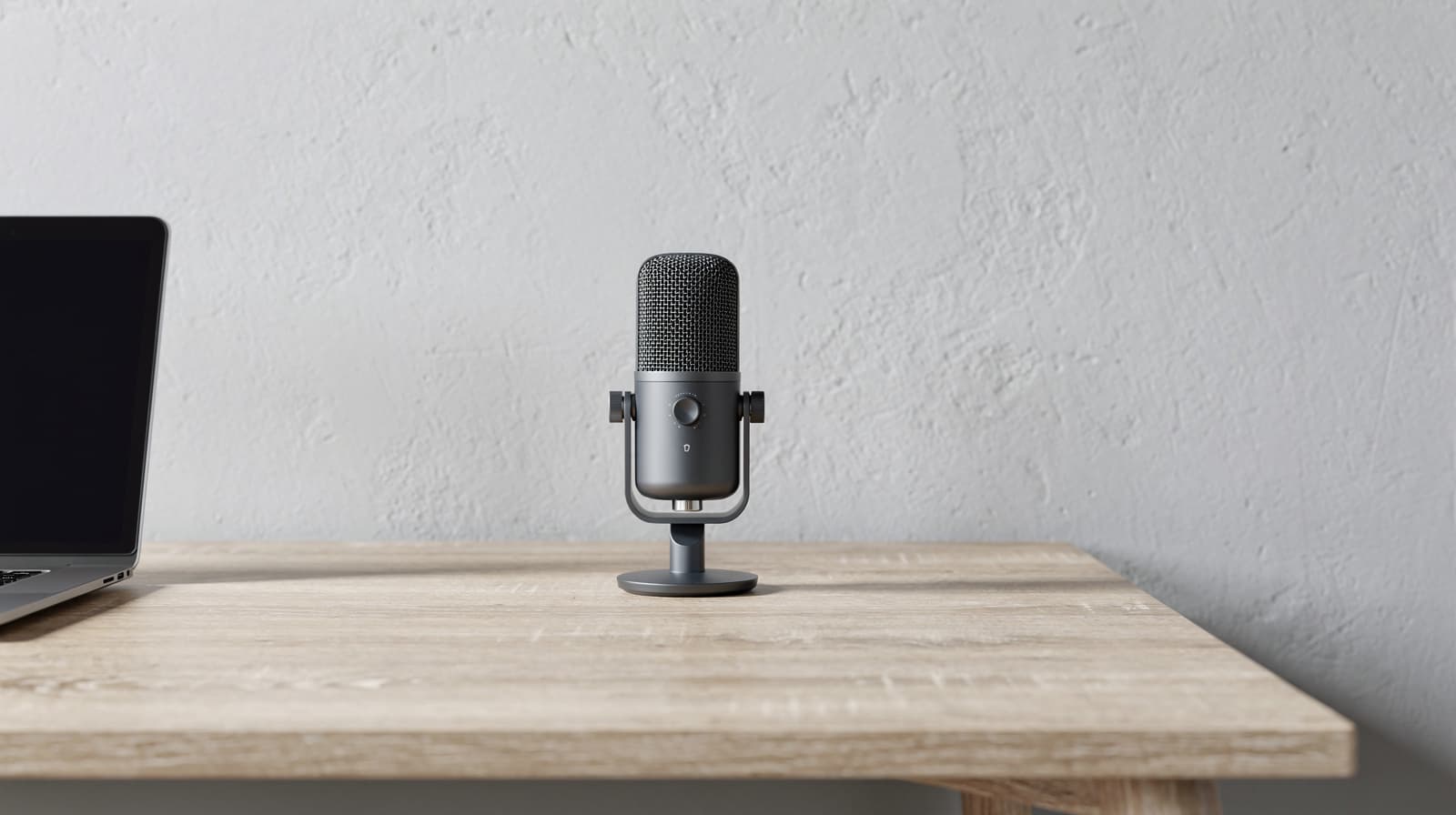
Most people should buy the RØDE NT-USB Mini. It is compact, plugs in over USB with no software, and comes with its own desk stand, so it suits a quiet room and a tidy desk. If your home is noisy, pick a dynamic mic instead: the Samson Q2U for a simple setup, or the Shure MV7+ for a tap-to-mute panel and noise processing. The Logitech G Yeti only makes sense when two people share one mic.
Our picks at a glance
- View at Sweetwater
Best for most people
- View at Sweetwater
Best for a noisy room
- View at Sweetwater
Best when two people share one mic
- View at Sweetwater
Best for control and noise processing
The picks in detail
- Top pick
Best for most people
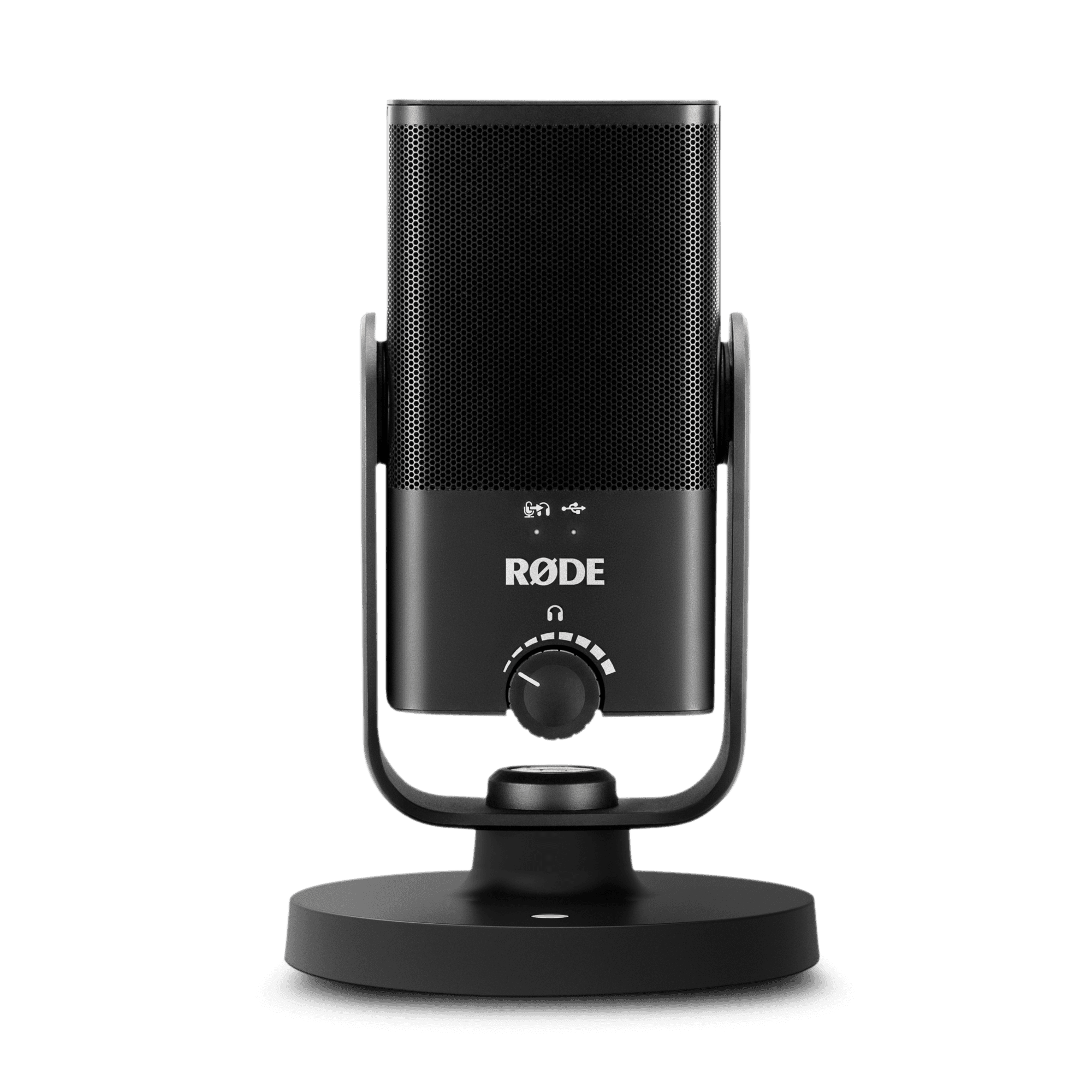
RØDE NT-USB Mini USB Microphone (NTUSBMINI)
Most people should buy the RØDE NT-USB Mini.
View at SweetwaterIt is a small condenser mic, 89 mm wide and 141 mm tall, with a cardioid pattern, a built-in pop filter and a headphone output with zero-latency monitoring, and it works the moment you plug it in, with no driver or software. The magnetic desk stand comes off, and RØDE puts a thread adapter in the box for a mic stand or boom arm. The mic has a USB-C port, but the cable RØDE includes (its SC20) ends in USB-A, so a USB-C-only laptop needs an adapter or a USB-C to USB-C cable. RØDE Connect unlocks the built-in compressor and noise gate, and RØDE Central handles settings and firmware. Skip it if your room is loud, because a condenser hears more of the room than a dynamic mic, or if you want a mute button on the mic itself. It has none.
What we like
- Plug-and-play over USB, no software needed for calls
- Small, with a detachable magnetic stand and a thread adapter for an arm
- Headphone output with zero-latency monitoring
Watch out for
- No mute button on the mic, so you mute in the call app
- The included cable ends in USB-A; USB-C-only laptops need an adapter
- A condenser capsule picks up more room noise than the two dynamic picks
- Best for a noisy room
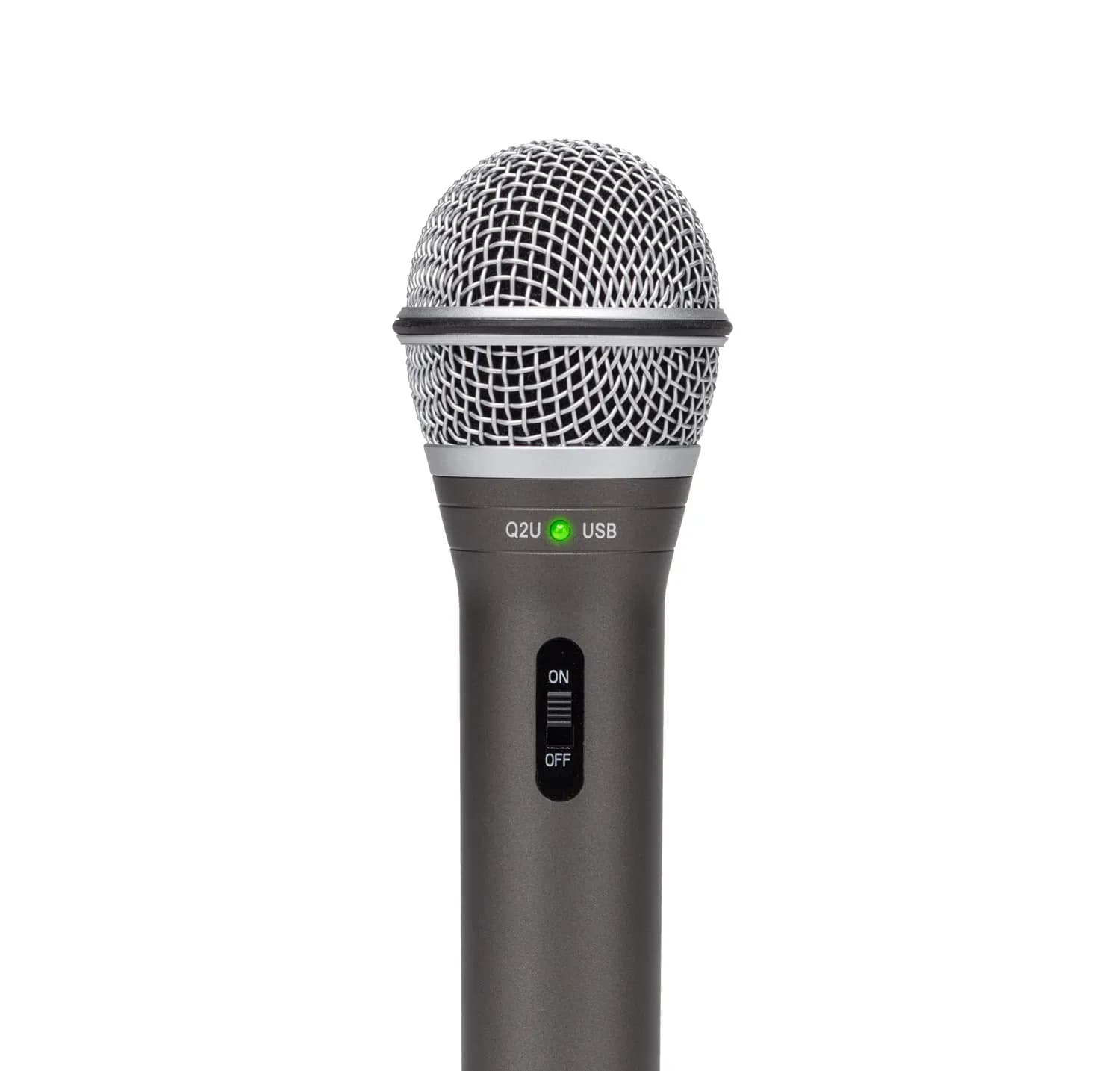
Samson Q2U USB/XLR Dynamic Microphone (SAQ2U)
The Samson Q2U is the one to buy if your home is noisy or echoey and you take calls all day.
View at SweetwaterIt is a handheld dynamic mic with a cardioid pattern, and a dynamic capsule held close hears your voice and much less of the room. It has USB-C and XLR outputs, so it can move to an audio interface later, plus an on/off switch, a headphone output with level control, and no driver to install. The pack Samson lists includes a mic clip, a desktop tripod with an extension, a foam windscreen, a 2.25 m USB cable and a 3 m XLR cable. The catch is placement: it only sounds its best close to your mouth, so plan on a boom arm rather than leaning over the tripod. Skip it if you want a mic that sits back on the desk out of the way, or a tap-to-mute control; its switch turns the whole output off.
What we like
- Dynamic capsule that hears less of a noisy room
- USB-C and XLR outputs; works without a driver
- Stand, clip, windscreen and both cables in the pack
Watch out for
- Has to sit close to your mouth, which usually means buying a boom arm
- An on/off switch rather than a mute button you tap
- Best when two people share one mic
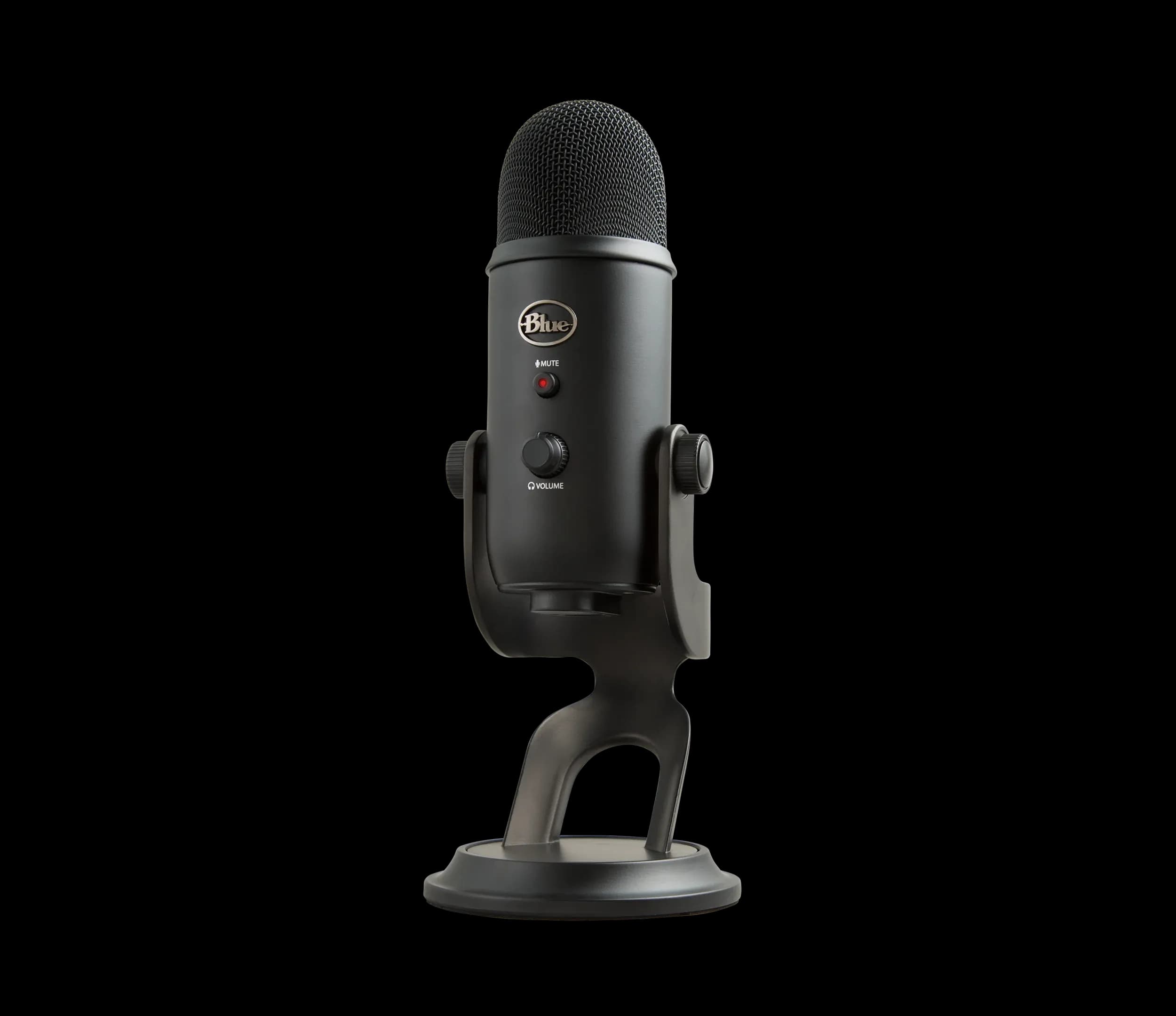
Logitech G Yeti USB Microphone, Blackout (988-000100)
Buy the Logitech G Yeti only if two people regularly share one microphone, such as two of you on the same call from one desk.
View at SweetwaterThree condenser capsules give four pickup patterns (cardioid, bidirectional, omnidirectional and stereo), and it has a gain knob, an instant mute button and a headphone output on the body. It needs no driver; its Blue VO!CE voice effects need Logitech’s free G HUB app. Two gotchas. It is side-address: talk into the front face with the logo, not into the top, which is the most common reason a Yeti sounds distant. And it is big, 11.6 in tall and 3.09 lb with its stand, so if you take the stand off for a boom arm, get a sturdy arm. Logitech includes a USB cable but does not list its connectors. Skip it for solo calls in a noisy room: it is a condenser, and in omnidirectional mode it picks up the whole room.
What we like
- Four pickup patterns from three capsules
- Gain knob, instant mute button and headphone output on the mic
- Desk stand included, removable for a boom arm
Watch out for
- Side-address: speaking into the top makes you sound distant
- Large: 11.6 in tall and 3.09 lb with its stand
- Blue VO!CE effects need the G HUB app
- Best for control and noise processing
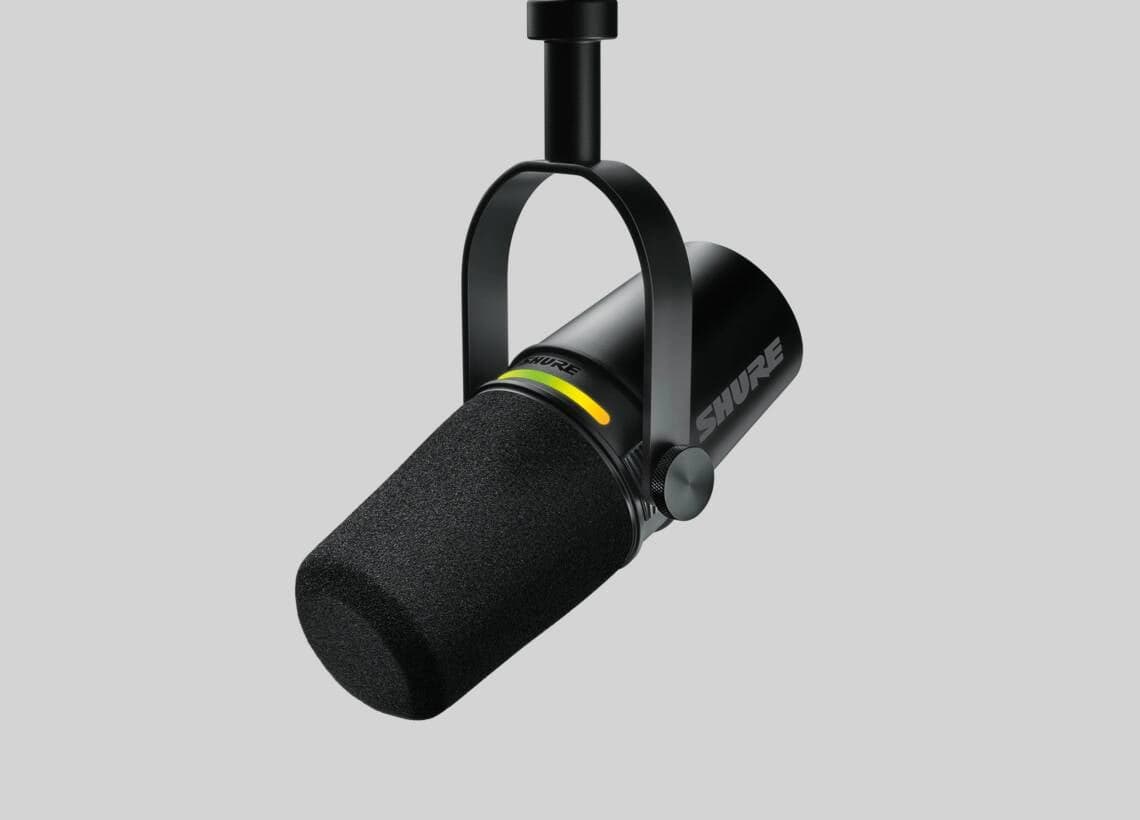
Shure MV7+ Podcast Microphone, Black (MV7+-K)
Buy the Shure MV7+ if you want the most control over how you sound and are happy to add a stand.
View at SweetwaterIt is a dynamic cardioid mic with USB-C and XLR outputs and a 3.5 mm headphone jack. Tap anywhere on its LED panel to mute; the same panel works as a level meter. Shure lists Voice Isolation Technology, a real-time Denoiser, an improved Auto Level Mode and a Digital Popper Stopper. The box holds the mic, a USB-C to USB-C cable and a quick start guide: no stand and no USB-A cable, so a desktop with only USB-A ports needs an adapter or another cable. You configure the panel and the processing in the free MOTIV Mix desktop app, which needs Windows 10 or later or macOS 12 or later and at least 8 GB of RAM. Skip it if your computer falls short of that, or if you want one box with nothing else to buy.
What we like
- Tap-to-mute LED panel that doubles as a level meter
- Voice Isolation, real-time Denoiser and Auto Level Mode
- USB-C and XLR outputs; 3.5 mm headphone jack
Watch out for
- No stand in the box; a desk stand or boom arm is extra
- USB-C to USB-C cable only
- MOTIV Mix needs Windows 10 or macOS 12 or later and 8 GB of RAM
A microphone is one part of sounding good on calls. Our guide to looking and sounding professional on video calls covers the free fixes first: a quieter spot, headphones and the noise settings already in Zoom and Teams.
The short version
- Best for most people: RØDE NT-USB Mini. Small condenser, cardioid, plug-and-play, desk stand included. No mute button.
- Best for a noisy room: Samson Q2U. Dynamic, USB-C and XLR, stand and cables in the pack. Needs to sit close, so plan on a boom arm.
- Best when two people share one mic: Logitech G Yeti. Four pickup patterns. Large, and side-address.
- Best for control and noise processing: Shure MV7+. Dynamic, tap-to-mute LED panel, Voice Isolation and a real-time Denoiser. No stand in the box.
- Already using a headset? It already puts a mic close to your mouth. Keep it unless people say you sound muffled or you want better sound for long days of calls.
How they compare
Microphone | Type | Pickup pattern | Connection | Cable in the box | Stand in the box | On the mic |
|---|---|---|---|---|---|---|
RØDE NT-USB Mini | Condenser | Cardioid | USB-C | USB-C to USB-A | Magnetic desk stand, thread adapter | Headphone output and level control |
Samson Q2U (pack) | Dynamic | Cardioid | USB-C and XLR | USB cable and XLR cable | Desktop tripod and mic clip | On/off switch, headphone output and level control |
Logitech G Yeti | Condenser (three capsules) | Cardioid, bidirectional, omnidirectional, stereo | USB | USB cable (connectors not listed) | Desk stand, removable | Gain knob, instant mute, headphone output |
Shure MV7+ | Dynamic | Cardioid | USB-C and XLR | USB-C to USB-C | None | Tap-to-mute LED panel, 3.5 mm headphone jack |
Do you need a USB microphone for video calls?
Not always. If people on your calls already hear you clearly, keep what you have. A USB mic is worth it when colleagues say you sound distant or echoey, when you are on calls most of the day, or when your laptop sits at arm’s length on a stand and its microphone is far from your mouth.
Your webcam probably has a microphone too. Every webcam in our guide to the best webcams for Zoom and Teams has one, but it sits wherever the camera does, usually further from your mouth than a desk mic. If you are deciding whether to upgrade the camera at all, see webcam vs laptop camera.
How to choose a USB microphone for Zoom and Teams
Dynamic or condenser: start with your room
This is the choice that matters most. A dynamic mic is less sensitive. Placed close to your mouth, it picks up your voice and much less of the room, which is why the Q2U and MV7+ suit a home with traffic, children, a dishwasher or a loud keyboard. The trade-off is that it has to stay close. A condenser mic is more sensitive: it can sit a little further back and still pick you up, but it also hears more of the room, echo included. In a quiet, furnished room the NT-USB Mini is the easier mic to live with. In a loud or echoey one, choose a dynamic mic and put it close.
Pickup pattern
Cardioid means the mic favors sound from the front and rejects the sides and rear, which suits one person at a desk. All four picks have it. The Yeti adds bidirectional (front and back, for two people facing each other), omnidirectional (all around) and stereo. Omnidirectional is for a group around one mic; for a solo call it just adds room noise.
Stand or boom arm
Check what is in the box. The NT-USB Mini and Yeti come with desk stands, the Q2U pack has a small tripod and a clip, and the MV7+ comes with no stand at all. A boom arm gets the mic close to your mouth and off the desk, so it picks up less of your typing. It is close to essential for the two dynamic mics, and the Yeti’s weight calls for a sturdy one.
USB-C or USB-A
Look at your ports and the cable. The NT-USB Mini has USB-C on the mic but a USB-A plug on its cable. The MV7+ comes only with a USB-C to USB-C cable, which suits a recent laptop but not an older desktop with only USB-A ports. Either way, an adapter or the right cable solves it, but it is better to know before the mic arrives. If your laptop is short on ports, a dock adds more (see our guide to docking stations for two monitors).
USB only, or USB and XLR
All four plug straight into a computer. The Q2U and MV7+ also have an XLR output for a mixer or audio interface. That only matters if you might build a bigger audio setup later.
A mute you can reach
The Yeti has an instant mute button and the MV7+ a tap-to-mute panel. The Q2U has an on/off switch, which works as a mute but is easy to leave off. The NT-USB Mini has no mute control, so you mute in Zoom, Teams or Meet.
Software
None of these needs software to work on a call. The extras do:
- RØDE NT-USB Mini: RØDE Connect for the compressor and noise gate; RØDE Central for settings and firmware.
- Samson Q2U: no software; it is plug-and-play.
- Logitech G Yeti: Logitech G HUB for the Blue VO!CE effects.
- Shure MV7+: MOTIV Mix for the LED panel, Auto Level Mode and processing (Windows 10 or later, macOS 12 or later, 8 GB of RAM). Check this before you buy, especially on an older or work-managed computer where you may not be allowed to install apps.
Using a USB microphone in Zoom, Teams and Google Meet
Plug the mic in, then choose it in the call app. The most common cause of bad sound is the app still using the laptop’s built-in mic. In Zoom, open Settings, then Audio, pick the mic and use Test microphone. In Teams, go to Settings and more, then Settings, then Devices, and use Make a test call. In Google Meet, open More options, then Settings, then Audio.
Zoom’s default microphone mode already uses noise suppression and echo cancellation, and Teams turns noise suppression on by default. Microsoft suggests turning it off only for high-fidelity mics in a quiet, studio-like room, so in most home offices leave it on.
Getting a clear sound
- Close and in front. Point the front of the mic at your mouth. For the Yeti, that means the side with the logo.
- Off the desk if you can. A boom arm keeps keyboard thumps out of the mic.
- Wear headphones. They stop your speakers leaking back into the mic.
- Record a test. Listen back to a few seconds before an important meeting.
How we chose
We have not tested these microphones. We started from USB mics that RØDE, Samson, Logitech G and Shure list on their own sites and that established US retailers sell, and read every spec from the maker’s page or datasheet, linked under Sources. We wanted a cardioid setting for one person at a desk, a headphone output, and a clear answer for the two kinds of room people actually work in: quiet, or not. We left out mics built mainly for gaming or streaming.
Questions people ask
What is the best USB microphone for Zoom meetings?
For most people, the RØDE NT-USB Mini: a compact cardioid mic that plugs in over USB with no software. If your room is noisy, a dynamic mic such as the Samson Q2U or Shure MV7+ is the better choice.
Is a dynamic or condenser microphone better for a noisy room?
A dynamic mic. It is less sensitive, so placed close to your mouth it picks up your voice and less of the room. A condenser such as the NT-USB Mini or Yeti hears more background noise and echo.
Is the Shure MV7+ the same as the Shure MV7?
No. The MV7+ is Shure’s refreshed model. Shure lists a new LED touch panel that mutes with a tap and shows your level, an improved Auto Level Mode, a new Digital Popper Stopper, Voice Isolation and a real-time Denoiser. A listing that only says MV7 is the older mic.
Do I need a boom arm for a USB microphone?
Not for the NT-USB Mini or the Yeti, which come with desk stands. The Shure MV7+ comes with no stand, and the Samson Q2U works best close to your mouth, so for those two a boom arm is the usual addition.
Do I need a USB microphone if my webcam has one?
Not necessarily. Webcam mics work in Zoom and Teams, but they sit where the camera sits, usually further from your mouth. If people say you sound distant, a desk mic or a headset fixes it.
What is the difference between USB and XLR microphones?
A USB mic has a built-in converter and plugs straight into a computer. An XLR mic needs a mixer or audio interface. The Samson Q2U and Shure MV7+ have both, so you can start on USB and move to XLR later.
Sources we used
- RØDE NT-USB Mini product page (RØDE)
- RØDE NT-USB Mini datasheet, included accessories (RØDE)
- Samson Q2U features and specifications (Samson)
- Logitech G Yeti specs and compatibility (Logitech G)
- Shure MV7+ podcast microphone (Shure)
- Changing settings in the Zoom Workplace desktop and mobile app (Zoom)
- Reduce background noise in Microsoft Teams meetings (Microsoft)
- Tips for video meetings (Google Workspace Learning Center)