OhmNook

We research everything we recommend. When you buy through our links, we may earn a commission. How we make money

Home office tech guides, researched and explained

Plain-English buying guides and comparisons for the gear on your desk: monitors, docks, keyboards, chairs, Wi-Fi and the small computers that run it all, so you can pick what fits your work.

Your desk, part by part

Start with a complete guide

One long guide per topic that covers what matters before you buy.

Keyboards and mice

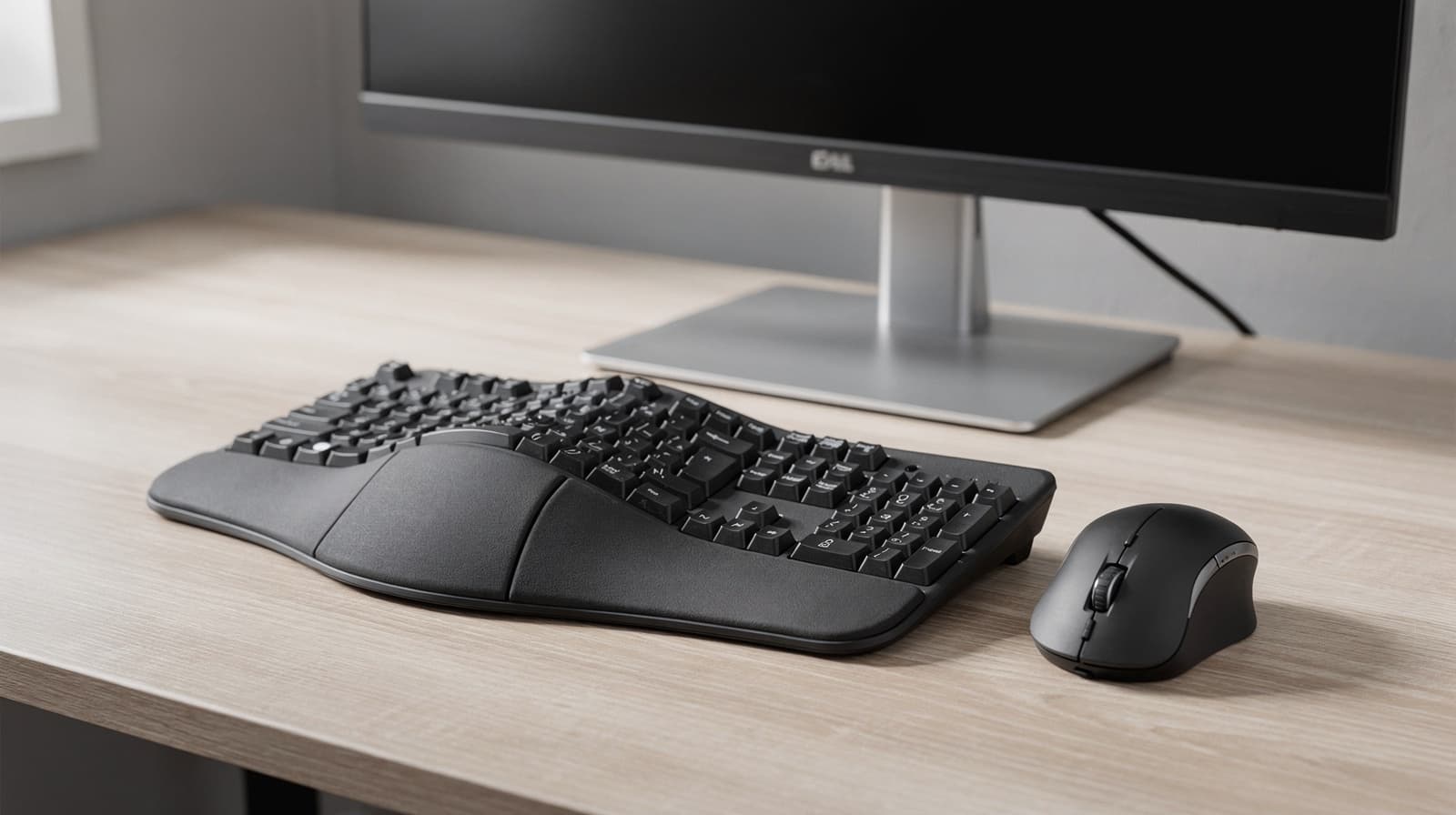
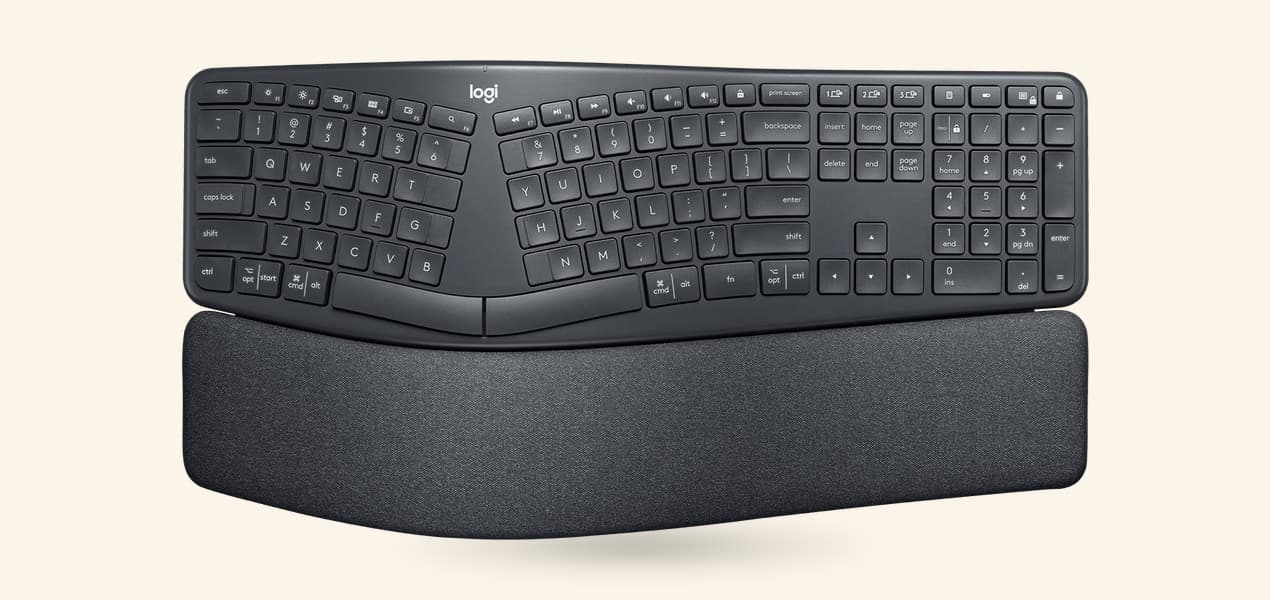
Ergonomic Keyboards and Mice in Australia: How to Choose

How to choose an ergonomic keyboard and mouse in Australia: the main designs compared by shape, tilt and fit, what to check at the shop, and four picks from Australian retailers.

A better home office starts with clearer choices

OhmNook is a home office technology publication for people who work, create and stay connected from home. We help you understand the equipment you use every day, from your desk and chair to your computer and Wi-Fi.

Our buying guides, product comparisons and practical explainers cover monitors, laptops, docks, keyboards, storage, video-call equipment and more. We explain the features, compatibility requirements and trade-offs that matter for different spaces, budgets and ways of working.

Our goal is to make choosing and using your equipment simpler, so you can build a comfortable, capable workspace and spend on upgrades that serve a real purpose.
Latest guides

New guides and advice from across the site, newest first.

All guides

Browse by topic

Plan your next home office upgrade

Start with the part of your setup that gets in the way of your work. Before buying, note what you already own, the space available and the problem you want to solve.

Make room for your everyday work

Think about the windows you keep open, the size of your desk and how far you sit from the screen. Compare monitor size, resolution and adjustment options, then check which display connections your computer supports.

Explore home office monitor guides

Check how your equipment connects

List your monitors, keyboard, storage and other accessories before choosing a dock. Check your laptop’s port capabilities, charging requirements and supported display setup together; a matching connector alone does not confirm compatibility.

Find the cause of connection problems

Notice whether slowdowns affect one device or the whole home, and whether they happen in the same room. Check router placement and connection options before deciding whether a router upgrade, mesh system or wired connection fits your workspace.