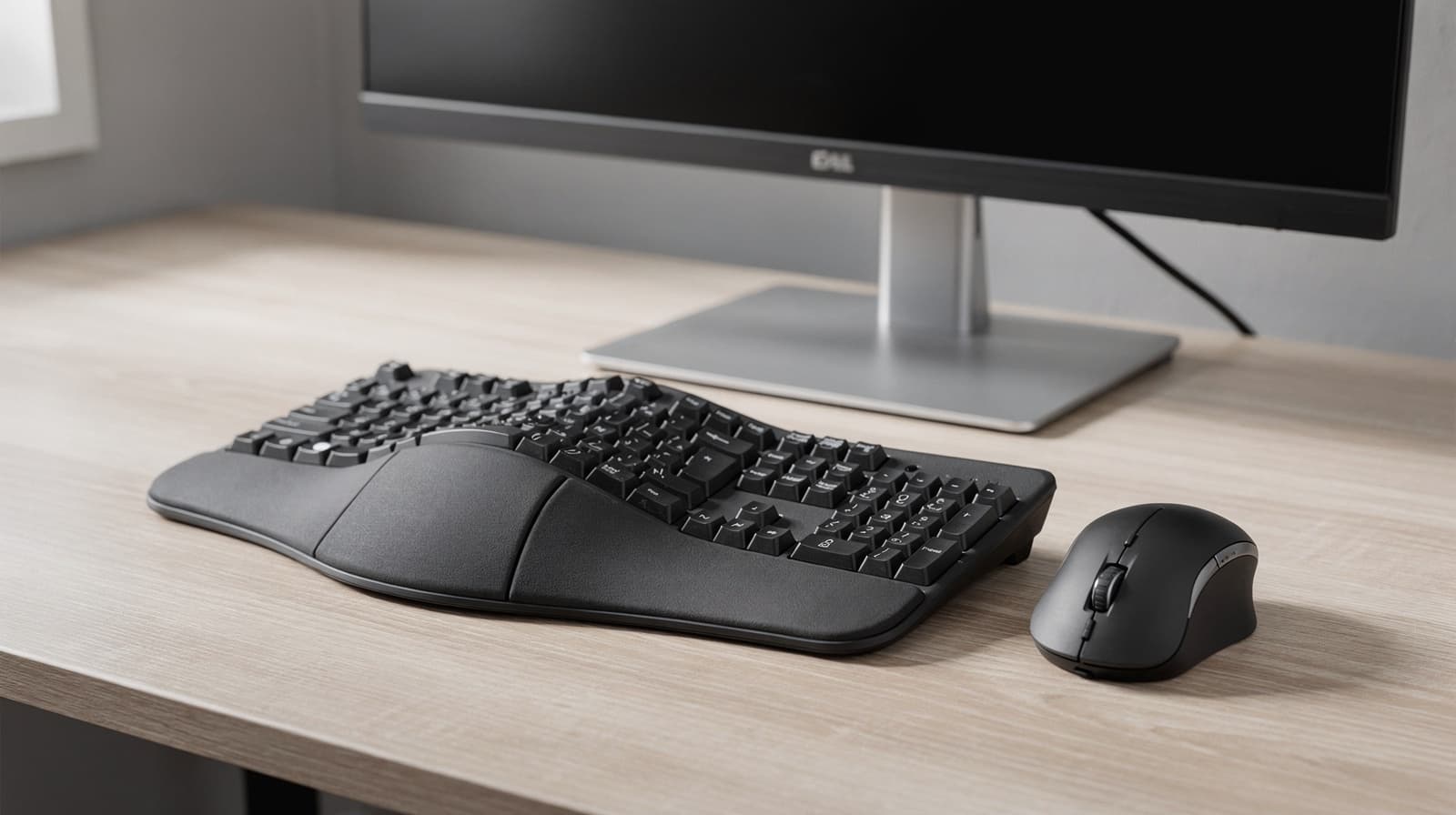
The best ergonomic keyboard and mouse for most Australians starting out is the Logitech Wave Keys and Lift Combo: a compact wave keyboard with a number pad and a vertical mouse, on one receiver, sold by Officeworks, JB Hi-Fi and Amazon AU. If you want a clearer split, buy the Logitech ERGO K860 and pair it with whichever mouse fits your hand.
Our picks at a glance
- View at Amazon AU
Best starter combo
- View at Amazon AU
Best full-size curved keyboard
- View at Amazon AU
Best vertical mouse for small to medium hands
Logitech Lift Vertical Ergonomic Mouse, Graphite (910-006466)
- View at Amazon AU
Best thumb trackball for medium to large hands
Logitech MX Ergo S Wireless Trackball Mouse, Graphite (910-007259)
The picks in detail
- Top pick
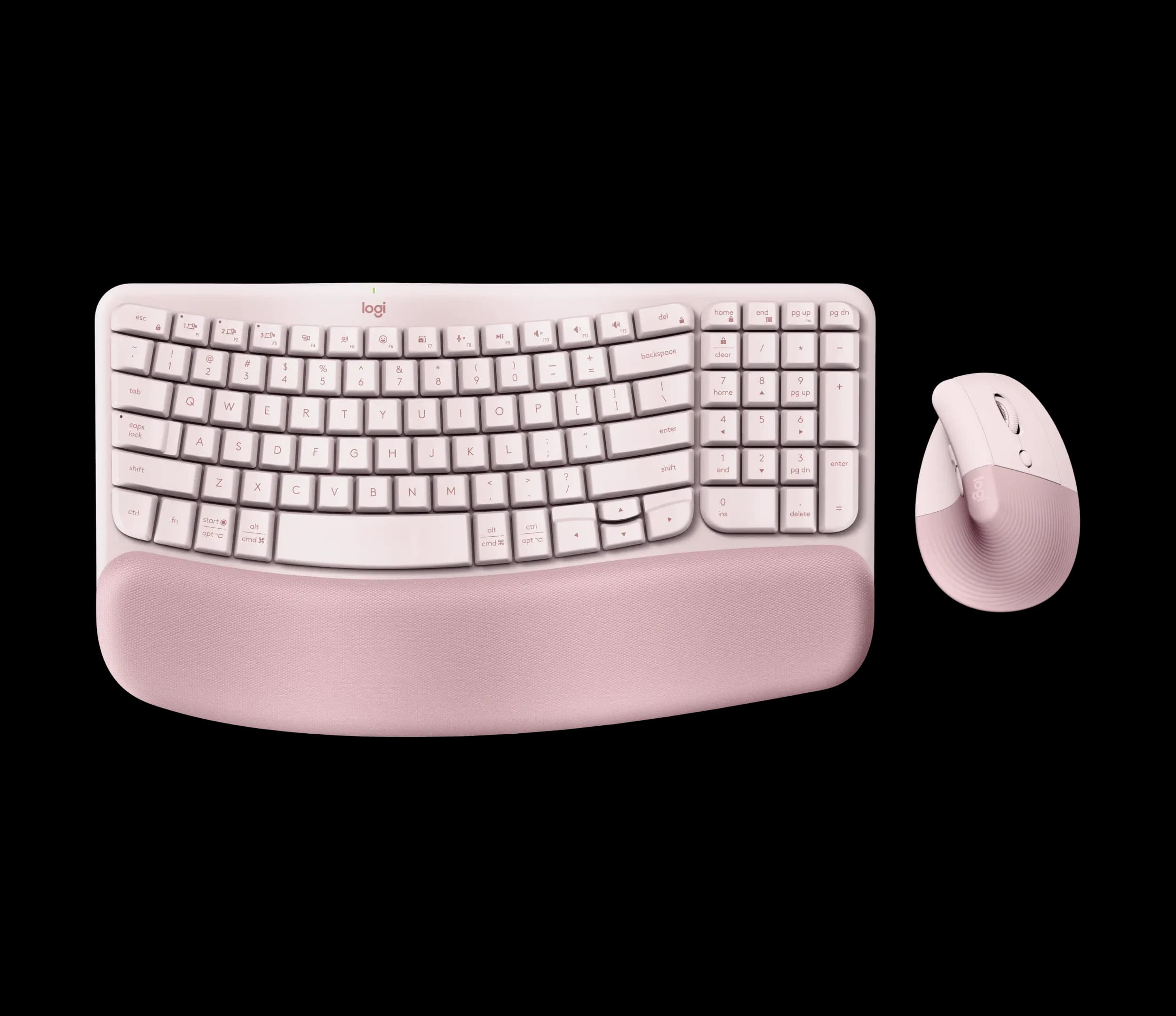
Best starter combo
Logitech Wave Keys and Lift Combo, Rose (920-013612)
If you are buying your first ergonomic keyboard and mouse, this is the set most people should get.
View at Amazon AUThe Wave Keys keyboard is compact, keeps its number pad and has a fixed, three-layer cushioned palm rest; the Lift mouse stands at 57°. Both run from one Logi Bolt receiver or Bluetooth Low Energy and switch between three devices. The keyboard lasts up to 36 months on two AAA batteries and the mouse up to 24 months on one AA. Officeworks, JB Hi-Fi and Amazon AU sell it, and the shop listings we link to are in Graphite. Skip it if you have large hands: the Lift is made for small to medium ones.
What we like
- Keyboard and vertical mouse in one box, on one receiver
- Compact keyboard that still has a number pad
- Easy to find: Officeworks, JB Hi-Fi and Amazon AU
Watch out for
- Palm rest is permanently attached
- Neither device is backlit
- The mouse is sized for small to medium hands
- Best full-size curved keyboard
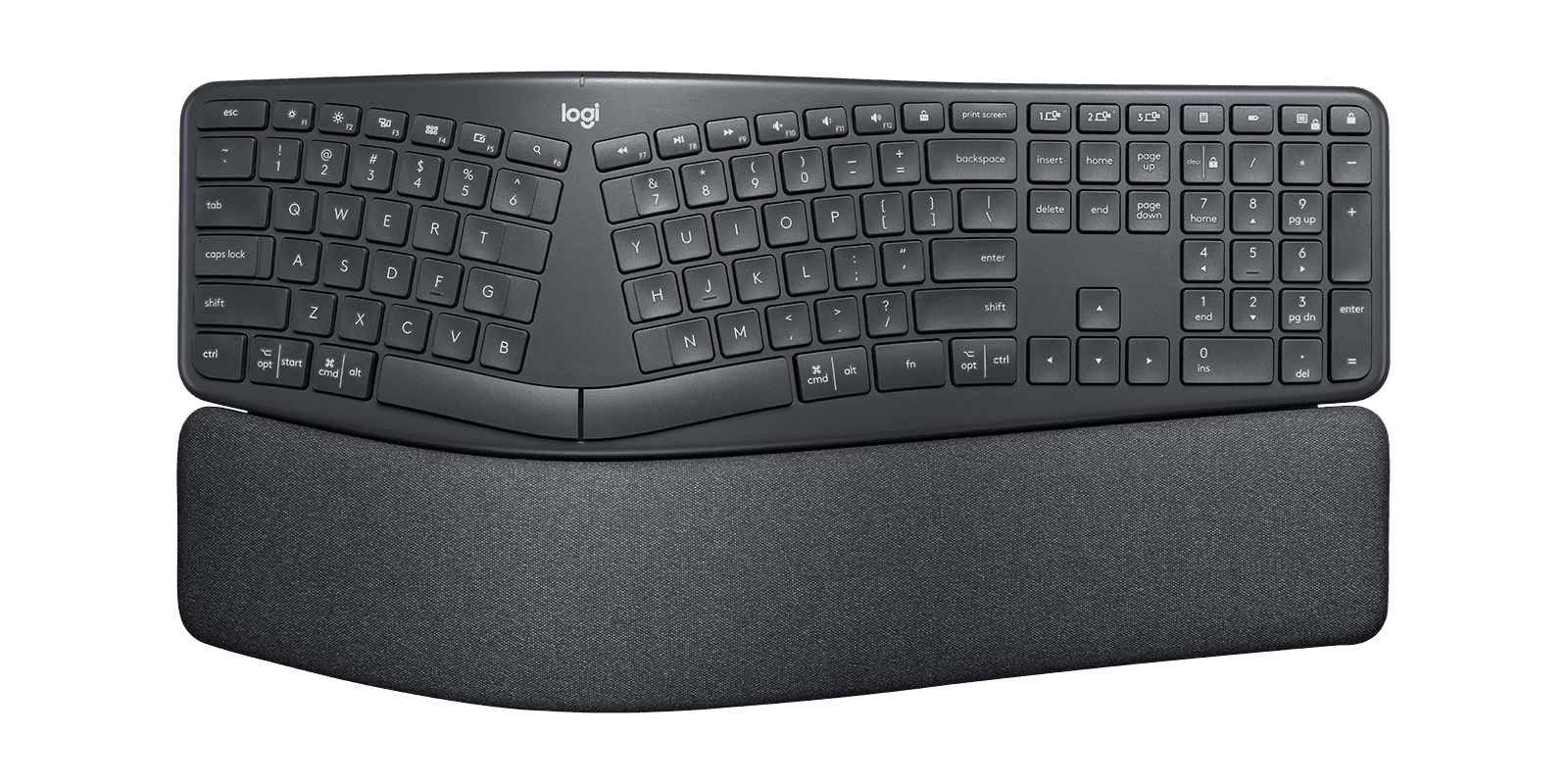
Logitech ERGO K860 Split Ergonomic Keyboard (920-009166)
The Logitech ERGO K860 suits anyone who wants the keys split and curved but still in one solid piece.
View at Amazon AUIt is full size with a number pad and a pillowed wrist rest built into the frame, and legs under the front edge set it at 0°, -4° or -7°. It connects by Bluetooth Low Energy or Logitech’s Unifying receiver, pairs with three devices and runs for up to 24 months on two AAA batteries. The Australian model is 920-010111, and it is the easiest pick here to find in a shop, from Officeworks and JB Hi-Fi to Harvey Norman and Scorptec. Skip it if your desk is shallow or narrow: it is 456 mm wide.
What we like
- Curved split layout with a full number pad
- Three tilt settings: 0°, -4° and -7°
- The widest choice of Australian retailers
Watch out for
- Wrist rest is fixed and can’t be removed
- Unifying receiver, so it can’t share a receiver with a Logi Bolt mouse
- No backlighting
- Best vertical mouse for small to medium hands
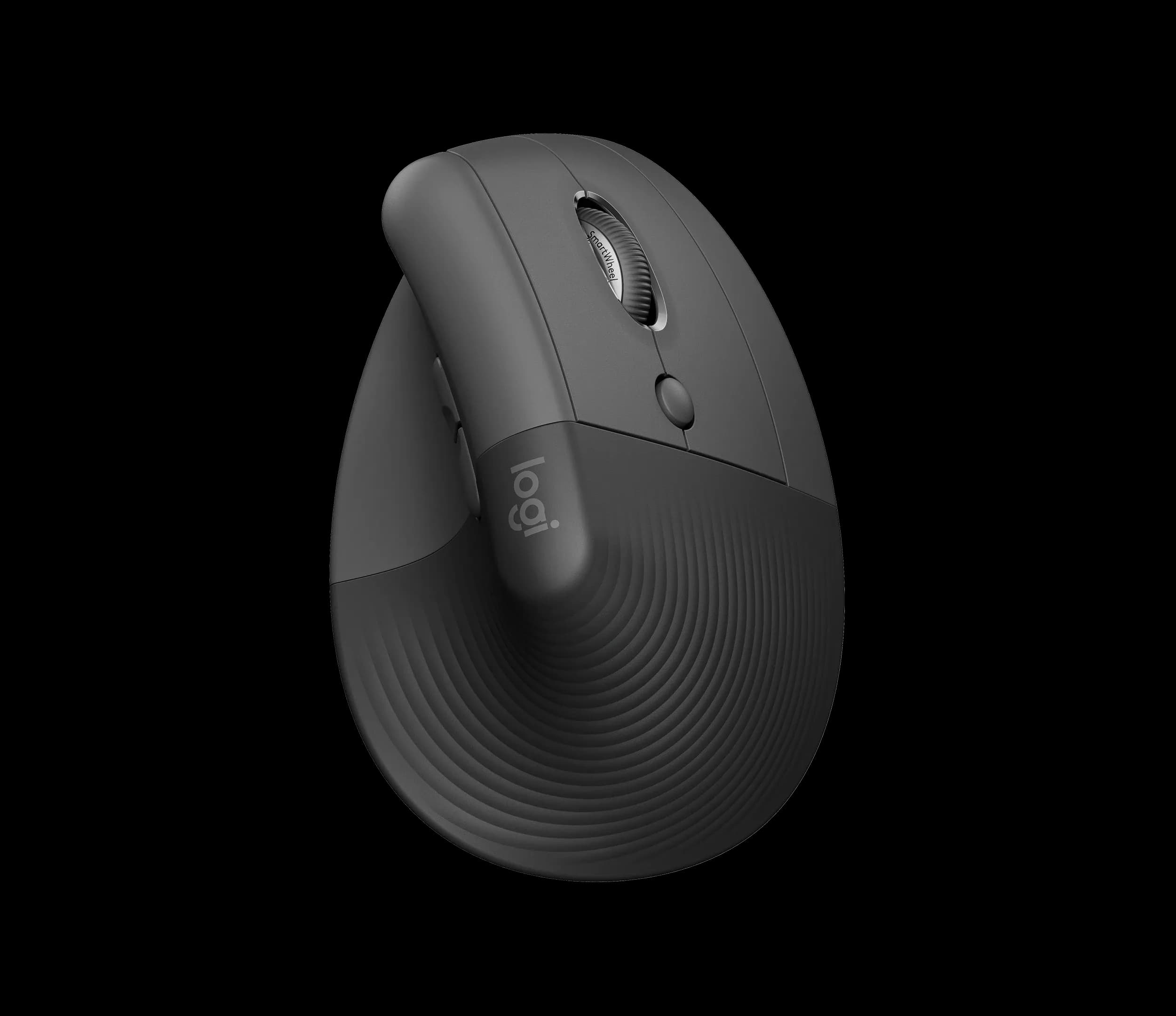
Logitech Lift Vertical Ergonomic Mouse, Graphite (910-006466)
The Logitech Lift stands on its side at 57°, so you hold it in a handshake grip, with a textured surface and a thumb rest.
View at Amazon AUIt is made for small to medium hands, and a left-handed version is sold separately. One AA battery (in the box) lasts up to 24 months; it connects by Bluetooth Low Energy or the included Logi Bolt receiver, switches between three devices and goes up to 4000 DPI. Amazon AU, Officeworks and JB Hi-Fi sell it, though the Officeworks and JB Hi-Fi listings we link to are the Rose colour. Buy it if your hands are small to medium. Skip it if they are large.
What we like
- Vertical 57° angle with a thumb rest
- Left-handed version available
- Up to 24 months on one AA battery; 3 devices
Watch out for
- Sized for small to medium hands
- No side-scroll wheel (shortcuts can be mapped in Logi Options+)
- Best thumb trackball for medium to large hands
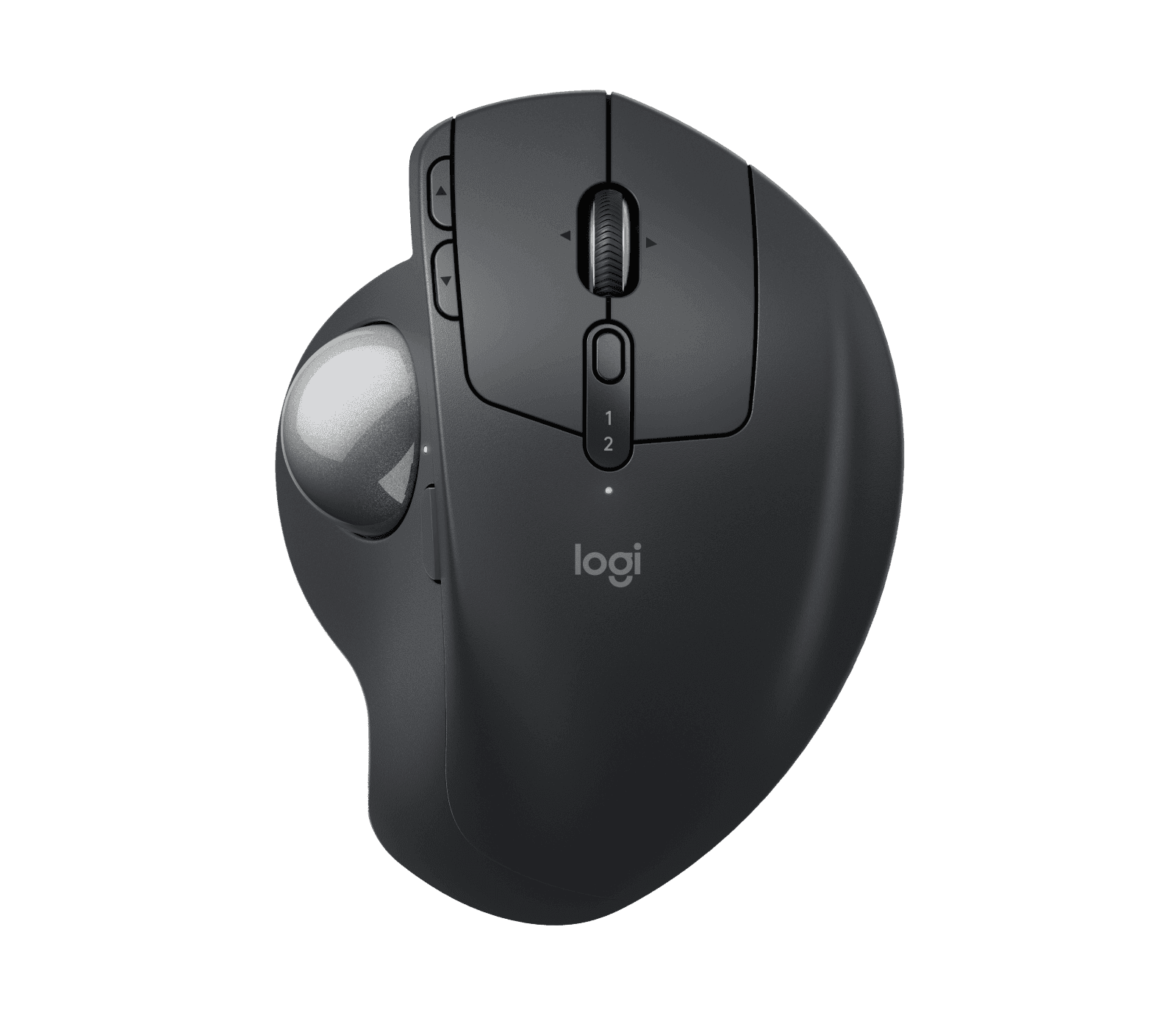
Logitech MX Ergo S Wireless Trackball Mouse, Graphite (910-007259)
With the MX Ergo S, the body stays still and your thumb rolls the ball, so it needs little more desk space than its own footprint.
View at Amazon AUA hinge tilts it between 0° and 20°. It suits medium to large hands, recharges over USB-C (up to 120 days per charge; one minute of charging gives 24 hours), connects by Bluetooth or Logi Bolt and has a precision button that slows the cursor for fine work. The Australian model is 910-007261, sold by JB Hi-Fi and Amazon AU. Buy it if you are right-handed with a medium to large hand. Left-handers should look at the Lift instead.
What we like
- Hinge tilts the trackball from 0° to 20°
- Rechargeable over USB-C; up to 120 days per charge
- Precision button and Logitech Flow across computers
Watch out for
- Right-handed only
- No USB-C cable in the box
- Some shops also list an MX Ergo S Plus with an extra wedge, so check the model
We have not tested these products; the figures come from Logitech's product pages, linked under Sources. If the keyboard is your main concern, our best ergonomic keyboards guide compares four designs sold here, including a fully split Kinesis and a mechanical one.
The short version
- First step for most people: the Wave Keys and Lift Combo.
- Keyboard: decide how far you want to move from a flat keyboard: a gentle wave, a curved split in one piece, or two separate halves.
- Mouse: pick standard, vertical or trackball, then go by the hand size Logitech gives and your handedness.
- Measure first: the K860 is 456 mm wide before you add a mouse.
- Check the listing: each model comes in several colours and versions, each with its own part number.
What "ergonomic" means here
On a keyboard or mouse, "ergonomic" describes a shape rather than meeting any standard. Keyboards angle, curve or split the keys and usually add a padded rest and adjustable legs. Mice stand on their side, or swap the moving body for a ball you roll with your thumb. This guide compares them on those physical points: shape, size, tilt and fit.
Plan the desk
Ergonomic keyboards are bigger than the flat ones they replace. The K860 is 456 mm wide and has its rest built in, which also makes it deeper. A compact keyboard with a number pad, like the Wave Keys at about 376 mm, frees up room for the mouse. If space is tight, a trackball stays in one spot. Working on a laptop? A separate keyboard and mouse also let you raise the laptop on a stand or plug in a monitor.
How to choose an ergonomic keyboard
Number pad or not
If you key in numbers all day, keep the number pad: the K860 and Wave Keys both have one, and the Wave Keys fits it into a body about 80 mm shorter. If you rarely use it, a tenkeyless keyboard lets the mouse sit closer to the keys.
The main shapes
- Wave. The rows rise and fall in a gentle curve. The Wave Keys is the least different from a normal keyboard.
- Curved split. The keys split down the middle in one curved body, as on the K860. Nothing to set up.
- Fully split. Two halves you place yourself, like the Kinesis Freestyle2 Blue in our keyboards guide (sold here by Ergoport). The most adjustable, with the most to set up.
- Tented. The middle is raised so the halves slope down to the sides; the Kinesis mWave has this built in.
Expect a few days of typos on any new shape.
Tilt and rests
Standard keyboards are raised at the back. Negative tilt lifts the front edge instead, and the K860's legs give 0°, -4° or -7°. The Wave Keys only tilts the usual way.
On both Logitech keyboards the palm rest is part of the frame and can't be taken off. If you'd rather use your own rest, the Freestyle2 Blue in our keyboards guide treats palm supports as an optional extra.
Layout and receivers
Australia uses the US English layout, so there is no layout trap here: Logitech's Australian site lists the K860 as 920-010111 and the Wave Keys as 920-012281 (Graphite), both English US. Receivers are the catch instead. The K860 uses Logitech's older Unifying receiver; the Wave Keys, Lift and MX Ergo S use Logi Bolt. The two don't mix, so a K860 with a Lift needs Bluetooth or two receivers.
How to choose an ergonomic mouse
Standard, vertical or trackball
- Standard. The usual shape, in plenty of sizes.
- Vertical. Stands on its side for a handshake grip; you still move the whole mouse. The Lift sits at 57°.
- Trackball. The body doesn't move; your thumb or fingers turn a ball. The MX Ergo S is a thumb trackball.
Our vertical mouse vs trackball comparison covers the trade-offs in more detail.
Hand size and handedness
Go by the maker's hand-size guidance. Logitech makes the Lift for small to medium hands and the MX Ergo S for medium to large hands. Left-handers have one option here, the left-handed Lift; the MX Ergo S is right-handed only.
Buttons and speed
Both mice have programmable buttons through Logitech's free Logi Options+ app. The MX Ergo S has a precision button that slows the cursor while held, and the Lift's sensor goes up to 4000 DPI.
Combo or separate?
The combo means one box, one receiver and nothing to match. The downside is the mouse: if the Lift is too small for your hand, buy a keyboard and an MX Ergo S separately. The K860 works with any mouse.
Our four picks compared
Pick | Type | Best for | Connection | Power |
|---|---|---|---|---|
Logitech Wave Keys and Lift Combo | Wave keyboard with number pad plus vertical mouse | A first try with one purchase | Bluetooth LE or Logi Bolt; 3 devices each | Keyboard 2 x AAA (up to 36 months); mouse 1 x AA (up to 24 months) |
Logitech ERGO K860 (920-010111) | Curved split, full size | A clear split and a number pad | Bluetooth LE or Unifying; 3 devices | 2 x AAA, up to 24 months |
Logitech Lift | Vertical mouse, 57° | Small to medium hands; left-handed version exists | Bluetooth LE or Logi Bolt; 3 devices | 1 x AA, up to 24 months |
Logitech MX Ergo S (910-007261) | Thumb trackball, 0° to 20° hinge | Medium to large hands, right-handed | Bluetooth or Logi Bolt | USB-C rechargeable, up to 120 days |
All four are Logitech, because these are the models we could match to Australian retailers with clear specifications. Compare other brands too; our keyboards guide adds two from Kinesis.
Which setup is right for you
- One simple first step: the Wave Keys and Lift Combo.
- A clear split and a number pad: the K860, with the mouse of your choice.
- A vertical mouse, left or right hand: the Lift, for small to medium hands.
- Large hands or very little desk space: the MX Ergo S, if you are right-handed.
- Still deciding: change the keyboard first and keep your mouse, or the reverse, so you can tell which change you like.
Buying in Australia
The Australian Consumer Law guarantees apply on top of any maker's warranty: goods must be of acceptable quality, fit for purpose and match their description, and if they fail you are entitled to a repair, replacement or refund depending on the problem. The ACCC explains how they work. Before you order, check the colour, handedness and part number on the listing: each Logitech model comes in several versions, each with its own part number.
How we chose
We have not tested these products. We picked one example of each main design, a combo, a curved split keyboard, a vertical mouse and a trackball, and kept only models sold by at least one Australian retailer. Specifications come from Logitech's Australian product pages, and from its US page for the combo, which has no Australian page.
Related guides
- Best Ergonomic Keyboards for Long Workdays in Australia: four keyboards compared.
- Vertical Mouse vs Trackball
- Logitech MX Keys S vs MX Mechanical: two flat keyboards for comparison.
Questions people ask
Is there one best ergonomic keyboard and mouse?
No. Hand size, desk space and preference vary, so the right pair varies too. Try designs in store where you can, and buy where returns are straightforward.
Which keyboard layout do Australian ergonomic keyboards use?
The US English (QWERTY) layout. Logitech’s Australian site lists the ERGO K860 as 920-010111 and the Wave Keys as 920-012281, both English US.
What is the difference between a vertical mouse and a trackball?
A vertical mouse stands on its side so you hold it in a handshake grip, and you still move the whole mouse. A trackball stays put and you roll a ball with your thumb or fingers.
Is there an ergonomic mouse for left-handed people?
Yes. Logitech sells a left-handed version of the Lift. The MX Ergo S trackball is right-handed only.
Where can I buy the Wave Keys and Lift Combo in Australia?
Officeworks, JB Hi-Fi and Amazon AU sell it. Both devices run from one Logi Bolt receiver or Bluetooth.
Sources we used
- Logitech Wave Keys and Lift Combo product page (US; no Australian page)
- Logitech ERGO K860 product page and variants (Australia)
- Logitech Wave Keys product page and variants (Australia)
- Logitech Lift Vertical Ergonomic Mouse product page (Australia)
- Logitech MX Ergo S product page (Australia)
- ACCC: Consumer rights and guarantees