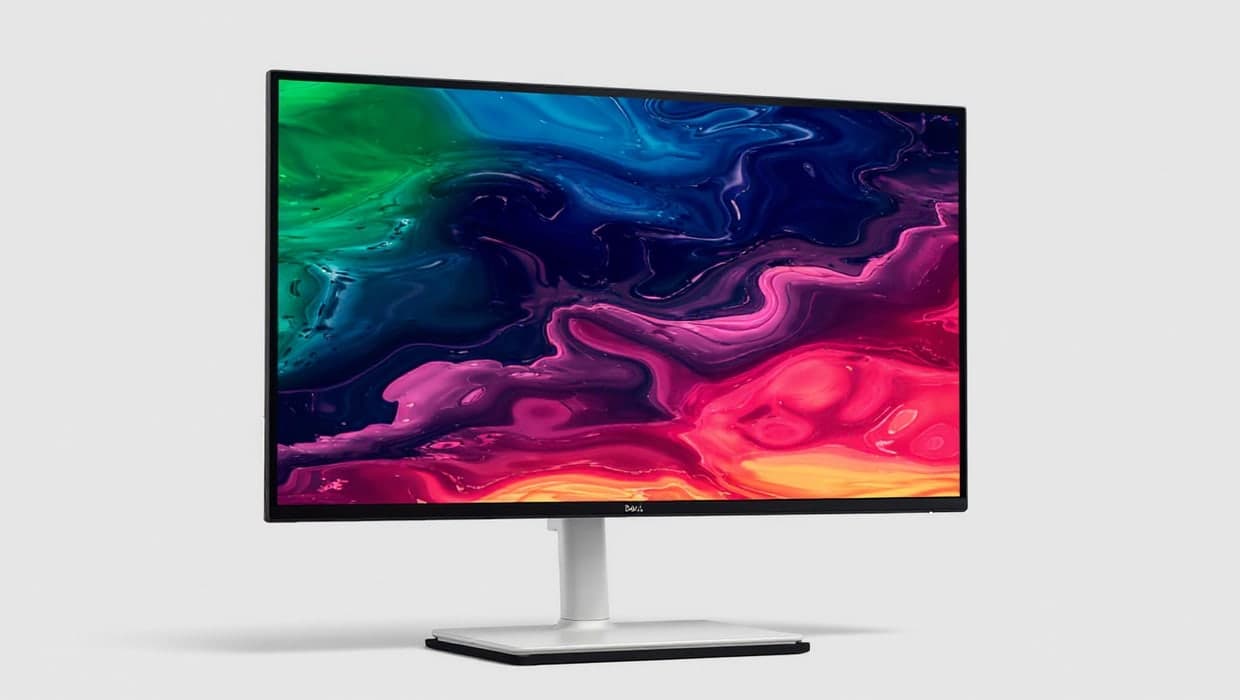
The best USB-C monitor for most Australian home offices is the Dell 27 Plus 4K (S2725QC). One USB-C cable gives your laptop a 4K picture at 120Hz, the monitor's USB ports and up to 65W of charging, and its stand adjusts for height, tilt, swivel and pivot. If your laptop's charger is rated above 65W, choose the Dell UltraSharp U2725QE, which delivers up to 140W over Thunderbolt 4.
Our picks at a glance
- View at Dell
Best overall
- View at Big W
Best 1440p pick
- View at Amazon AU
Best for bigger laptops
- View at Zylax
Best smart monitor
The picks in detail
- Top pick
Best overall
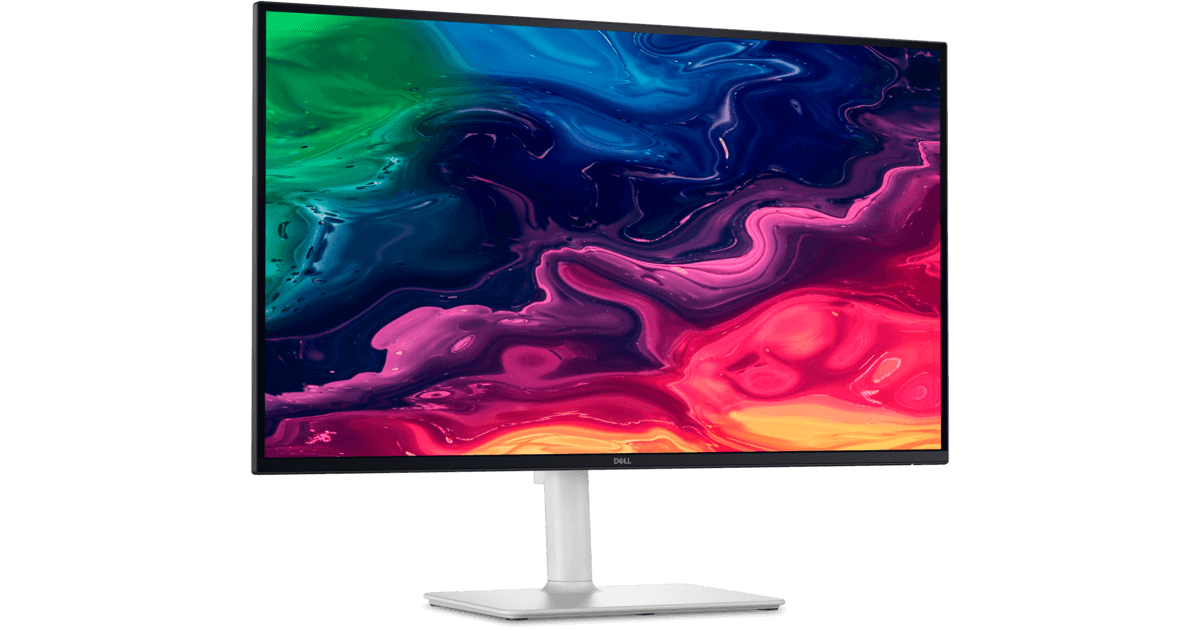
Dell 27 Plus 4K USB-C Monitor (S2725QC)
The Dell 27 Plus 4K is the one most Australian laptop users should buy.
View at DellIts 27-inch 4K IPS screen runs at 120Hz, and one USB-C port handles the picture (DisplayPort Alt Mode), 5Gbps data and up to 65W of charging. A second USB-C port supplies 15W for a phone, the stand adjusts for height, tilt, swivel and pivot, it has two 5W speakers, and Dell Australia lists a 3-year limited warranty. Buy it for a laptop with a 65W or smaller charger. If your laptop needs more power, look at the U2725QE instead.
What we like
- USB-C with picture, data and up to 65W
- 4K at 120Hz on a 27-inch IPS screen
- Fully adjustable stand; 3-year warranty listed by Dell Australia
Watch out for
- 65W may not keep up with high-power laptops
- USB data is 5Gbps, not Thunderbolt
- Best 1440p pick
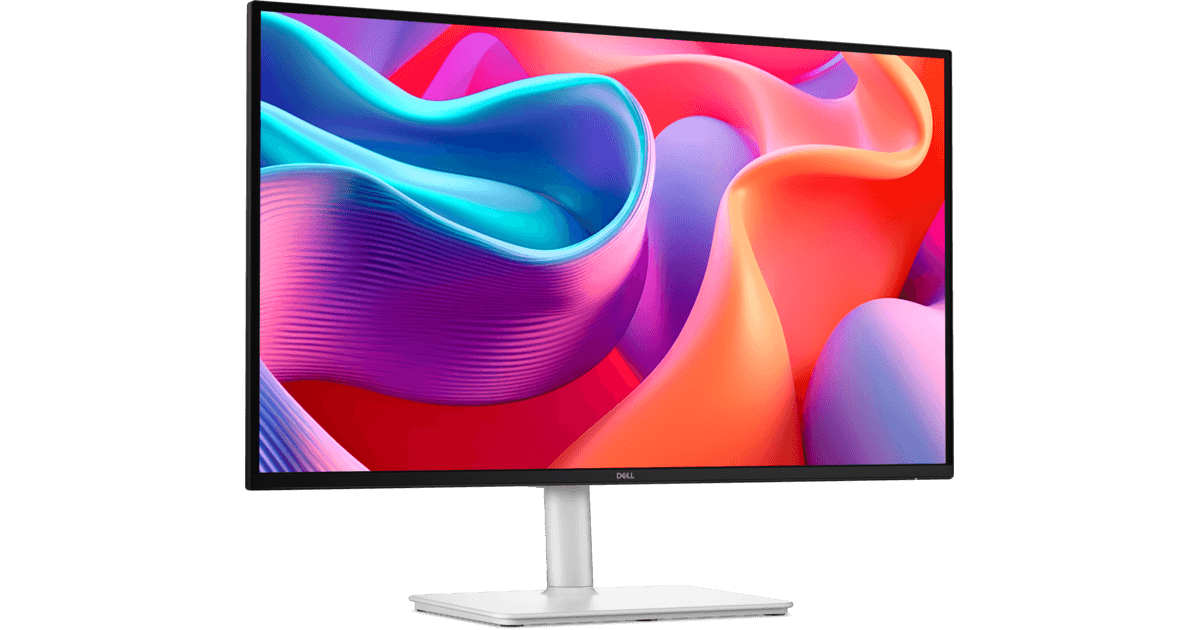
Dell 27 Plus QHD USB-C Monitor (S2725DC)
The Dell 27 Plus QHD swaps the 4K panel for 2560 x 1440 at 144Hz and keeps the rest: 65W USB-C with 5Gbps data, the stand that adjusts four ways, and two 3W speakers.
View at Big WScrolling looks smoother, and 1440p at 27 inches needs no display scaling, but text is less crisp than on the 4K model. Buy it if you notice motion more than sharpness. Skip it if you read a lot of small text or spreadsheets all day.
What we like
- USB-C with up to 65W of charging
- 144Hz refresh rate
- Height, tilt, swivel and pivot stand; two 3W speakers
Watch out for
- 1440p is less sharp than 4K at 27 inches
- Only one HDMI input
- Best for bigger laptops
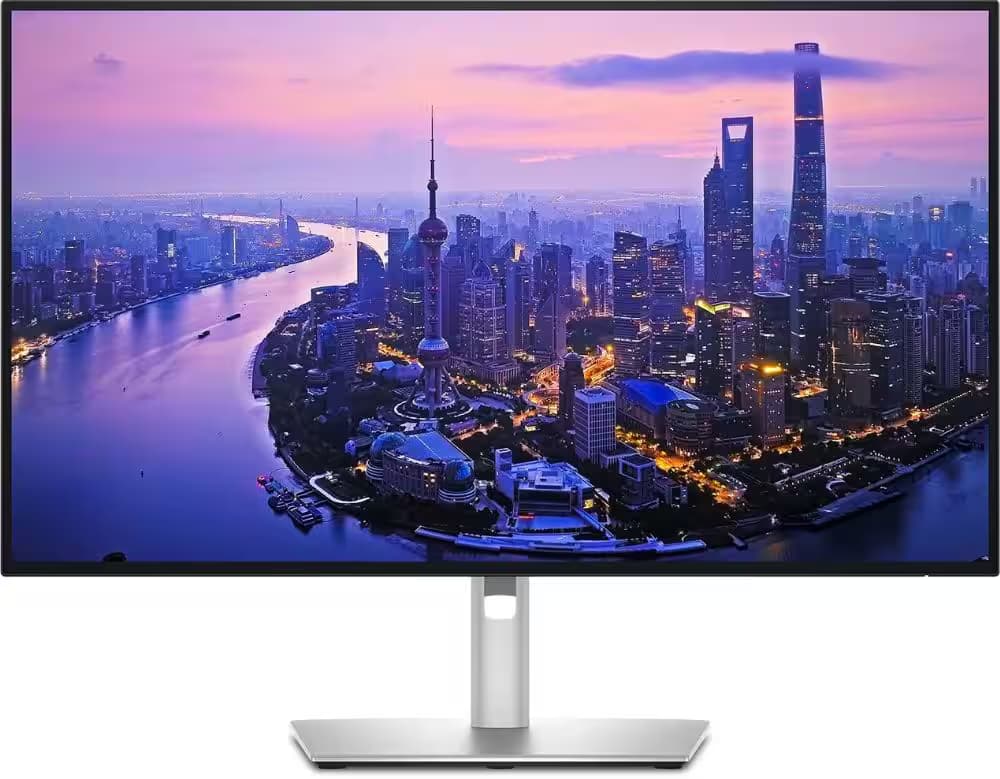
Dell UltraSharp 27 4K Thunderbolt Hub Monitor (U2725QE)
The Dell UltraSharp U2725QE suits a high-wattage laptop and a desk with plenty plugged in.
View at Amazon AUDell’s Australian page lists a 140W Thunderbolt 4 upstream port, 2.5 Gigabit Ethernet, five USB-A ports, HDMI 2.1 and a downstream Thunderbolt 4 port for daisy-chaining on a Windows laptop that supports it; Macs don’t support this DisplayPort daisy-chaining. Its 4K IPS Black panel runs at 120Hz with 99% DCI-P3. Buy it if your laptop charger is over 65W or you want wired Ethernet without a dock. Skip it for a simple one-laptop, one-screen desk.
What we like
- Thunderbolt 4 with up to 140W of charging
- 2.5 Gigabit Ethernet, five USB-A ports and HDMI 2.1
- 4K IPS Black panel at 120Hz, 99% DCI-P3
Watch out for
- More hub than a basic laptop desk will use
- Dell documents a display fault in some daisy chains with NVIDIA Quadro graphics cards
- Best smart monitor
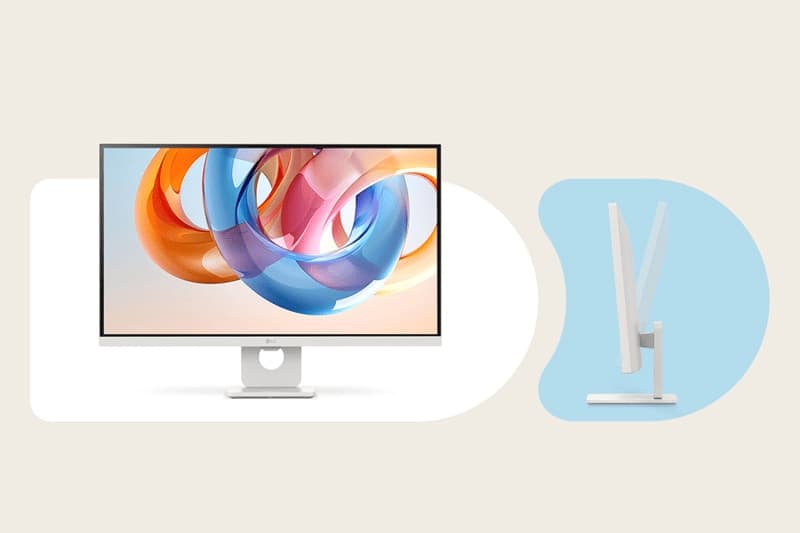
LG 27" 4K Smart Monitor with webOS (27U731SA-W)
LG’s 27-inch smart monitor runs webOS apps on its own, so it can play streaming services with no computer attached, and it adds a 4K IPS panel with 65W USB-C charging.
View at ZylaxTwo HDMI 2.0 inputs and two USB-A ports make room for a console or a second PC. Buy it for a study that doubles as a media room. Skip it if you want height adjustment: the stand only tilts, though it takes a 100 x 100mm VESA mount. It runs at 60Hz, LG lists no speakers, and Zylax is the only Australian retailer we could confirm stocks this exact model.
What we like
- USB-C with up to 65W of charging
- Built-in webOS apps
- Two HDMI 2.0 inputs
Watch out for
- Tilt-only stand
- 60Hz refresh rate; one Australian retailer found
The short version
- Best overall: Dell 27 Plus 4K (S2725QC). 4K at 120Hz, 65W USB-C, fully adjustable stand.
- Best 1440p pick: Dell 27 Plus QHD (S2725DC). 1440p at 144Hz with the same 65W USB-C.
- Best for bigger laptops: Dell UltraSharp U2725QE. 140W Thunderbolt 4 with Ethernet built in.
- Best smart monitor: LG 27U731SA-W. 4K, 65W USB-C and webOS apps.
The four compared
Monitor | Resolution | Refresh | Laptop charging | Stand |
|---|---|---|---|---|
Dell S2725QC | 3840 x 2160 | 120Hz | USB-C, up to 65W | Height, tilt, swivel, pivot |
Dell S2725DC | 2560 x 1440 | 144Hz | USB-C, up to 65W | Height, tilt, swivel, pivot |
Dell U2725QE | 3840 x 2160 | 120Hz | Thunderbolt 4, up to 140W | Height, tilt, swivel, pivot |
LG 27U731SA-W | 3840 x 2160 | 60Hz | USB-C, up to 65W | Tilt only |
Each is a 27-inch IPS monitor. At this size 4K is the sharper choice for text, while 1440p avoids scaling and reaches 144Hz on the S2725DC.
Which one suits your desk
- A work laptop, one screen, keyboard and mouse: the Dell 27 Plus 4K. Plug your keyboard and mouse into the monitor and the single cable carries them too.
- You prefer smooth scrolling to the sharpest text: the Dell 27 Plus QHD.
- A performance laptop with a big charger, or you want wired Ethernet at the desk: the UltraSharp U2725QE.
- The monitor also has to stream shows or take a console: the LG 27U731SA-W.
Three checks before you buy any USB-C monitor
- Charging wattage. Find the wattage printed on your laptop's charger. A monitor that supplies the same or more can replace it; one that supplies less still charges, more slowly, and the battery can drain under heavy load. Some monitors sold as "USB-C" supply only 15W, which won't keep a laptop charged. We left LG's 27U631A-B and 32U631A-B out for that reason.
- Video on the laptop's port. The port has to support DisplayPort Alt Mode or Thunderbolt, plus USB Power Delivery. Most recent laptops do; some budget models carry only data.
- The exact model number. Dell and LG sell regional variants, so match the full model number on the listing to the one here.
Built-in hub or a dock?
For one laptop and one monitor, the monitor's hub replaces a dock. Buy a dock if you want two external screens or more ports than a monitor offers. The U2725QE narrows the gap with Ethernet, five USB-A ports and a daisy-chain port, though daisy-chaining works only on Windows laptops that support it.
Using one with a MacBook
Every monitor here works with a MacBook over USB-C or Thunderbolt. macOS doesn't support DisplayPort MST daisy-chaining, so on a Mac connect each screen separately or through a dock. How many external displays a MacBook can run depends on its chip; Apple lists it in each model's tech specs. For the crispest macOS text, a 27-inch 5K screen scales more neatly than 4K, but most people find 4K perfectly readable.
Buying in Australia
The shop buttons beside each pick show who stocks it: PB Tech, Big W and Dell for the 27 Plus 4K; PB Tech and Big W for the 27 Plus QHD; Scorptec, Amazon AU and Dell for the U2725QE; and Zylax for the LG.
Under the Australian Consumer Law, products you buy come with consumer guarantees: they must be of acceptable quality, match their description and do what they're meant to. If a monitor fails one of these, you're entitled to a repair, replacement or refund from the retailer, on top of any manufacturer warranty. The ACCC explains how the guarantees work.
Adding a camera and microphone
These monitors have no webcam or microphone. Our webcam guide and USB microphone guide cover both for Zoom and Teams calls.
How we chose
These recommendations are research-based. We have not tested these monitors. We began with monitors that Australian retailers sell, read each maker's published specifications (linked under Sources), removed any "USB-C" monitor supplying under 60W, and favoured adjustable stands. We weighed charging wattage first, then resolution for a 27-inch screen and stand adjustment. We show Australian retailers we could confirm sell the exact model, and we don't compare their prices.
Questions people ask
Can any laptop run a USB-C monitor over one cable?
Only if its USB-C port supports video (DisplayPort Alt Mode or Thunderbolt) and USB Power Delivery charging. Most recent laptops do; check your laptop maker’s spec page for the port you plan to use.
Will a 65W USB-C monitor charge my laptop?
Yes, fully, if your laptop’s charger is rated 65W or less. A laptop with a bigger charger usually still charges, just more slowly, and can drain under heavy load.
Is Thunderbolt better than USB-C for a monitor?
Thunderbolt shares the USB-C connector but guarantees faster data and extras such as daisy-chaining. For one screen with a keyboard and mouse, USB-C with enough wattage is usually all you need.
Should I pick 4K or 1440p at 27 inches?
4K for the crispest text; 1440p if you want 100% scaling and smoother motion, since the Dell S2725DC reaches 144Hz.
What happens if my monitor develops a fault?
Under the Australian Consumer Law, a product must be of acceptable quality. If it isn’t, go back to the retailer for a repair, replacement or refund; any manufacturer warranty is in addition to those guarantees.
Sources we used
- Dell 27 Plus 4K USB-C Monitor (S2725QC) (Dell Australia)
- Dell 27 Plus QHD USB-C Monitor (S2725DC) spec sheet (Dell)
- Dell UltraSharp 27 4K Thunderbolt Hub Monitor (U2725QE) (Dell Australia)
- Dell support: U2723QE, U2725QE or U3225QE abnormal or no video with an NVIDIA Quadro daisy chain
- LG 27U731SA-W spec sheet (LG)
- LG 27U631A-B spec sheet (15W USB-C, left out) (LG)
- Consumer rights and guarantees (ACCC)