The Logitech MX Keys S is the right keyboard for most Australian home offices. Its scissor keys feel like a premium laptop keyboard, quiet and low, on a full-size board with a number pad. Choose the Logitech MX Mechanical if you want mechanical switches: Tactile Quiet, Linear or Clicky, all low profile, with a longer battery life on Logitech’s figures. Both charge over USB-C, connect by Bluetooth or the included Logi Bolt receiver, and hop between three devices. For mice, desks and the rest of the setup, start with our ergonomic keyboard and mouse guide.
Our picks at a glance
- View at Amazon AU
Laptop-style keys on a full-size board
- View at Amazon AU
A mechanical feel without a gaming look
Logitech MX Mechanical Wireless Keyboard, Tactile Quiet, Graphite (920-010547)
The picks in detail
- Top pick
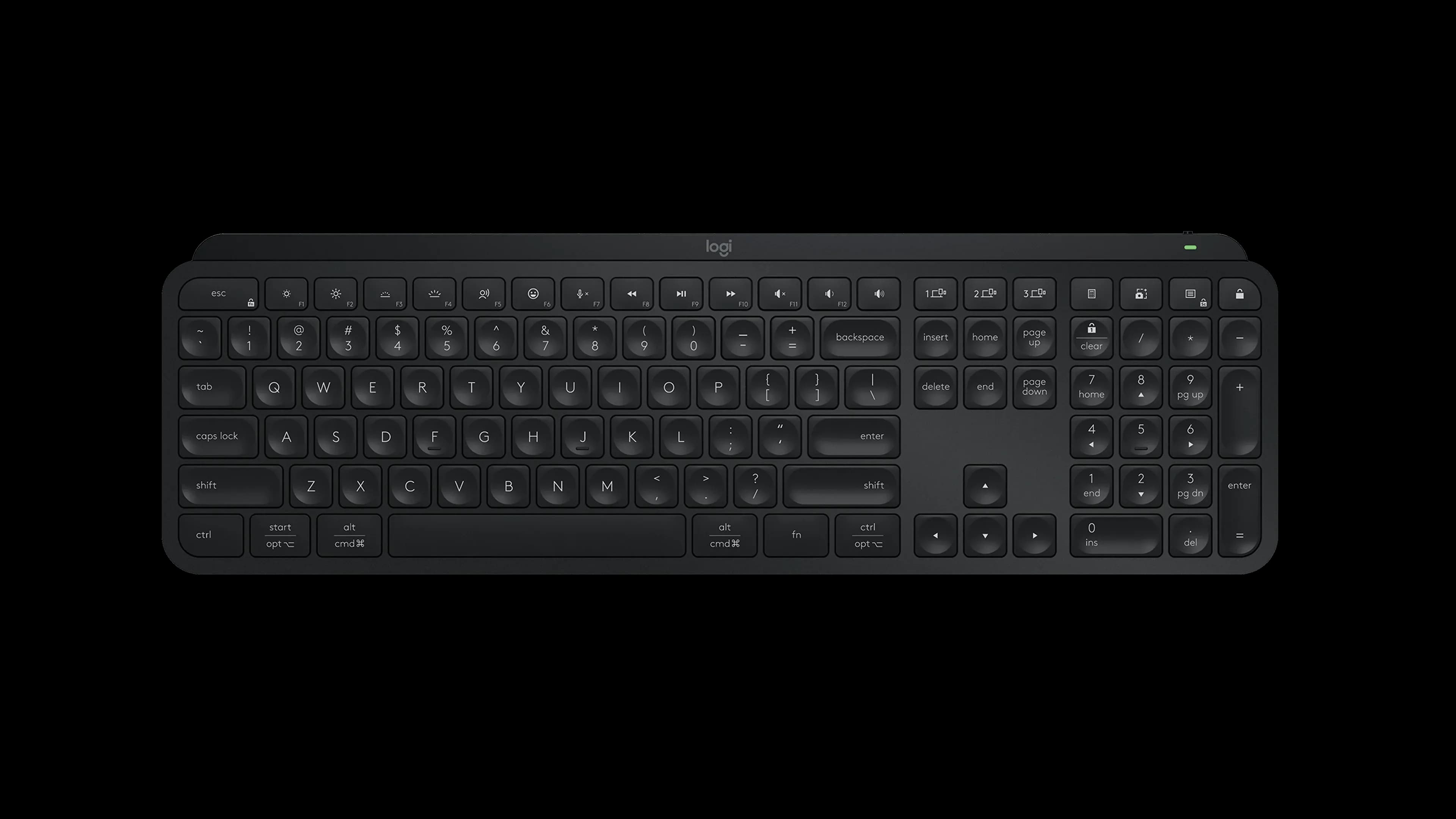
Laptop-style keys on a full-size board
Logitech MX Keys S Wireless Keyboard, Black (920-011406)
Most Australian buyers will be happiest with the MX Keys S.
View at Amazon AUIt uses scissor keys, the mechanism inside most laptops, so each press is short and soft and there is nothing new to get used to. The keycaps are dished, the backlight comes on as your hands near the board, and at about 2 cm it is the slimmer of the two. Logitech quotes up to 10 days per charge with the backlight on, or up to 5 months with it off. Get it if you want a calm, familiar keyboard for long days of email and documents. Look elsewhere if you are after the tactile bump or click of a mechanical switch.
What we like
- Scissor keys: short, quiet and familiar from laptops
- Slimmer of the two, at about 2 cm thick
- Graphite or Pale Gray on Logitech’s Australian store
Watch out for
- No switch options: one key feel for everyone
- Shorter battery life than the MX Mechanical on Logitech’s figures
- Logi Options+ customisation needs Windows or macOS
- A mechanical feel without a gaming look
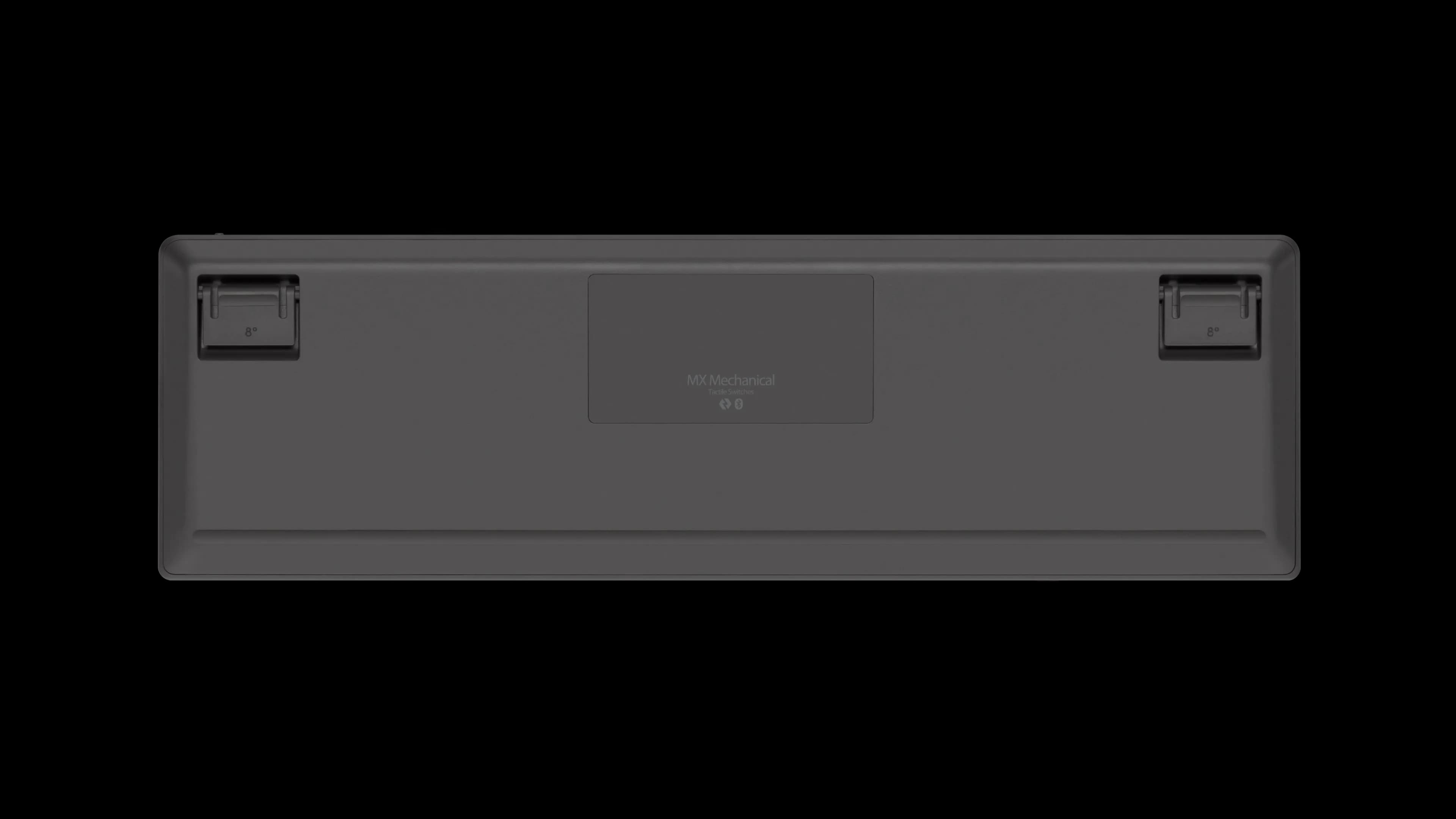
Logitech MX Mechanical Wireless Keyboard, Tactile Quiet, Graphite (920-010547)
The MX Mechanical is the pick if you want mechanical switches in a keyboard that still looks like office kit.
View at Amazon AUIts low-profile mechanical switches come in Tactile Quiet, Linear or Clicky; Officeworks and JB Hi-Fi list the Tactile Quiet version covered here. Logitech quotes up to 15 days per charge, or up to 10 months with the backlight off, so it outlasts the MX Keys S. It is about 2.6 cm thick, and Logitech lists the MX Palm Rest as a match. Get it if you want a distinct switch feel and less charging. Look elsewhere if you work beside someone on calls and want the quietest keyboard possible.
What we like
- Tactile Quiet, Linear or Clicky low-profile mechanical switches
- Up to 10 months per charge with the backlight off
- Pairs with Logitech’s MX Palm Rest
Watch out for
- About 6 mm thicker than the MX Keys S
- Each switch has its own part number, so match the listing to the switch you want
- Early firmware needed a fix for keys registering twice (July 2022); update through Logi Options+
The short version
- Buy the MX Keys S if your current keyboard is a laptop, you want the quieter board, or you like the Pale Gray colour.
- Buy the MX Mechanical if mechanical switches are the point, or you want the longest time between charges.
- Pick Tactile Quiet on the MX Mechanical unless you know you want Linear. Leave Clicky for a room of your own.
- Neither is split or curved. For those shapes, see our best ergonomic keyboards guide.
Side by side
| Logitech MX Keys S | Logitech MX Mechanical |
|---|---|---|
Keys | Scissor keys, low profile | Low-profile mechanical: Tactile Quiet, Linear or Clicky |
Layout | Full size with number pad, US English | Full size with number pad, US English |
Battery | 1500 mAh; up to 10 days, or 5 months with backlight off | 1500 mAh; up to 15 days, or 10 months with backlight off |
Connection | Bluetooth Low Energy or Logi Bolt (included); 10 m | Bluetooth or Logi Bolt (included); 10 m |
Devices | 3, with Easy-Switch keys | 3, with Easy-Switch keys |
Thickness | 20.5 mm | 26.1 mm |
Weight | 810 g | 828 g |
Logitech AU part numbers | 920-011563 (Graphite), 920-011564 (Pale Gray) | 920-010760, 920-010761, 920-010762 (one per switch) |
Battery figures are Logitech’s and vary with use.
Buying in Australia
Australia uses the US English layout, and that is the only one Logitech’s Australian store lists for both keyboards, so layout is not a worry here. What you do need to check is the variant:
- MX Keys S: Officeworks and JB Hi-Fi list it in Graphite. Logitech’s Australian MX Keys S page lists Graphite (920-011563) and Pale Gray (920-011564).
- MX Mechanical: Officeworks and JB Hi-Fi list the Tactile Quiet version in Graphite. If you want Linear or Clicky, choose it on Logitech’s Australian MX Mechanical page, which sells all three, or confirm the switch on an Amazon AU listing before you buy.
Under the Australian Consumer Law, a keyboard must be of acceptable quality and match its description. For a major fault you can choose a refund or replacement; for a minor one, the retailer can repair it. Disliking the feel isn’t a fault, so check the store’s change-of-mind policy if you are unsure.
Scissor keys vs mechanical switches
Each MX Keys S key sits on a scissor mechanism, a small hinged frame that keeps the cap level over a rubber dome. Laptops use the same idea, which is why the MX Keys S is quiet and easy to move to. Logitech adds dished keycaps and extra key stability for less noise.
The MX Mechanical has an individual mechanical switch under every key, made low profile so the board stays slim. Logitech’s keyboard guide explains the three on offer:
- Tactile Quiet: a noticeable bump on each press, no click. Logitech calls it "Quiet mechanical typing" without giving a noise figure.
- Linear: smooth from top to bottom, with no bump or click.
- Clicky: a bump plus an audible click on every key.
In an open-plan living area or a shared study, Tactile Quiet or Linear is the considerate choice.
Battery and connection
Both have a 1500 mAh battery and charge over USB-C. Leave the backlight on and you are charging every week or two (10 days for the MX Keys S, 15 for the MX Mechanical); switch it off and Logitech quotes 5 and 10 months.
Each keyboard comes with a Logi Bolt receiver and also pairs over Bluetooth, with a 10 m range. Older Logitech Unifying receivers won’t work with either. On a Mac using FileVault, use the Logi Bolt receiver so the keyboard works at the login screen.
For the MX Mechanical, install firmware updates when Logi Options+ offers them. Logitech’s release notes show a July 2022 update that added a 70 ms delay to stop keys registering twice.
Size on the desk
Footprint is almost identical: roughly 43 cm wide and 13 cm deep. Height is the difference, at 20.5 mm for the MX Keys S and 26.1 mm for the MX Mechanical. If the taller board feels high, Logitech’s MX Palm Rest is designed for it. For a small desk, the MX Keys Mini and MX Mechanical Mini drop the number pad; this comparison doesn’t cover them.
Software and systems
Both type normally over Bluetooth on Windows, macOS, Linux, ChromeOS, iPadOS and Android, and the MX Mechanical also lists iOS. Logi Options+, for custom keys and backlight settings, is only for Windows and macOS.
Which one should you get?
- Long days of writing and email, coming from a laptop: MX Keys S.
- You want a mechanical keyboard for work: MX Mechanical, Tactile Quiet.
- Someone else is in the room: MX Keys S, or the MX Mechanical in Tactile Quiet or Linear.
- You want the fewest charges: MX Mechanical, with the backlight off.
- You want a different shape or mouse: see our ergonomic keyboards guide and vertical mouse vs trackball comparison.
How we chose
We have not tested these keyboards. We compared Logitech’s published specifications, keyboard guide and firmware notes, and took the Australian part numbers and colours from Logitech’s Australian store. The scissor mechanism of the MX Keys S is listed on Logitech’s MX Keys spec sheet.
Questions people ask
Does the MX Keys S have mechanical switches?
No. It uses scissor keys, as most laptops do. The MX Mechanical is Logitech’s mechanical version of the same idea.
Which MX Mechanical switch do Officeworks and JB Hi-Fi sell?
Both list the Tactile Quiet version in Graphite. For Linear or Clicky, Logitech’s Australian store sells all three switch types.
Do I need to worry about the keyboard layout in Australia?
Not usually. Australia uses the US English layout, and it is the only layout Logitech’s Australian store lists for both keyboards.
Which keyboard lasts longer on a charge?
The MX Mechanical: up to 15 days, or 10 months with the backlight off, against up to 10 days, or 5 months, for the MX Keys S.
What are my rights if the keyboard is faulty?
The Australian Consumer Law guarantees apply. For a major fault you can choose a refund or a replacement; for a minor fault the retailer can repair it.
Sources we used
- Logitech MX Keys S, colours and part numbers (Logitech Australia)
- Logitech MX Mechanical, switches and part numbers (Logitech Australia)
- Logitech MX Keys S specifications (Logitech)
- Logitech MX Mechanical specifications (Logitech)
- Logitech: Mechanical vs. membrane keyboards, how to choose the right one
- Logitech: MX Keys for Business specifications (keyboard type: scissor keys)
- Logitech Support: MX Mechanical firmware release notes
- ACCC: Consumer rights and guarantees