
Our picks
Best overall
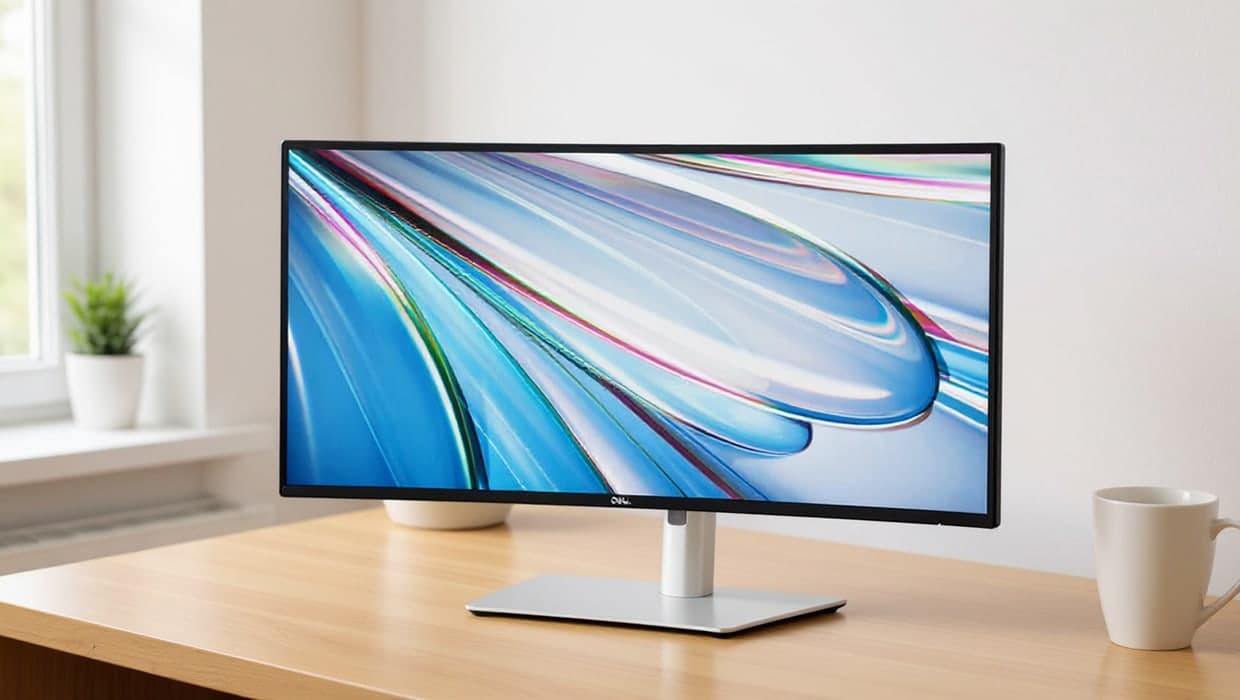
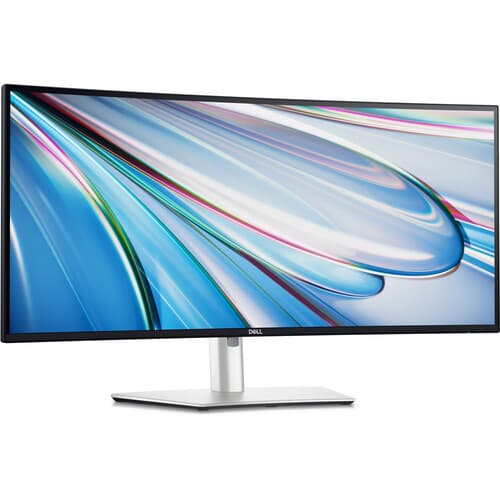
1. Dell UltraSharp U3425WE
The U3425WE pairs a 34-inch curved IPS panel with a single Thunderbolt 4 cable that carries video, data and power to a compatible laptop, so a whole ultrawide desk setup connects and disconnects in one plug. Its 98% DCI-P3 and 100% sRGB coverage puts it ahead of the VA-panel monitors here for colour-sensitive work, and 2000:1 contrast plus a height, tilt and swivel stand round out a genuinely office-first design. It costs more than the others, and its contrast ratio is lower than the VA options below.
Pros
- Single-cable Thunderbolt 4 dock: video, data and power
- 98% DCI-P3 and 100% sRGB colour coverage
- Height, tilt and swivel adjustable stand
Cons
- The most expensive of the five
- Lower contrast (2000:1) than this list's VA panels
Best value with USB-C
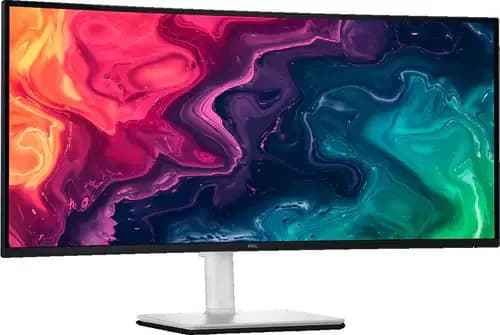
2. Dell S3425DW
Dell's S3425DW brings the same USB-C single-cable idea to a lower price, with a VA panel instead of the U3425WE's IPS: it trades some off-angle colour accuracy for a stronger 3000:1 contrast ratio, which suits dim rooms and mixed office lighting well. 95% DCI-P3 coverage and HDR readiness make it a capable all-rounder for spreadsheets, documents and the odd video call. It doesn't reach the U3425WE's Thunderbolt speeds, but for most home-office USB-C laptops the difference won't be noticeable.
Pros
- USB-C single-cable connection
- 3000:1 contrast ratio, HDR-ready
- Height, slant and tilt adjustable stand
Cons
- VA panel colour accuracy trails the U3425WE
- No Thunderbolt
Also at: Dell, Micro Center
Best for laptop charging
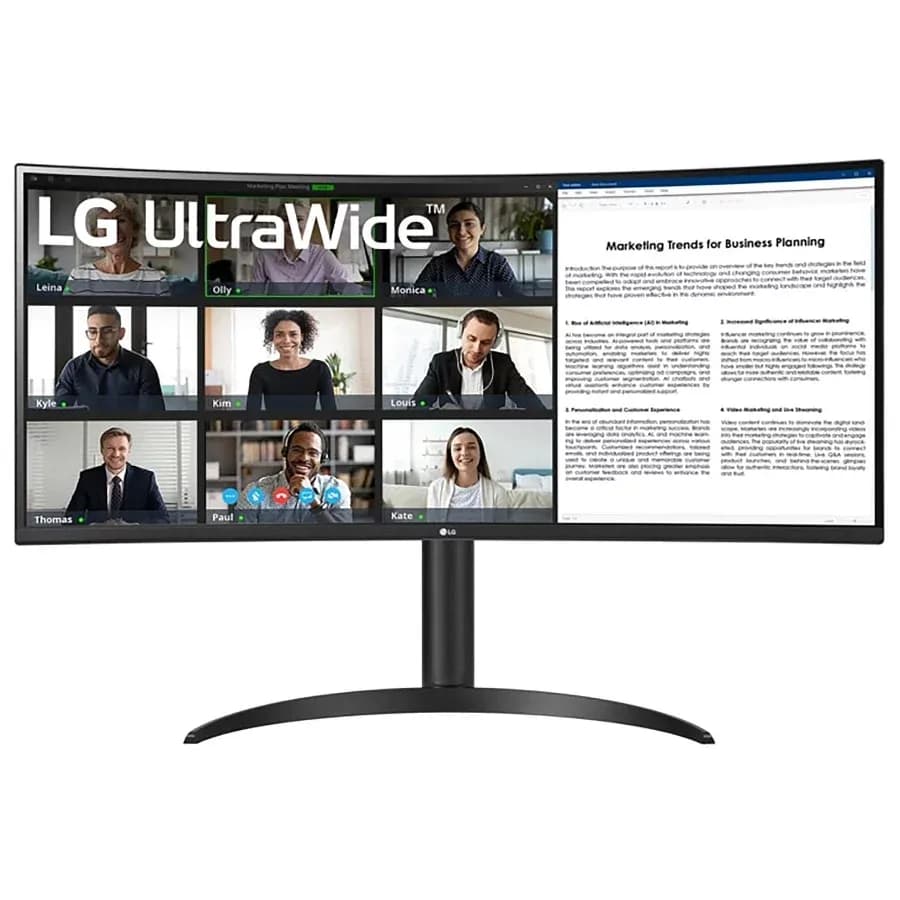
3. LG 34WR55QK-B
This LG UltraWide is the pick if the point of a single cable is charging your laptop: its USB-C connection carries 65W of power delivery alongside video, enough for most ultrabooks. Picture-by-Picture support lets you view two input sources side by side, useful for anyone splitting time between a laptop and a desktop or console. It's a VA panel with a 3000:1 contrast ratio and 99% sRGB coverage, so colour accuracy is solid rather than exceptional.
Pros
- USB-C with 65W laptop charging
- Picture-by-Picture: two input sources at once
- HDR10 support
Cons
- 100Hz refresh, lower than the Dell monitors here
- VA panel, not IPS
Also at: LG
Best flat-screen pick
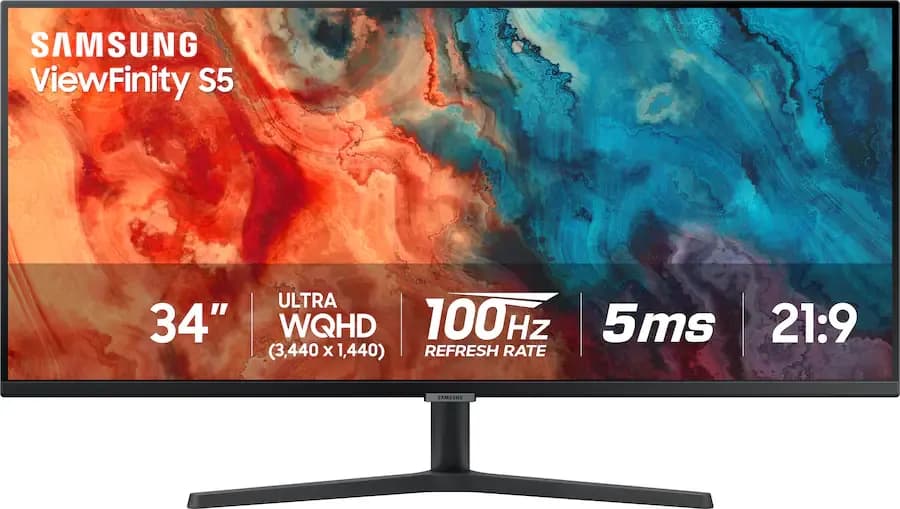
4. Samsung ViewFinity S50GC
Samsung's ViewFinity line is aimed at office use, and the S50GC is the flat option in this list: no curve, which some readers genuinely prefer for spreadsheet columns and side-by-side documents. It sticks to DisplayPort and HDMI rather than USB-C, so a laptop still needs its own charger and a dock or hub for other accessories. At 100Hz and 3000:1 contrast, it's a straightforward ultrawide for anyone who wants the width without the curve.
Pros
- Flat screen option (no curve)
- AMD FreeSync
- Straightforward DisplayPort/HDMI
Cons
- No USB-C: needs a separate charger and hub
- 100Hz refresh rate
Best colour range
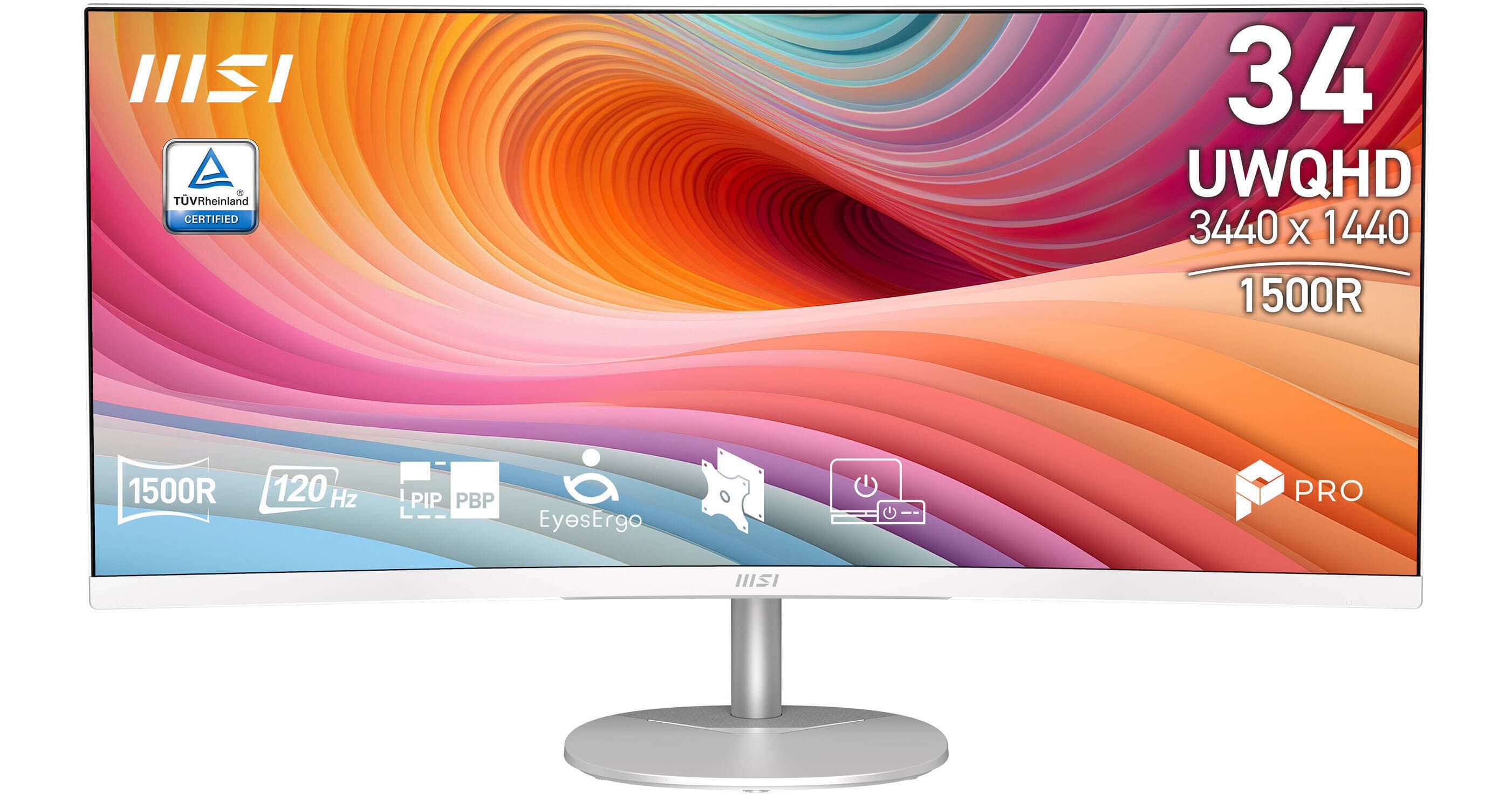
5. MSI PRO MP341CQW E12
MSI markets the PRO MP341CQW explicitly as a business monitor, and its spec sheet backs that up: 91% DCI-P3, 89% Adobe RGB and 114% sRGB is the widest colour coverage of the five monitors here, useful if your work touches photo or video editing alongside the usual office tasks. Built-in speakers mean one less cable on the desk, and its 3500:1 contrast ratio is the highest here. It has no USB-C, so a laptop needs a separate cable, or a dock, for video and power.
Pros
- Widest colour coverage here (91% DCI-P3, 114% sRGB)
- Highest contrast ratio (3500:1)
- Built-in speakers
Cons
- No USB-C
- Sold at fewer major retailers than the Dell and Samsung picks
Also at: Best Buy, Micro Center
A good ultrawide monitor for work does two things a dual-monitor setup often can't: it gives you one continuous canvas for wide spreadsheets and side-by-side documents, and it can replace several cables with one, if you pick a model with USB-C or Thunderbolt. The five monitors above were chosen for exactly that, not for the high refresh rates and RGB lighting most "best ultrawide monitor" searches turn up, which are built for gaming, not spreadsheets.
New to choosing a monitor? Our guide to choosing a home-office monitor covers size, resolution and connectivity before you pick a model.
The short version
- Best overall: Dell UltraSharp U3425WE — a single Thunderbolt 4 cable for video, data and charging, with the best colour accuracy here.
- Best value with USB-C: Dell S3425DW — the same single-cable idea, at a lower price.
- Best for laptop charging: LG 34WR55QK-B — USB-C with 65W of power delivery.
- Best flat-screen pick: Samsung ViewFinity S50GC — no curve, for anyone who prefers straight lines.
- Best colour range: MSI PRO MP341CQW E12 — the widest colour gamut coverage of the five.
See our Monitors hub for the rest of our monitor coverage, including dual-monitor setups and monitor arms.
How we chose
These recommendations are research-based: we haven't tested every monitor here ourselves. Each pick was checked against its manufacturer's or retailer's own published spec sheet (linked in Sources below), not just a shopping listing title, and cross-checked for stock and price across at least two retailers. We excluded gaming-branded monitors (high refresh rates, RGB lighting) even where they're well reviewed, because that's not what a home-office desk needs, and we favoured monitors from brands with an established US retail and support presence over unfamiliar budget brands.
We looked at four things for each monitor:
- Connectivity. Does it carry video, data and charging over one USB-C or Thunderbolt cable, or does it need a separate charger and a dock for other accessories?
- Panel type and colour. IPS panels generally hold colour and viewing angles better; VA panels generally hold contrast better in a mixed-light room.
- Curve. A curved screen keeps the far edges roughly equidistant from your eyes; a flat screen keeps lines dead straight for spreadsheets, at the cost of viewing angle at the edges.
- Price and availability. All five are in stock at the time of writing, at more than one US retailer where possible.
How they compare
Monitor | Panel | Resolution | Refresh | Connectivity | Best for |
|---|---|---|---|---|---|
Dell UltraSharp U3425WE | IPS, curved | 3440×1440 | 120Hz | Thunderbolt 4, DisplayPort, HDMI | Best overall |
Dell S3425DW | VA, curved | 3440×1440 | 120Hz | USB-C, DisplayPort, HDMI | Best value with USB-C |
LG 34WR55QK-B | VA, curved | 3440×1440 | 100Hz | USB-C (65W), DisplayPort, HDMI | Best for laptop charging |
Samsung ViewFinity S50GC | VA, flat | 3440×1440 | 100Hz | DisplayPort, HDMI | Best flat-screen pick |
MSI PRO MP341CQW E12 | VA, curved | 3440×1440 | 120Hz | DisplayPort, HDMI | Best colour range |
All five share the same 3440×1440 resolution at a 21:9 aspect ratio, which is the standard for a 34-inch ultrawide: the same pixel density as a regular 1440p monitor, stretched wider rather than taller, so text and window sizes stay comfortable without adjusting Windows display scaling.
USB-C, Thunderbolt, or neither
Three of the five carry video and power over a single cable: the Dell U3425WE (Thunderbolt 4), the Dell S3425DW and the LG 34WR55QK-B (both USB-C, the LG with 65W of charging specifically called out). If your laptop supports it, this is worth paying for: it turns "plug in for the day" into one cable instead of a power adapter plus a video cable plus anything else you need. The Samsung and MSI monitors stick to DisplayPort and HDMI, which means a separate charger for your laptop and, if you want more than a video connection, a dock or hub alongside the monitor. If that's the case for you, see our guide to docks, hubs and cables for how to add the rest of the connections a monitor alone won't give you.
Curved or flat
Four of the five monitors here are curved; the Samsung ViewFinity S50GC is flat. A curve keeps the far left and right edges of a 34-inch screen roughly the same distance from your eyes as the centre, which some people find easier on long sessions. A flat screen keeps every line in a spreadsheet or document perfectly straight, with no curve to account for, which others prefer for that reason alone. Neither is objectively better for office work; it's worth trying both in a shop if you can before deciding.
Every monitor above is checked and available from at least one of the retailers listed at the time of writing. Prices and stock change, so the shop's own page is always the accurate source for what you'd pay today.
Frequently asked questions
Do I need a new graphics card for an ultrawide monitor?
No. Any laptop or desktop with a DisplayPort, HDMI or USB-C video output from the last several years can drive a 3440×1440 ultrawide at its native refresh rate. A dedicated graphics card only matters if you also want high frame rates for gaming.
Curved or flat: does it matter for office work?
It's mostly personal preference. A curve keeps the far edges of a wide screen roughly equidistant from your eyes; a flat screen keeps lines in spreadsheets and documents perfectly straight. The Samsung ViewFinity S50GC above is the only flat option.
Do I still need a dock if my monitor has USB-C?
Often not, if you only need the monitor plus a couple of accessories: the Dell S3425DW, the LG 34WR55QK-B and the Dell U3425WE's Thunderbolt port can all carry video, data and charging over one cable. If you need more ports than the monitor itself offers, see our guide to docks, hubs and cables.
Is 3440×1440 enough resolution for a 34-inch ultrawide?
Yes, for office work. It's the same pixel density as a standard 1440p monitor stretched wider, so text and interface elements stay a comfortable size without adjusting Windows display scaling.