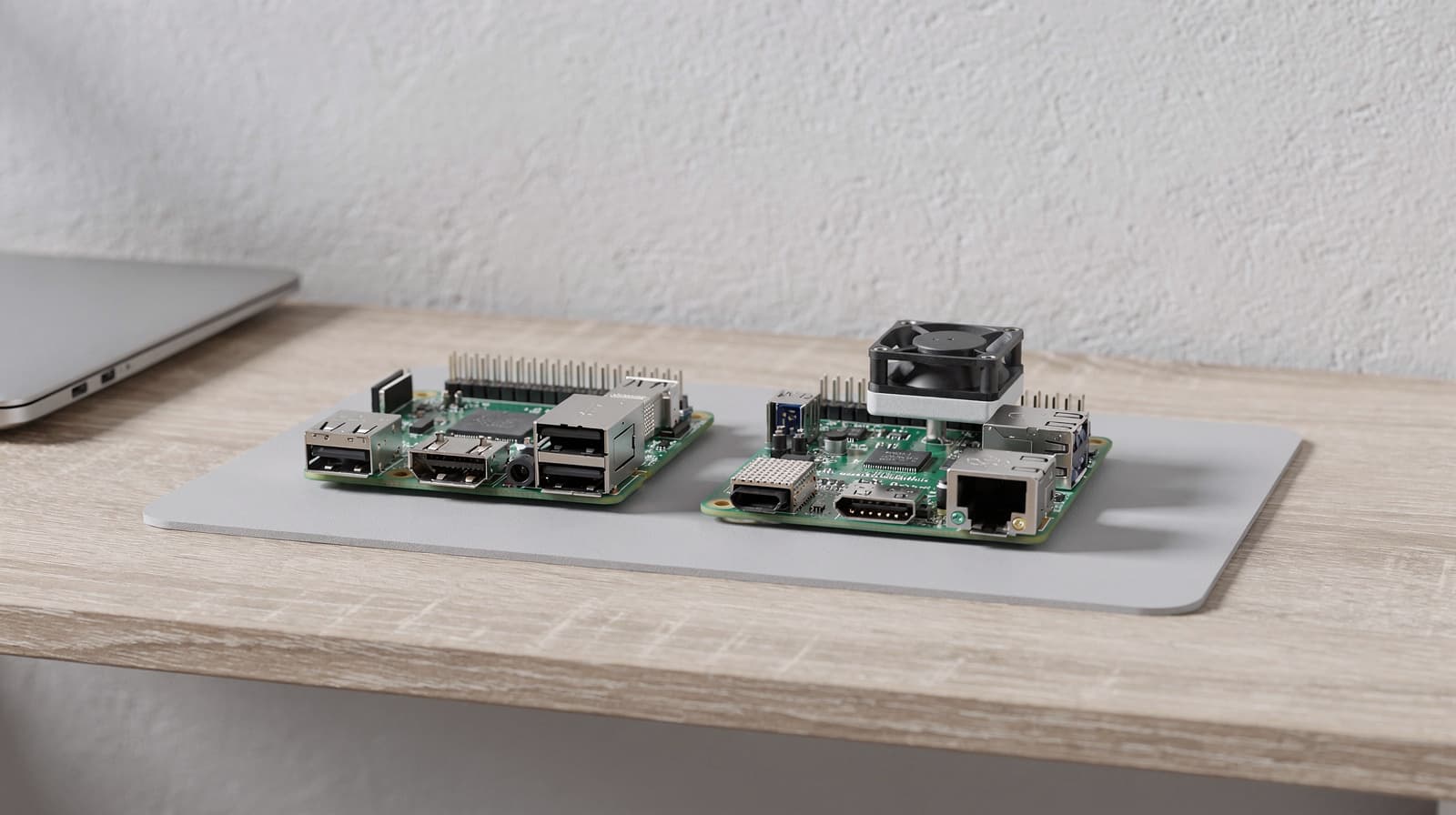
For a new Raspberry Pi project in Australia, Pi 5 is our starting choice when you want the newer platform and room for a more demanding project. Keep a Pi 4 that already runs your intended service reliably. Choose between them by checking software and accessories first, then comparing complete setups rather than bare boards. A different processor does not make incompatible software or an unsuitable power supply work.
Our picks at a glance
- View at Altronics
For a new Raspberry Pi project
- View at element14
For a project that specifically needs Pi 4
The picks in detail
- Top pick
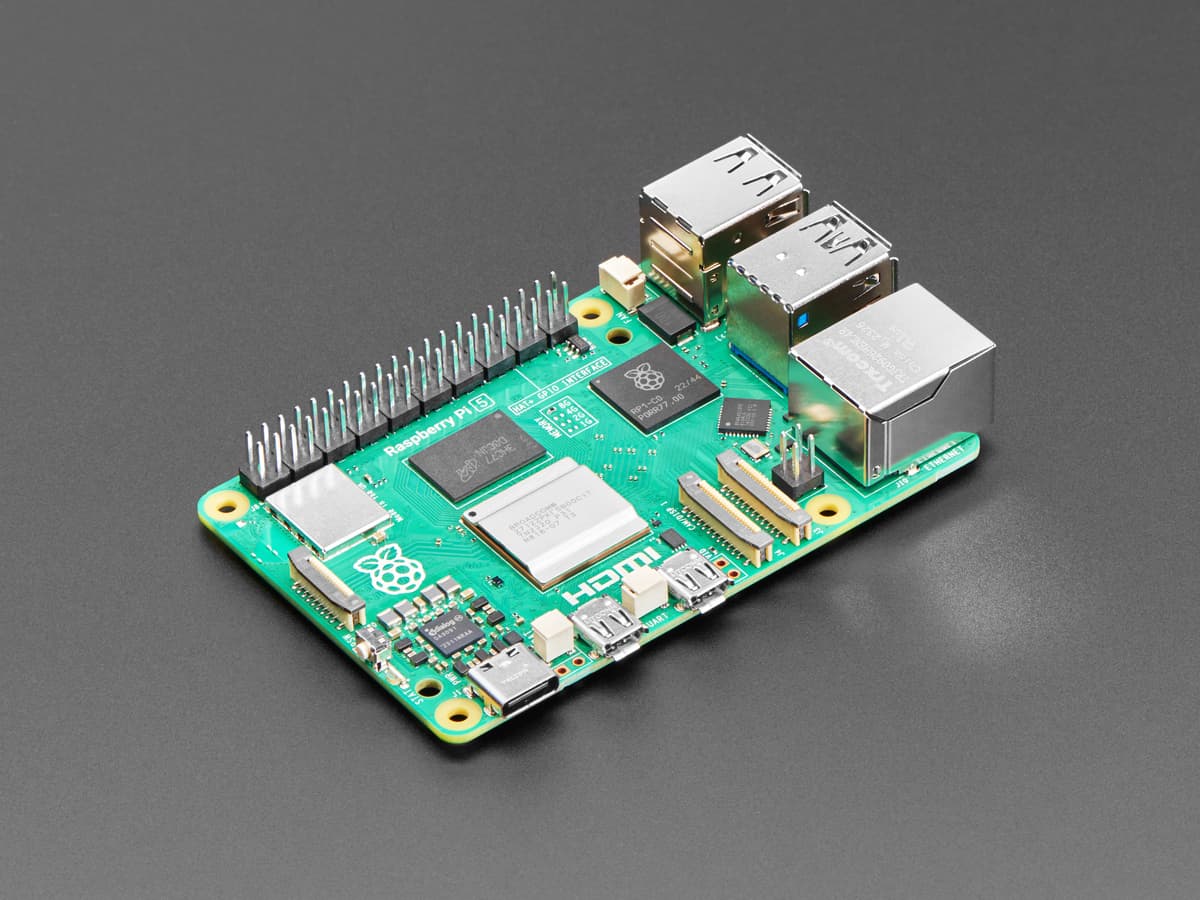
For a new Raspberry Pi project
Raspberry Pi 5, 8GB (SC1112)
The Pi 5 8GB is an option for a new project whose software supports it.
View at AltronicsThis listing is for the board: plan the power supply, storage, case and cooling separately. Check accessory compatibility rather than assuming Pi 4 parts fit. We have not benchmarked this board.
- For a project that specifically needs Pi 4
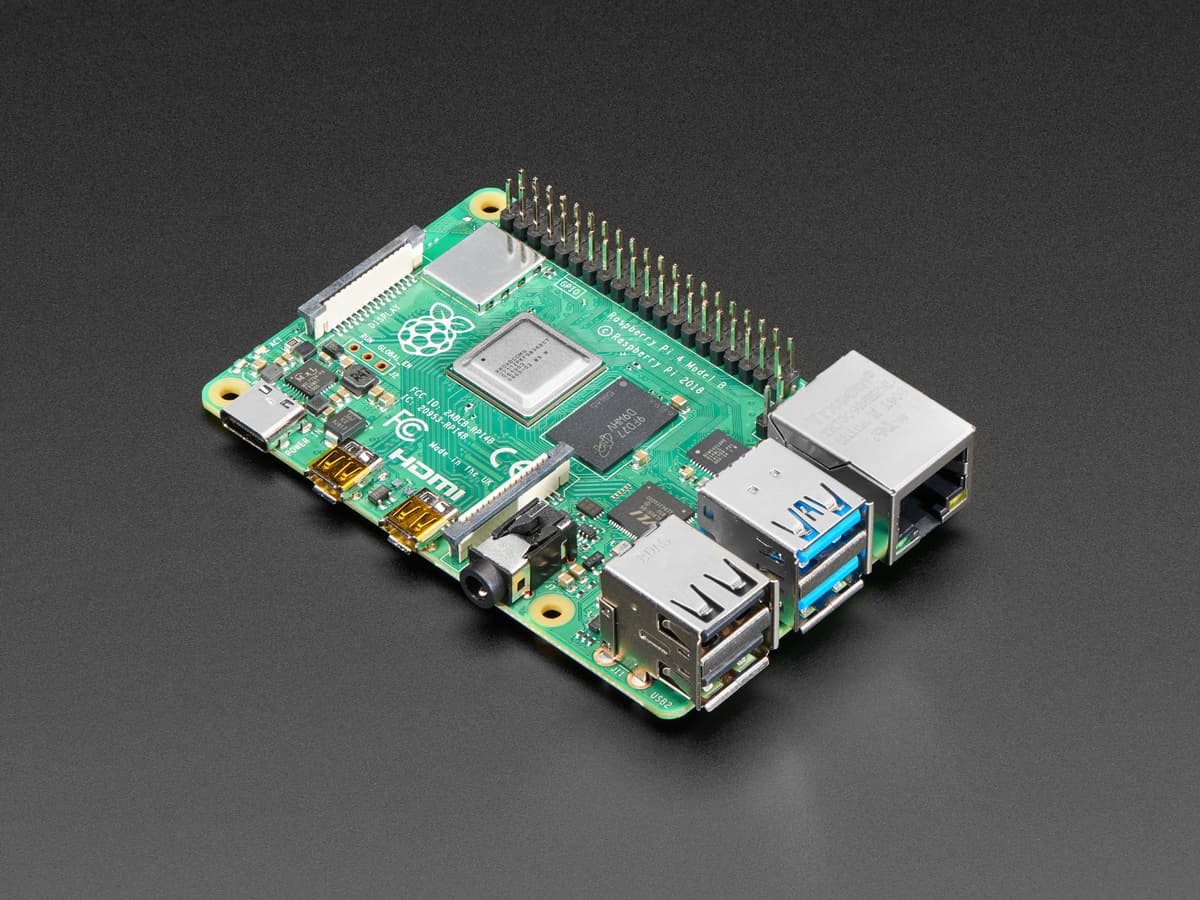
Raspberry Pi 4 Model B, 4GB (SC0194)
Choose the Pi 4 Model B 4GB when your project depends on its supported software or accessories.
View at element14The link is for the board, not a complete desktop kit. Check memory needs, power and storage before buying; an existing working Pi 4 does not automatically need replacing.
This is a research-based comparison. We have not tested these boards ourselves, and we do not claim benchmark results. The table summarises manufacturer specifications; the project and kit checklists are our editorial guidance. Primary sources are listed at the end.
Raspberry Pi 4 vs Pi 5: the main specifications
The boards have a similar purpose, but their processors and expansion arrangements differ. Confirm the exact board revision and memory capacity when buying, especially from listings that group several variants together.
Feature | Raspberry Pi 4 Model B | Raspberry Pi 5 |
|---|---|---|
Processor in current product specifications | Quad-core Arm Cortex-A72 at 1.8GHz | Quad-core Arm Cortex-A76 at 2.4GHz |
Wired networking | Gigabit Ethernet | Gigabit Ethernet |
Built-in wireless networking | Dual-band 802.11ac Wi-Fi | Dual-band 802.11ac Wi-Fi |
USB ports | Two USB 3.0 and two USB 2.0 | Two USB 3.0 and two USB 2.0 |
Display connectors | Two micro-HDMI | Two micro-HDMI |
Dedicated PCIe connector | Not provided on the board | PCIe 2.0 x1 interface, requiring a suitable adapter |
Recommended official supply in the getting-started guide | 15W USB-C supply | 27W USB-C supply |
Sources: the Raspberry Pi 4 and Pi 5 product pages and the official getting-started documentation. Clock speed and port counts are specifications, not measurements of how much faster your application will run.
Keep a Pi 4 when the project already works
An existing Pi 4 is worth keeping when it completes the intended task, supports the required software and has a dependable power and storage arrangement. Upgrading creates another setup and migration task; that work should solve an identifiable problem.
Before changing hardware, record what is failing. Is the application slow, is storage full, or does the service become unreachable? Reproduce the issue and inspect the relevant logs. A newer board is not a diagnosis.
Our decision rule is to name the expected benefit before buying: a supported expansion path, a workload the old board struggles with, or a fresh project that benefits from the newer platform. If the only benefit is owning the latest board, you can separate that hobby preference from a practical requirement.
For a service that stores important work files, also review the storage plan. Our Australian NAS guide covers an alternative for shared storage; running a small board is a different commitment from buying a storage appliance.
Start with Pi 5 for a new project, then check compatibility
We would normally start a new shortlist with Pi 5, but only after confirming that the project supports it. Search the project's current installation instructions for the board, operating-system release and any required accessories. An old tutorial for another model may omit important differences.
Pi 5 adds a dedicated PCIe interface for compatible accessories. That does not mean every desktop expansion device can plug directly into the board. Check the adapter, connection and software requirements for the exact accessory before adding it to your basket.
For a first project, choose something with current, maintained instructions and a clear recovery procedure. It is easier to learn from a reproducible setup than to combine several outdated tutorials. Keep a record of the software image and configuration so the system can be rebuilt later.
Compare power supplies as part of the kit
Use the official getting-started documentation to choose the supply for the board. Raspberry Pi recommends its 15W USB-C supply for Pi 4 and 27W USB-C supply for Pi 5. The same connector shape does not mean any phone charger is a suitable substitute.
The documentation also explains that Pi 5's available USB peripheral current depends on the power supply detected. That matters if the project includes attached drives or other powered peripherals. Read the current guidance rather than assuming the board and every accessory can share any available charger.
For an Australian order, confirm the supply variant and plug arrangement. A “starter kit” description should identify the included power supply, not merely say that a cable is supplied. If the listing is vague, ask the seller to itemise the kit before deciding it is complete.
Plan cooling and the enclosure together
Pi 5's official Active Cooler is a model-specific heatsink and temperature-controlled fan assembly. Raspberry Pi presents it as an option for managing temperature under heavier loads. Check its physical compatibility with the chosen enclosure and accessories; see the Active Cooler documentation under Sources.
Our recommendation is to decide where the board will live before choosing a case. A board on an open hobby bench, a desktop device beside a microphone and a system tucked into furniture have different practical requirements. Consider access to ports, fan sound and the space needed around connectors.
Do not assume a Pi 4 case or fan will fit Pi 5. Read the case maker's supported-model list and assembly instructions. A photograph showing a familiar board shape is weaker evidence than an explicit compatibility statement.
Buy the memory capacity the project needs
Select memory according to the application and the number of tasks running at once. More RAM does not automatically improve a small service that already has enough. Conversely, choosing the smallest board simply because a tutorial starts successfully may leave little room for a larger intended workload.
Use the project's requirements as the first filter. Then list any additional services you plan to run alongside it. If you cannot find a reliable recommendation, begin with a small, representative trial before committing the system to an important job.
Avoid copying a laptop RAM recommendation directly onto a single-purpose Pi service. The software environment and workload are different. Write down the project-specific reason for the memory capacity you choose so that future upgrades are based on evidence.
Check the whole accessory list
A bare board is not the complete system. Make a checklist covering the supply, enclosure, cooling, boot storage, display cable if needed, network connection and any project-specific hardware. Add the tools and adapters required by the installation instructions.
Both boards use micro-HDMI connectors. Check the cable you already own before assuming a full-size HDMI lead plugs into the board. Also confirm the display arrangement described by the board documentation rather than treating the number of connectors as the only limit.
For camera and display accessories, verify the connector and cable requirements for the exact Pi generation. For GPIO add-ons, check both physical fit and software support. Treat compatibility as something to establish for each component, not a general promise made by the board name.
Choose networking for the installation location
The board's built-in networking is only part of the route. Decide whether the project will sit near the router, at the work desk or somewhere with weaker Wi-Fi. Include the required cable and available router port in the kit plan if you intend to use Ethernet.
Our Australian Ethernet, powerline and mesh comparison explains the options for reaching a distant room. Moving the project to a newer Pi does not improve a poor connection elsewhere in the house.
Keep remote access and maintenance within the project's documented approach. Do not expose a new service to the internet simply to avoid learning how to reach it on the local network. This comparison is not a deployment or security guide; follow the maintained instructions for the software you select.
A practical first-boot and migration checklist
- Confirm the project supports the board. Save the current instructions and the required operating-system version.
- Check the complete kit. Verify the local power supply, case, cooling, storage and cables before assembly.
- Prepare a fresh installation. Follow the official imaging and setup instructions for the intended project.
- Start with the minimum hardware. Establish that the board boots before adding optional accessories and services.
- Test the actual task. Use representative files, requests or devices rather than judging only the desktop opening.
- Record the configuration. Keep the instructions and settings needed to repeat the setup, without placing secrets in a public document.
- Retain the old working system during migration. Confirm the new installation and a recovery route before retiring the original.
These are proposed checks, not results from our own lab. If the project has its own migration process, that takes precedence over a generic checklist.
Which board would we buy?
For a new, supported project with no existing accessories to preserve, we would start by pricing a complete Pi 5 arrangement without assuming the bare board is the whole purchase. For a functioning Pi 4 project, we would keep it until a specific limitation justifies the work of moving.
The better choice is the board with the right software support, compatible accessories and a setup you can maintain. A complete, documented project is more useful than a newer board waiting for the missing parts.
Questions people ask
Should I replace a Raspberry Pi 4 that still works?
Not automatically. Identify a specific limitation or new requirement before moving a working project to another board.
Can I reuse a Pi 4 case with Pi 5?
Do not assume compatibility. Check the case maker’s exact supported models, port layout and cooling arrangement.
Do Pi 4 and Pi 5 use ordinary full-size HDMI ports?
Both use micro-HDMI connectors. Check the required cable and the documented display capabilities for your board.
Is a board-only listing a complete starter kit?
No. Check the power supply, storage, case, cooling and cables required for your project, including the Australian supply variant.