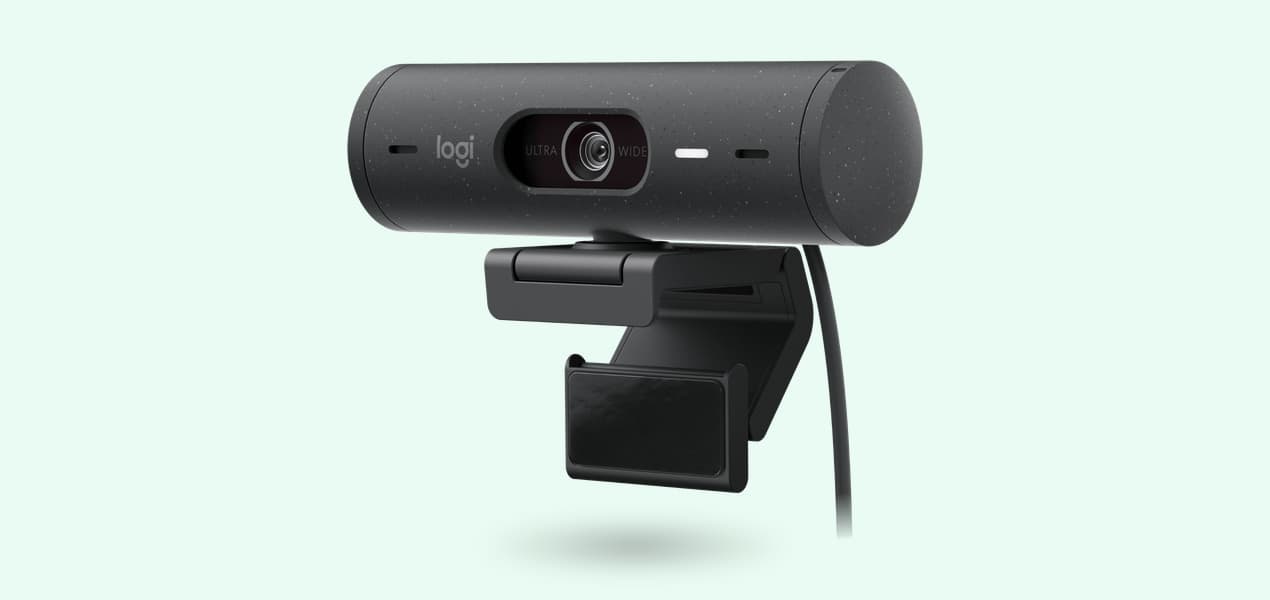
For most people in the UK the best webcam for Teams and Zoom is the Logitech Brio 500: 1080p with autofocus, a choice of three framings, certification for Teams, Zoom and Google Meet, and a two-year warranty from Logitech UK. If your computer has only USB-A ports, the Brio 100 is the plain upgrade. The Logitech MX Brio is the certified 4K choice, and the Insta360 Link 2C follows you round the room with automatic framing.
Our picks at a glance
- View at Logitech
Best overall
- View at Logitech
Best simple upgrade
- View at Logitech
Best 4K webcam
- View at Insta360
Best for auto framing
The picks in detail
- Top pick
Best overall
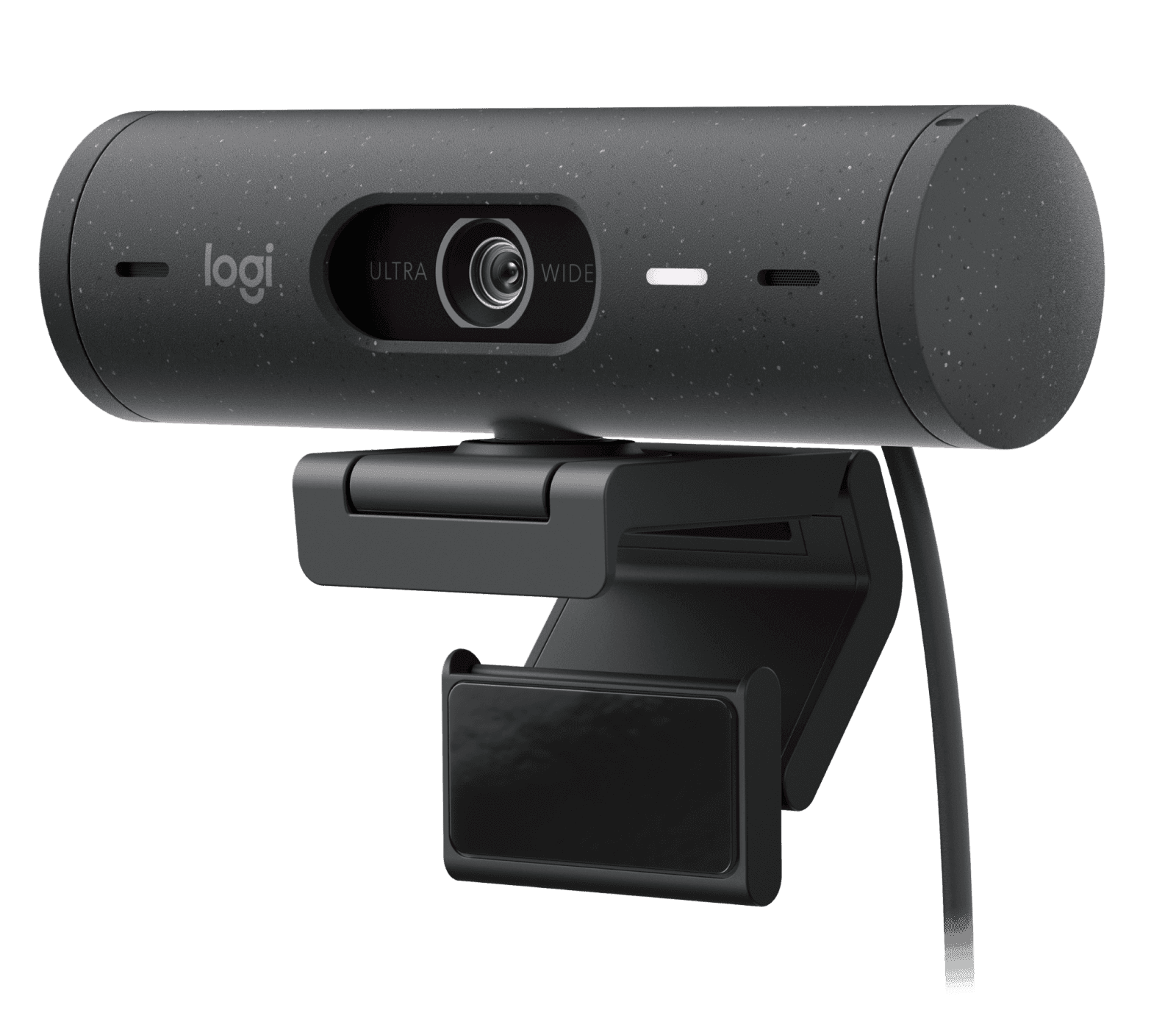
Logitech Brio 500 Webcam (960-001493)
Most people working from home should buy the Brio 500.
View at LogitechIts 1080p autofocus picture already matches what Teams and Zoom send, and it is certified for Microsoft Teams, Zoom, Google Meet and Works With Chromebook, which matters if your IT team keeps an approved-device list. Three field-of-view settings (90°, 78° and 65°) let you show the whole spare room or just your head and shoulders, and Logi Tune adds RightSight auto-framing. Logitech UK gives it a two-year limited hardware warranty. Look elsewhere if your laptop lacks a USB-C port that carries video.
What we like
- Certified for Teams, Zoom, Google Meet and Works With Chromebook
- Autofocus with three field-of-view settings
- Stereo mic, integrated privacy shutter, two-year Logitech warranty
Watch out for
- 1080p at 30fps at most (60fps only at 720p)
- Auto-framing needs Logi Tune, which isn’t available for ChromeOS
- Best simple upgrade
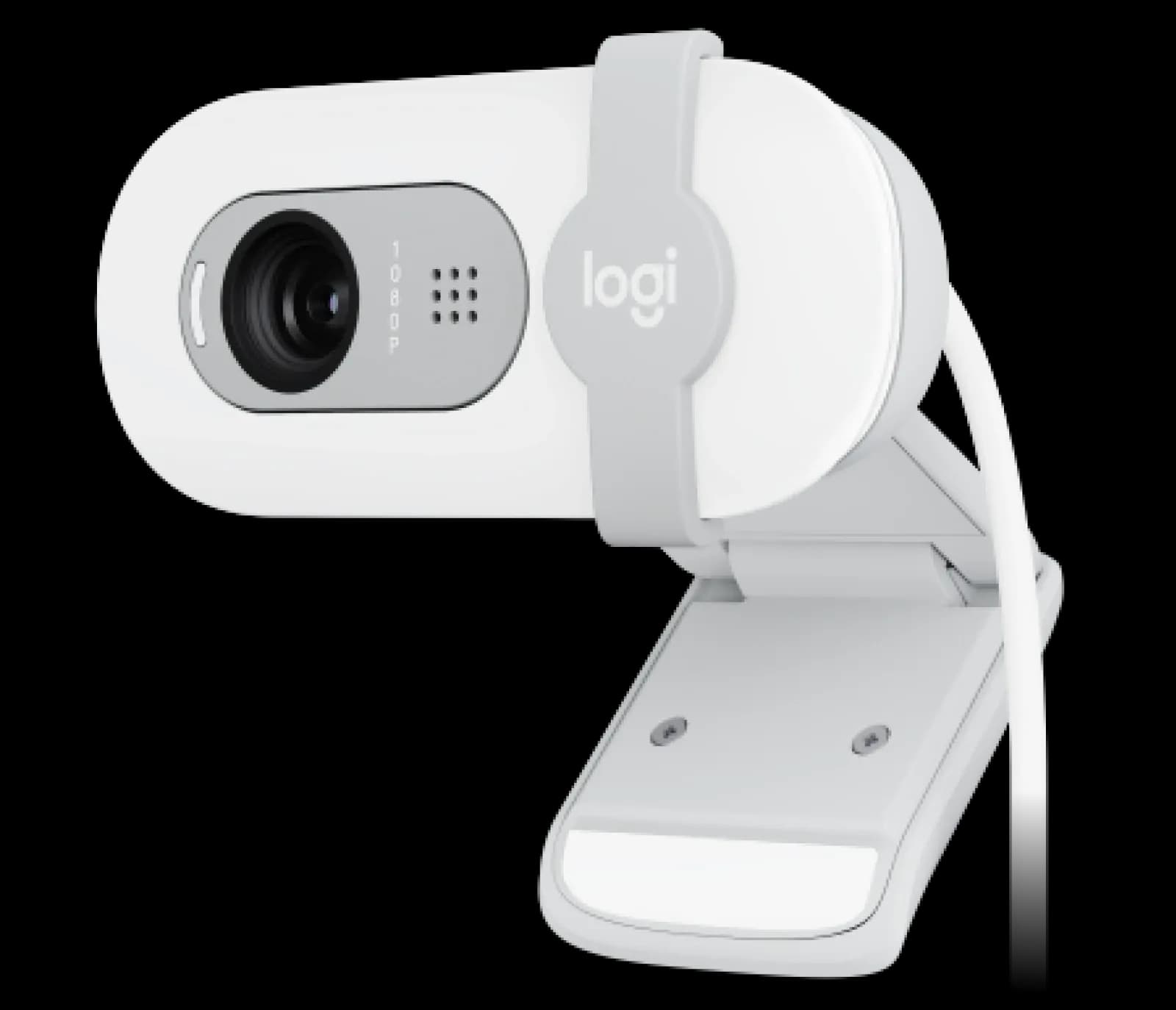
Logitech Brio 100 Webcam (960-001616)
The Brio 100 suits an older desktop or laptop with only USB-A ports, or anyone who simply wants the camera on top of the monitor rather than in the laptop lid.
View at LogitechIt records 1080p at 30fps through a fixed-focus lens with a 58° field of view, which frames one person and keeps the rest of the room out of shot. It has an omnidirectional mic, a sliding privacy shutter and RightLight 2 light balancing. Logitech lists it as compatible with Teams, Meet and Zoom but not certified, and its UK warranty is one year rather than two. Skip it if you want autofocus.
What we like
- USB-A plug-and-play
- Built-in mic and integrated privacy shutter
- 1080p at 30fps
Watch out for
- Fixed focus, not autofocus
- No Teams or Zoom certification listed; one-year warranty
- Best 4K webcam
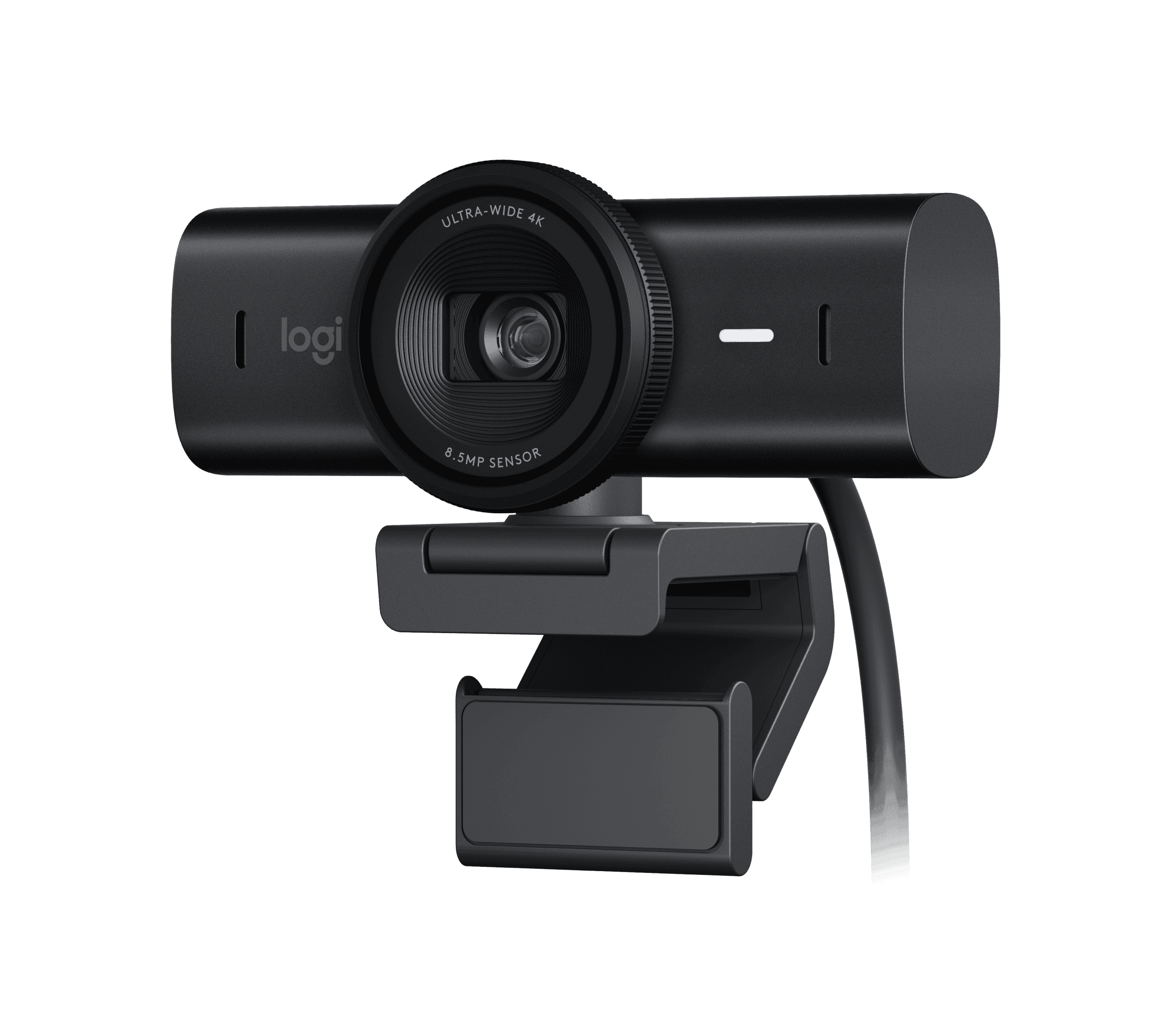
Logitech MX Brio 4K Webcam (960-001558)
Buy the MX Brio if you present to clients, show documents on the desk or want a certified camera with headroom.
View at LogitechIt records 4K at 30fps or 1080p at 60fps from an 8.5MP Sony STARVIS sensor, focuses automatically and has dual beamforming mics. It is certified for Teams, Zoom, Google Meet, Works With Chromebook and Streamlabs. Show Mode tilts it down to share notes, the privacy shutter rotates over the lens, and Logitech UK gives it a two-year warranty. It needs a USB-C port that supports USB 3.0, so check your laptop before you order.
What we like
- 4K at 30fps or 1080p at 60fps from an 8.5MP sensor
- Certified for Teams, Zoom and Google Meet
- Show Mode, 1/4-inch tripod thread and privacy shutter
Watch out for
- Needs a USB-C port that supports USB 3.0
- Logitech’s support pages cover freezes under heavy use, traced to interference from nearby USB-C ports; a powered hub, dock or USB-A cable is its fix
- Best for auto framing
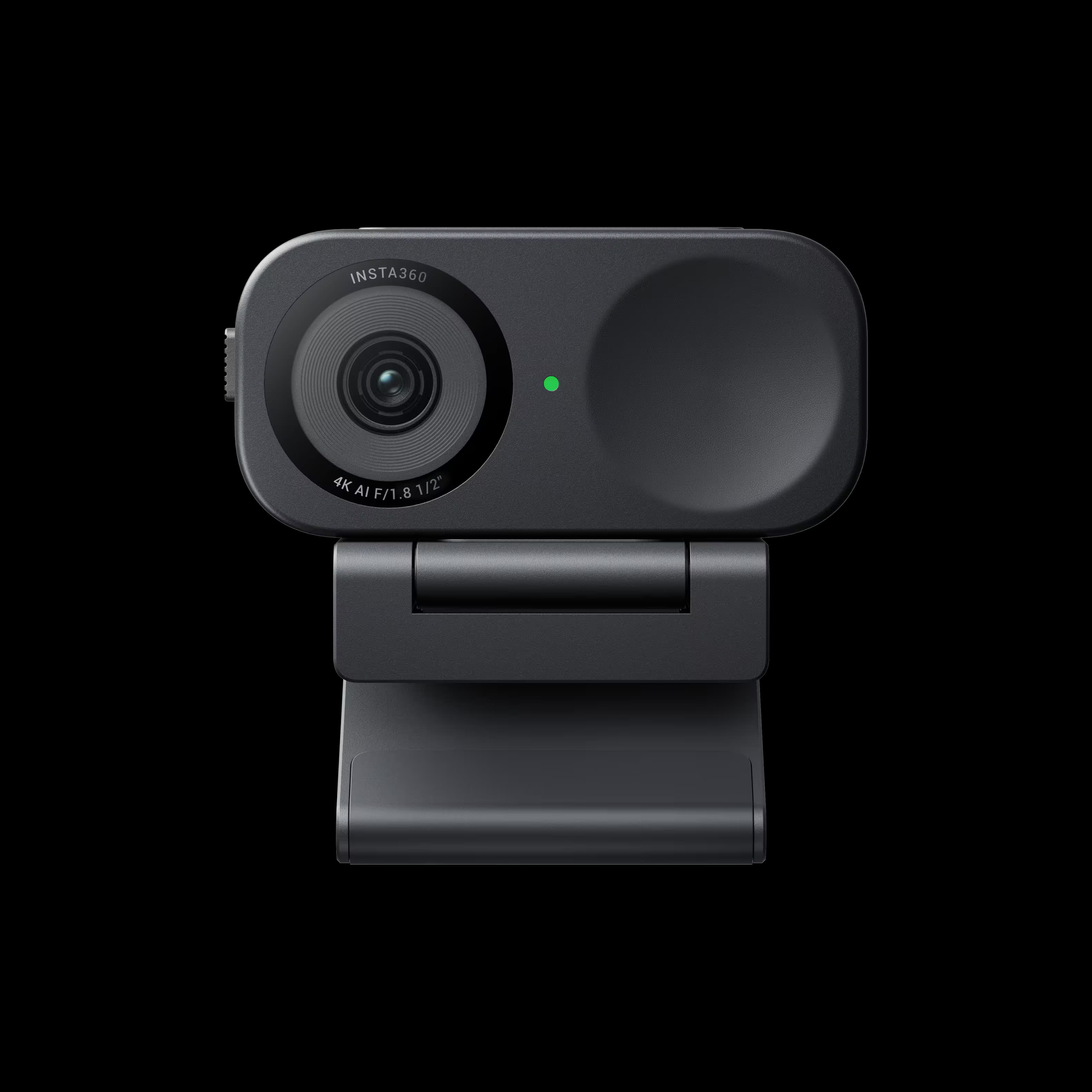
Insta360 Link 2C 4K AI Webcam (CINSABNA)
The Link 2C is the one for people who pace, stand up or share the camera with a partner.
View at Insta360Auto Framing zooms to keep one person or a group in view, and the 1/2-inch sensor records 4K at 30fps or 1080p at 60fps with HDR in every mode. Autofocus works from 10 cm, the mics use AI noise cancelling, and it has a privacy shutter and a magnetic mount. It is Zoom certified and connects by USB-C or, with the included adapter, USB-A. Insta360’s UK store sells it in more than one bundle, so check what is in the box. Skip it on an ARM-based Windows laptop.
What we like
- 4K at 30fps, 1080p at 60fps, HDR in all modes
- Auto Framing for one person or a group
- Works with USB-C or USB-A; Zoom certified
Watch out for
- Link Controller software doesn’t support ARM-based Windows
- Fixed 79.5° field of view (digital zoom only)
The short version
- Best overall: Logitech Brio 500. 1080p with autofocus, three field-of-view settings, certified for Teams, Zoom and Google Meet.
- Best simple upgrade: Logitech Brio 100. 1080p, built-in mic and privacy shutter over USB-A; fixed focus.
- Best 4K webcam: Logitech MX Brio. 4K at 30fps or 1080p at 60fps, certified for Teams, Zoom and Google Meet.
- Best for auto framing: Insta360 Link 2C. 4K, a 1/2-inch sensor and Auto Framing; Zoom certified.
How they compare
Webcam | Top video modes | Field of view (diagonal) | Focus | Mic | Connection | Certified for | Logitech UK warranty |
|---|---|---|---|---|---|---|---|
Logitech Brio 500 | 1080p/30fps, 720p/60fps | 90°, 78° or 65° | Autofocus | Stereo | USB-C | Teams, Zoom, Google Meet | 2 years |
Logitech Brio 100 | 1080p/30fps | 58° | Fixed focus | Omnidirectional | USB-A | None listed | 1 year |
Logitech MX Brio | 4K/30fps, 1080p/60fps | 90°, 78° or 65° | Autofocus | Dual beamforming | USB-C (USB 3.0) | Teams, Zoom, Google Meet | 2 years |
Insta360 Link 2C | 4K/30fps, 1080p/60fps | 79.5° (fixed) | Phase-detection autofocus | AI noise cancelling | USB-C (USB 2.0) or USB-A adapter | Zoom | Not Logitech |
All four have a built-in microphone and a physical privacy shutter.
Buying in the UK
The shop buttons beside each pick show where to buy it: Logitech UK and Amazon UK for the three Logitech cameras, and Insta360’s UK store for the Link 2C. Logitech UK sells the Brio 500, Brio 100 and MX Brio in more than one colour, each with its own part number, so check the colour before you order.
Your rights don’t depend on the maker’s warranty. Under the Consumer Rights Act 2015, a webcam must be of satisfactory quality, fit for purpose and as described, and if it isn’t, your claim is against the shop that sold it. The Logitech warranty is on top of that.
Do you need a webcam at all?
Check your laptop first. If its spec page lists 1080p video and you sit facing a window or lamp, a new webcam may change less than you expect. A separate webcam earns its place when the laptop lives closed on a stand beside an external monitor (our guide to the best USB-C monitors covers one-cable set-ups), when you want the lens at eye level on top of that monitor, or when you want autofocus, a choice of framing or a physical shutter your laptop lacks.
What matters in a webcam for Teams and Zoom
Resolution and frame rate
1080p at 30fps is the baseline here, and it is what most calls carry: Teams and Zoom send at most 1080p in a meeting, often less on a busy home broadband line. A 4K camera such as the MX Brio or Link 2C won’t send 4K to your colleagues. Its extra detail keeps the picture sharp when the camera crops or zooms, and both can run 1080p at 60fps for smoother motion.
Field of view
A narrow view, like the Brio 100’s 58°, shows you and not much of the room, which helps in a shared flat or a box room doubling as an office. A wide view fits two people on one camera. The Brio 500 and MX Brio switch between 90°, 78° and 65°. The Link 2C is fixed at 79.5° and tightens the shot with digital zoom and Auto Framing.
Autofocus or fixed focus
Autofocus keeps you sharp as you lean in or sit back, and lets you hold a document up to the lens. The Link 2C focuses from 10 cm. A fixed-focus lens like the Brio 100’s is set for a normal sitting distance and doesn’t adjust.
Microphones
Each pick has a built-in mic: one omnidirectional mic on the Brio 100 (range up to about 1 m), a stereo mic on the Brio 500, dual beamforming mics on the MX Brio and AI noise cancelling with three audio modes on the Link 2C. A webcam mic still sits an arm’s length away. If you share the room or spend half the day on calls, a headset or desk mic will sound clearer; our guide to USB microphones for remote workers compares the options sold in the UK.
Ports
The Brio 100 uses USB-A. The Brio 500 needs a USB-C port, and Logitech notes it won’t be recognised through an adapter that carries only power. The MX Brio needs a USB-C port that supports USB 3.0. The Link 2C comes with a USB-C cable and a USB-C to USB-A adapter, so it fits either.
What certification means
Certification means Microsoft, Zoom or Google has approved the camera, and the maker lists it on the spec sheet. Logitech lists the Brio 500 and MX Brio as certified for Teams, Zoom and Google Meet; Insta360 lists the Link 2 series as Zoom certified. Uncertified webcams still work: Logitech lists the Brio 100 as compatible with Teams, Meet and Zoom. If your employer wants to manage cameras centrally, Logitech also sells the MX Brio 705 for Business, which IT can manage through Logitech Sync.
Setting up
Mount the webcam on the screen you look at most. The Brio 500 and MX Brio come with a clip for laptops and monitors, the Link 2C with a magnetic mount, and the MX Brio and Link 2C also take a tripod. Then pick the webcam as your camera and microphone in Teams or Zoom, or the laptop’s own camera may stay active. The Logitech cameras work as plain webcams; install Logi Tune (Brio 500) or Logi Options+ or G HUB (MX Brio) only for the extras, and note that Logi Tune isn’t available for ChromeOS and Insta360’s Link Controller doesn’t support ARM-based Windows.
More guides for working on calls are in our video calls section.
How we chose
We have not tested these webcams. We started from webcams sold by UK shops, read each spec from the maker’s own pages and left out models built mainly for streaming. We weighted certification, autofocus and a choice of framing, and kept a USB-A option for older computers. We link only to shops that sell the exact model, and we don’t compare their prices.
Questions people ask
Is 1080p good enough for Teams and Zoom meetings?
Yes. Teams and Zoom send at most 1080p in a meeting, so a 1080p webcam such as the Brio 500 covers what your colleagues see. 4K helps mainly when the camera crops or zooms.
Do I need a webcam certified for Microsoft Teams or Zoom?
Not usually. Uncertified webcams such as the Brio 100 still work in both apps. Choose a certified model, such as the Brio 500 or MX Brio, if your employer only supports certified devices.
Do these webcams work with a Mac?
Yes. Logitech lists macOS support for all three of its picks, and Insta360’s Link Controller software for the Link 2C needs macOS 11.0 or later.
What warranty do these webcams have in the UK?
Logitech UK lists a two-year limited hardware warranty for the Brio 500 and MX Brio and one year for the Brio 100. Separately, the Consumer Rights Act 2015 lets you claim against the shop if a webcam is faulty or not as described.
Will a USB-C webcam work with a USB-A port?
Only some. The Link 2C comes with a USB-C to USB-A adapter. The Brio 500 and MX Brio need a USB-C port, and the MX Brio’s must support USB 3.0.
Sources we used
- Logitech Brio 500 (Logitech UK)
- Logitech Brio 100 (Logitech UK)
- Logitech MX Brio (Logitech UK)
- How to troubleshoot MX Brio webcam freezes (Logitech support)
- My BRIO 500/501 does not connect or is not recognized by my computer (Logitech support)
- MX Brio 705 for Business (Logitech)
- Insta360 Link 2 and Link 2C specs (Insta360)
- Consumer protection rights (gov.uk)