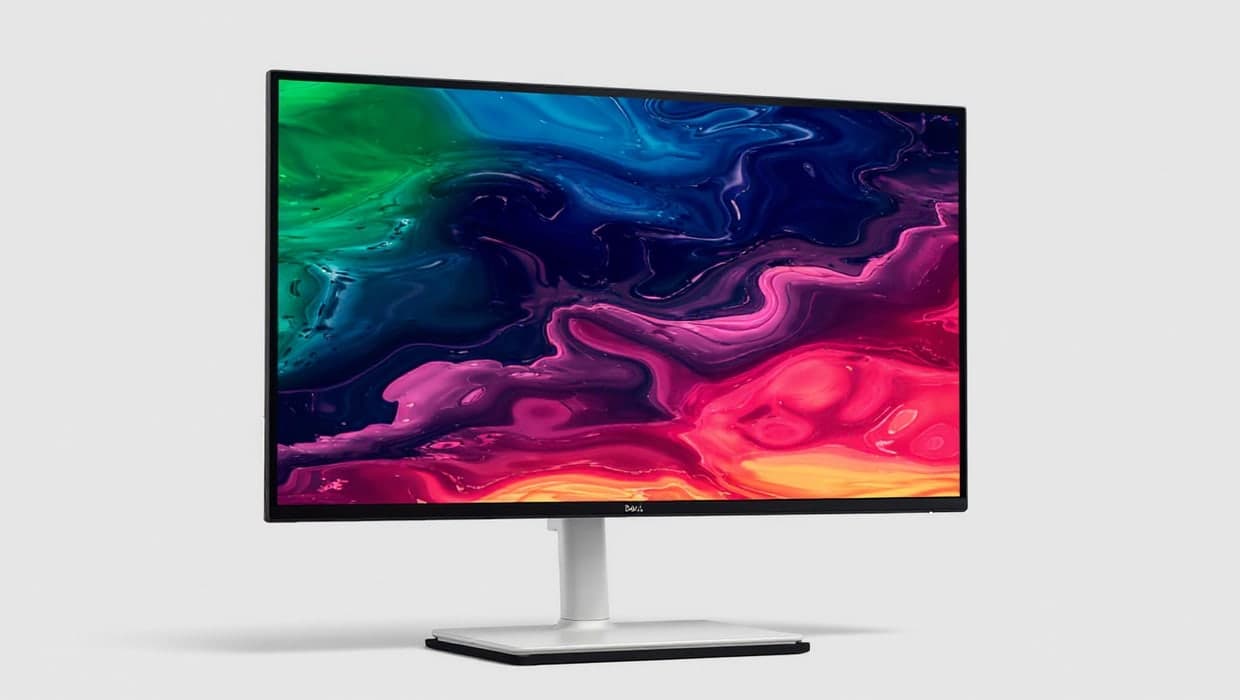
For most UK home offices, the best USB-C monitor is the Dell 27 Plus 4K (S2725QC). A single USB-C lead carries its 4K picture at 120Hz, connects its USB ports and charges your laptop at up to 65W, and the stand adjusts for height, tilt, swivel and pivot. If your laptop came with a charger above 65W, go for the Dell UltraSharp U2725QE, which supplies up to 140W over Thunderbolt 4.
Our picks at a glance
- View at Dell
Best overall
- View at Dell
Best 1440p pick
- View at Laptops Direct
Best for bigger laptops
- View at Amazon UK
Best smart monitor
The picks in detail
- Top pick
Best overall
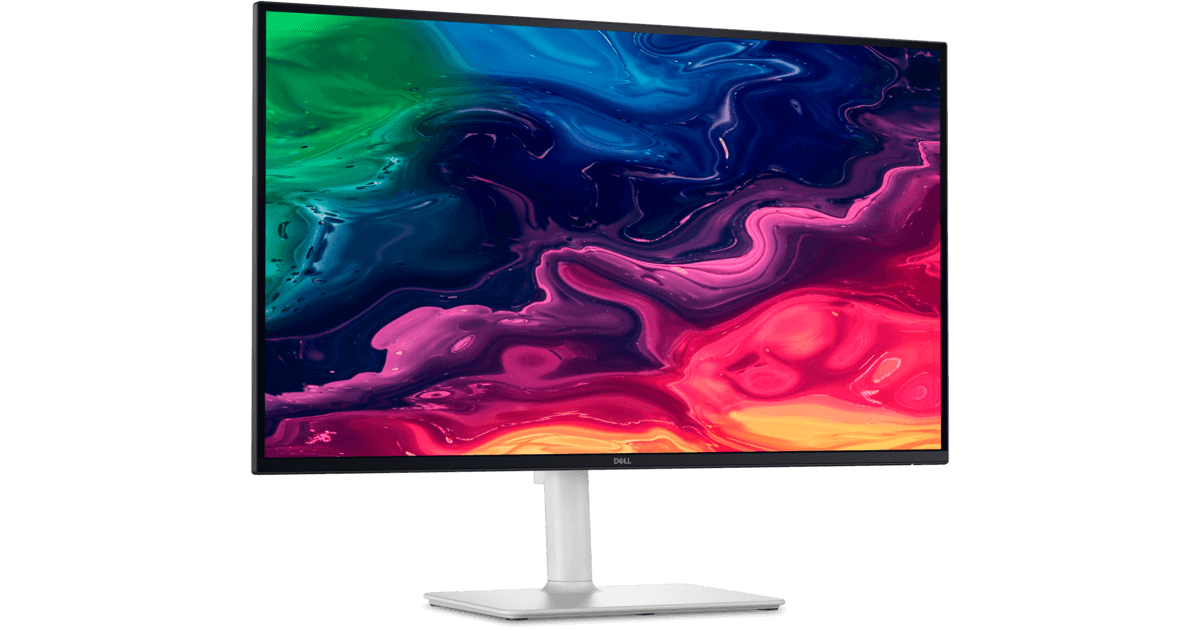
Dell 27 Plus 4K USB-C Monitor (S2725QC)
Most people in the UK should buy the Dell 27 Plus 4K.
View at DellIt pairs a 27-inch 4K IPS panel at 120Hz with a USB-C port that carries the picture (DisplayPort Alt Mode), 5Gbps data and up to 65W of charging. A second USB-C port tops up a phone at 15W, the stand adjusts for height, tilt, swivel and pivot, and there are speakers built in. It suits a thin-and-light laptop whose charger is 65W or less. Give it a miss if your laptop shipped with a larger charger; the U2725QE is the better match.
What we like
- One USB-C cable for picture, data and up to 65W
- 4K at 120Hz on a 27-inch IPS panel
- Height, tilt, swivel and pivot stand; speakers
Watch out for
- 65W may fall short for high-power laptops
- USB data is 5Gbps, not Thunderbolt
- Best 1440p pick
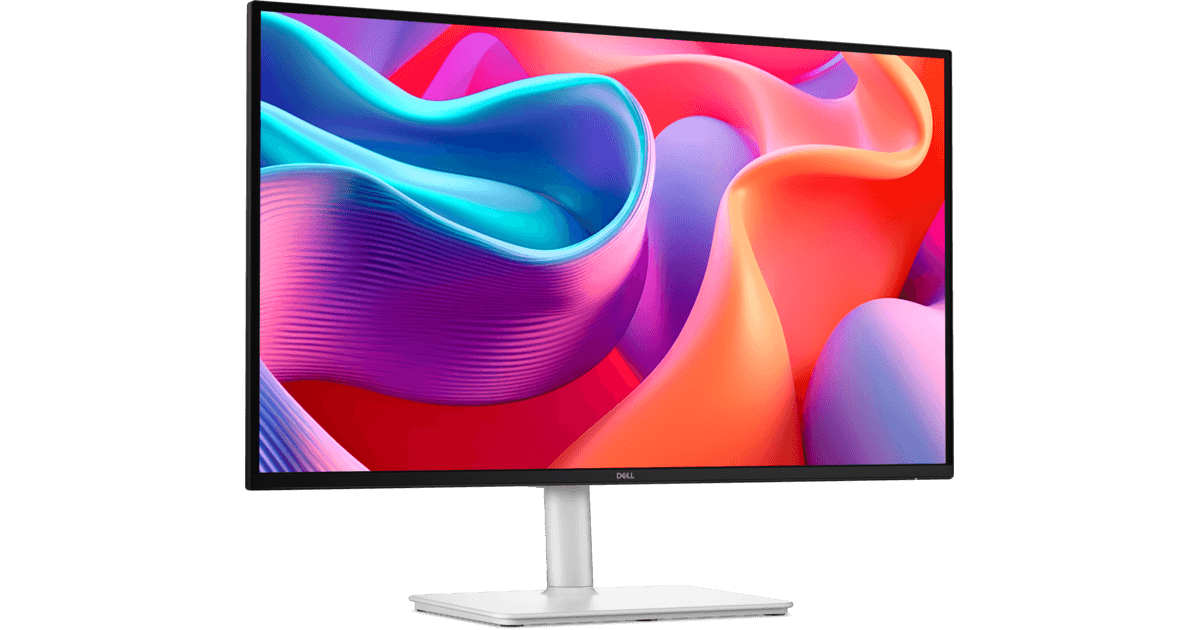
Dell 27 Plus QHD USB-C Monitor (S2725DC)
The Dell 27 Plus QHD is the S2725QC with a 2560 x 1440 panel at 144Hz in place of 4K.
View at DellThe 65W USB-C connection, 5Gbps data and fully adjustable stand are the same, and it has two 3W speakers. 1440p runs happily at 100% scaling and scrolls more smoothly, though text is less crisp than 4K at this size. Choose it if you value smooth motion or dislike display scaling. If crisp small text is the priority, stick with the 4K model.
What we like
- USB-C with up to 65W of charging
- 144Hz refresh rate
- Height, tilt, swivel and pivot stand; two 3W speakers
Watch out for
- Less sharp than 4K at 27 inches
- Only one HDMI input
- Best for bigger laptops
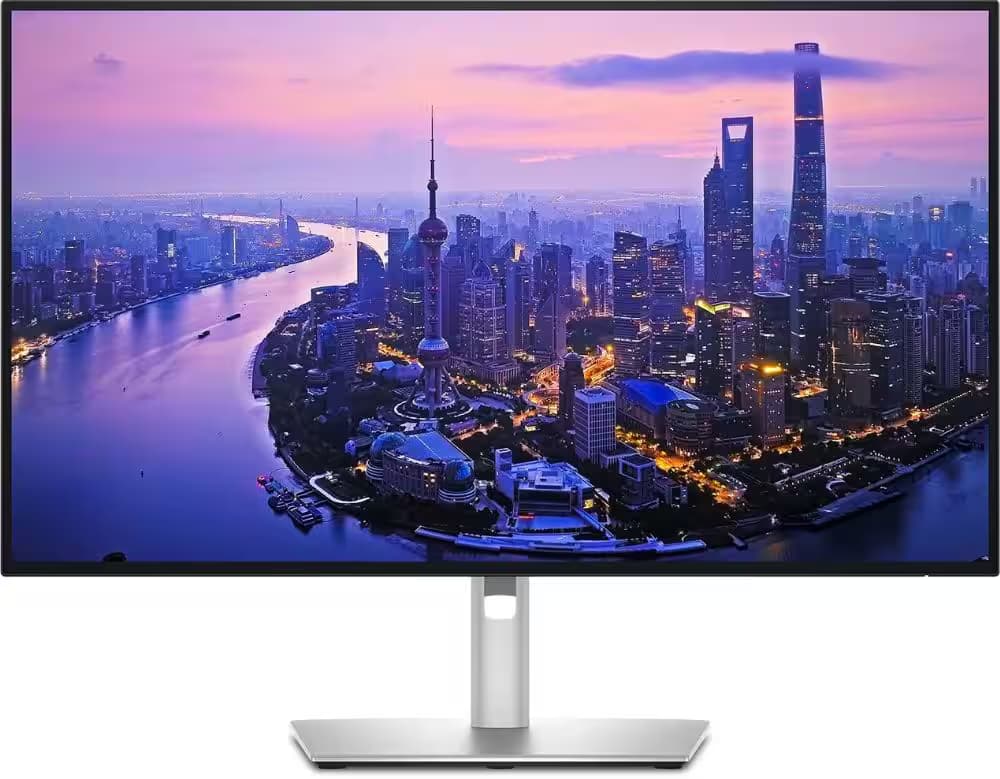
Dell UltraSharp 27 4K Thunderbolt Hub Monitor (U2725QE)
The Dell UltraSharp U2725QE is the monitor for a power-hungry laptop and a desk full of wired kit.
View at Laptops DirectDell’s UK page lists a Thunderbolt 4 upstream port with up to 140W, 2.5 Gigabit Ethernet, five USB-A ports, HDMI 2.1 and a downstream Thunderbolt 4 port for daisy-chaining on a Windows laptop that supports it. Macs don’t support this DisplayPort daisy-chaining. The 4K IPS Black panel runs at 120Hz with 99% DCI-P3. Choose it if your laptop’s charger is above 65W or you want Ethernet at the desk. On a one-screen desk with a thin laptop, most of the hub would sit idle.
What we like
- Thunderbolt 4 with up to 140W of charging
- 2.5 Gigabit Ethernet, five USB-A ports and HDMI 2.1
- 4K IPS Black panel at 120Hz, 99% DCI-P3
Watch out for
- More hub than a simple laptop desk needs
- Dell documents a display fault in some daisy chains with NVIDIA Quadro graphics cards
- Best smart monitor
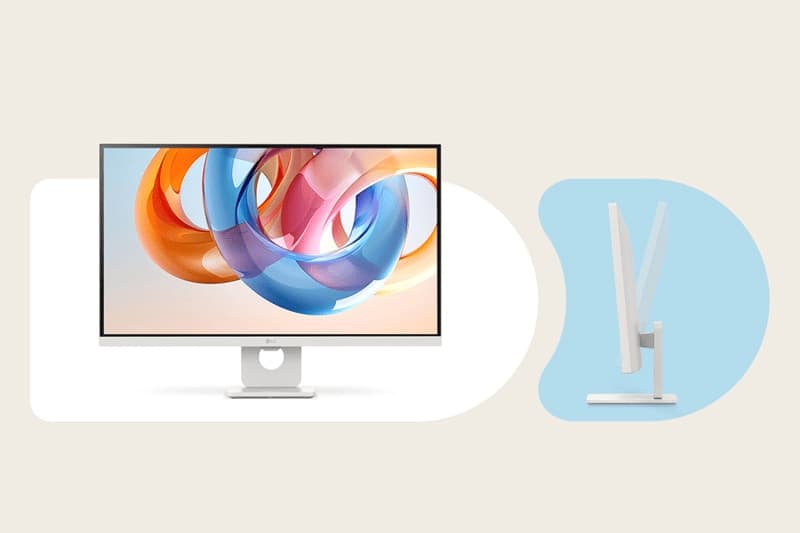
LG 27" 4K Smart Monitor with webOS (27U731SA-W)
LG’s 27-inch smart monitor combines a 4K IPS panel and 65W USB-C charging with webOS, LG’s built-in apps platform, so it can stream without a laptop attached.
View at Amazon UKTwo HDMI 2.0 inputs and two USB-A ports make it easy to share with a games console or a second computer. It suits a desk that doubles as a spare-room TV. Pass on it if you want an adjustable stand: it only tilts, though it takes a 100 x 100mm VESA mount. It runs at 60Hz and LG lists no speakers.
What we like
- USB-C with up to 65W of charging
- Built-in webOS apps
- Two HDMI 2.0 inputs
Watch out for
- Tilt-only stand
- 60Hz refresh rate
The short version
- Best overall: Dell 27 Plus 4K (S2725QC). 4K at 120Hz, 65W USB-C, fully adjustable stand.
- Best 1440p pick: Dell 27 Plus QHD (S2725DC). 1440p at 144Hz with the same 65W USB-C.
- Best for bigger laptops: Dell UltraSharp U2725QE. 140W Thunderbolt 4, 2.5 Gigabit Ethernet and a full hub.
- Best smart monitor: LG 27U731SA-W. 4K, 65W USB-C and built-in webOS apps.
Side by side
Monitor | Resolution | Refresh | Laptop charging | Stand |
|---|---|---|---|---|
Dell S2725QC | 3840 x 2160 | 120Hz | USB-C, up to 65W | Height, tilt, swivel, pivot |
Dell S2725DC | 2560 x 1440 | 144Hz | USB-C, up to 65W | Height, tilt, swivel, pivot |
Dell U2725QE | 3840 x 2160 | 120Hz | Thunderbolt 4, up to 140W | Height, tilt, swivel, pivot |
LG 27U731SA-W | 3840 x 2160 | 60Hz | USB-C, up to 65W | Tilt only |
All four are 27-inch IPS screens. 4K looks noticeably crisper than 1440p at that size; 1440p needs no scaling and, on the S2725DC, refreshes at 144Hz.
Start with your laptop's charger
The quickest way to choose is to turn over your laptop's power brick and read the wattage.
- 65W or less (most thin-and-light Windows laptops and smaller MacBooks): any of the four will replace that charger on your desk.
- Above 65W (larger performance laptops and 16-inch models): the U2725QE's 140W connection keeps up. A 65W monitor will still charge such a laptop, but more slowly, and the battery can drain under heavy load.
Also check that your laptop's USB-C port supports video output (DisplayPort Alt Mode or Thunderbolt) and USB Power Delivery. Most recent laptops do; some budget models carry only data over USB-C. Beware monitors sold as "USB-C" that supply only 15W, enough for a phone but not a laptop. We left LG's 27U631A-B out of this guide for that reason.
A monitor hub or a separate dock?
A USB-C monitor's built-in hub is enough for one laptop, one screen, a keyboard, a mouse and a webcam. Plug the keyboard and mouse into the monitor and the laptop picks them up through the same lead. If you want two external screens, or more ports than any monitor offers, buy a separate dock. The U2725QE goes furthest of the four, with Ethernet, five USB-A ports and a daisy-chain port built in.
MacBook owners
All four monitors work with a MacBook over USB-C or Thunderbolt. Two Mac-specific points: macOS doesn't support DisplayPort MST daisy-chaining, so the U2725QE can't pass a picture on to a second screen from a Mac; and how many external displays a MacBook can drive depends on its chip, which Apple lists in each model's tech specs. On text sharpness, macOS scales most neatly on a 27-inch 5K screen, so text on a 27-inch 4K monitor can look slightly softer. Many Mac owners are happy with 4K regardless.
Where to buy in the UK
The shop buttons beside each pick show which UK retailers stock it: Amazon UK and Dell for the 27 Plus 4K; Amazon UK, Dell and Laptops Direct for the 27 Plus QHD; Dell and Laptops Direct for the U2725QE; and Amazon UK for the LG. Match the full model number on the listing before you buy, as Dell and LG sell regional variants.
Buying from a UK retailer also gives you rights under the Consumer Rights Act 2015: goods must be of satisfactory quality, fit for purpose and as described, and you can ask the retailer for a repair, replacement or refund if they aren't. Gov.uk sets out the details.
Finish the video-call desk
None of these monitors has a camera. Our webcam guide covers options for Zoom and Teams, and our USB microphone guide covers audio.
How we chose
These recommendations are research-based. We have not tested these monitors. We started from monitors that UK retailers sell, read each maker's published specifications (linked under Sources), dropped any "USB-C" monitor that supplies under 60W, and favoured stands that adjust. Charging wattage carried the most weight, then resolution for a 27-inch screen and stand adjustment. We show UK retailers we could confirm sell the exact model, and we don't compare their prices.
Questions people ask
Can any laptop use a USB-C monitor with one cable?
Only if its USB-C port supports video output (DisplayPort Alt Mode or Thunderbolt) and USB Power Delivery. Most recent laptops do; your laptop maker’s spec page will confirm it for the port you plan to use.
Will a 65W USB-C monitor charge my laptop?
Fully, if your laptop’s own charger is rated 65W or less. A laptop with a larger charger usually still charges from 65W, more slowly, and may drain under heavy load.
Is Thunderbolt better than USB-C for a monitor?
Thunderbolt uses the same connector but guarantees faster data and supports extras such as daisy-chaining. For one monitor plus a keyboard and mouse, USB-C with enough wattage is usually all you need.
Is 4K or 1440p better on a 27-inch monitor?
4K gives crisper text at 27 inches. 1440p runs at 100% scaling and, on the Dell S2725DC, reaches 144Hz, so choose it if you prefer smoother motion.
What are my rights if a monitor develops a fault?
Under the Consumer Rights Act 2015, goods must be of satisfactory quality and as described. Contact the retailer you bought from first; any manufacturer warranty is in addition to those rights.
Sources we used
- Dell 27 Plus 4K USB-C Monitor (S2725QC) spec sheet (Dell)
- Dell 27 Plus QHD USB-C Monitor (S2725DC) spec sheet (Dell)
- Dell UltraSharp 27 4K Thunderbolt Hub Monitor (U2725QE) (Dell UK)
- Dell support: U2723QE, U2725QE or U3225QE abnormal or no video with an NVIDIA Quadro daisy chain
- LG 27U731SA-W spec sheet (LG)
- LG 27U631A-B spec sheet (15W USB-C, left out) (LG)
- Consumer protection rights (gov.uk)