For most people in the UK, the Logitech MX Keys S is the one to buy. It uses scissor keys, the low, quiet mechanism of a good laptop keyboard, in a full-size board with a number pad. The Logitech MX Mechanical is the better choice if you want mechanical switches: it offers Tactile Quiet, Linear or Clicky low-profile switches and a longer quoted battery life. Both charge over USB-C, connect by Bluetooth or a Logi Bolt receiver, and switch between three devices. They sit within our guide to ergonomic keyboards and mice, which covers the rest of the desk.
Our picks at a glance
- View at Logitech
Quiet, laptop-style typing
- View at Logitech
Low-profile mechanical switches
Logitech MX Mechanical Wireless Keyboard, Tactile Quiet, Graphite (920-010547)
The picks in detail
- Top pick
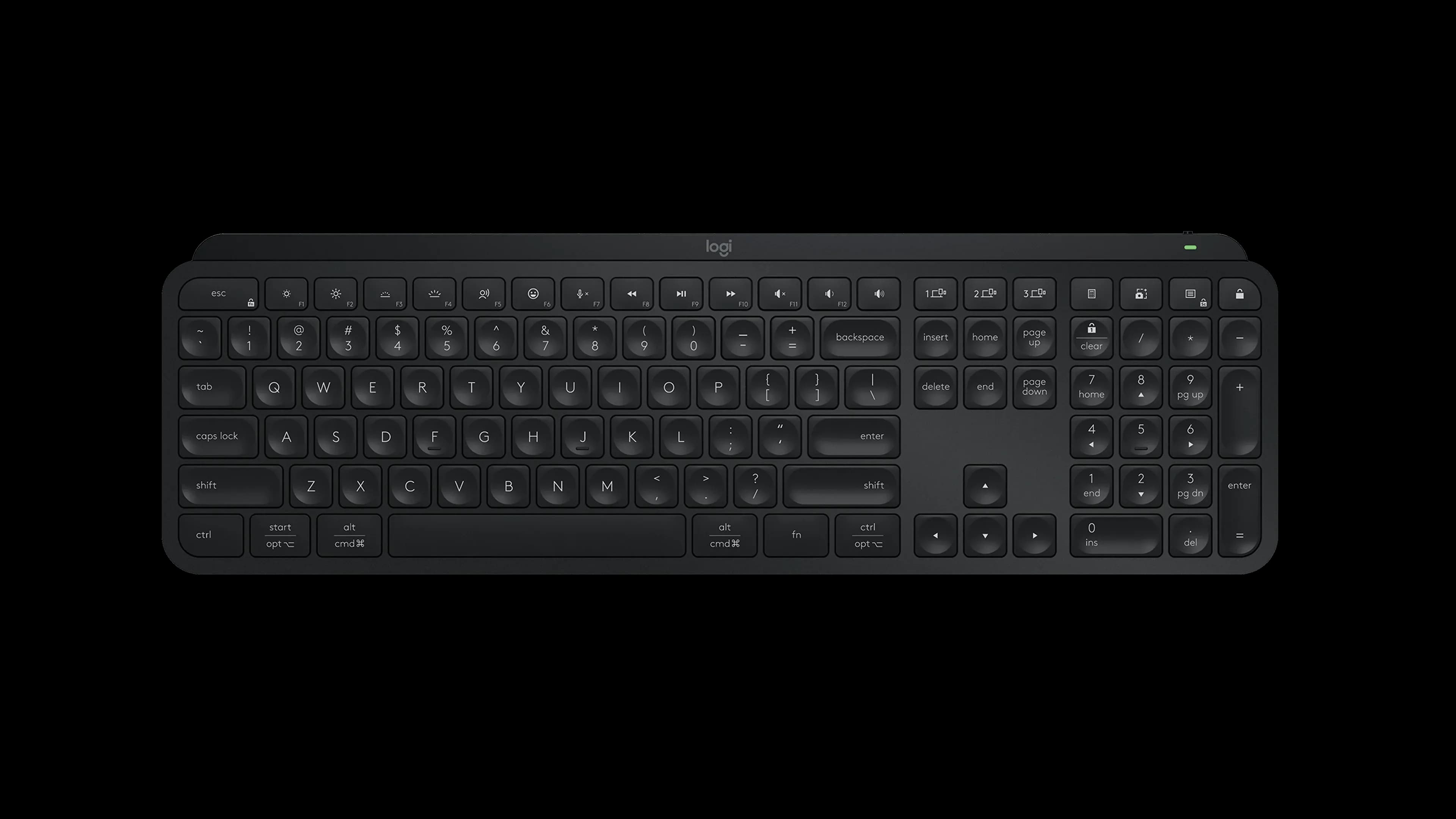
Quiet, laptop-style typing
Logitech MX Keys S Wireless Keyboard, Black (920-011406)
For most UK home offices, the MX Keys S is the better buy.
View at LogitechIts scissor keys work like a well-made laptop keyboard, with short, soft travel, so moving from a laptop to the desk feels natural. The dished keycaps sit under your fingertips, the backlight wakes as your hands get close, and it is the slimmer board at about 2 cm thick. A charge lasts up to 10 days with the backlight on, or up to 5 months with it off. Choose it if you mostly type on a laptop now and want the same feel, only steadier. Pass on it if you want a mechanical switch with a pronounced bump or click.
What we like
- Scissor keys with short, quiet travel
- About 2 cm thick, slimmer than the MX Mechanical
- English UK layout in Graphite or Pale Grey on Logitech’s UK store
Watch out for
- One key feel only, with no switch options
- Shorter battery life than the MX Mechanical on Logitech’s figures
- Logi Options+ customisation runs on Windows and macOS only
- Low-profile mechanical switches
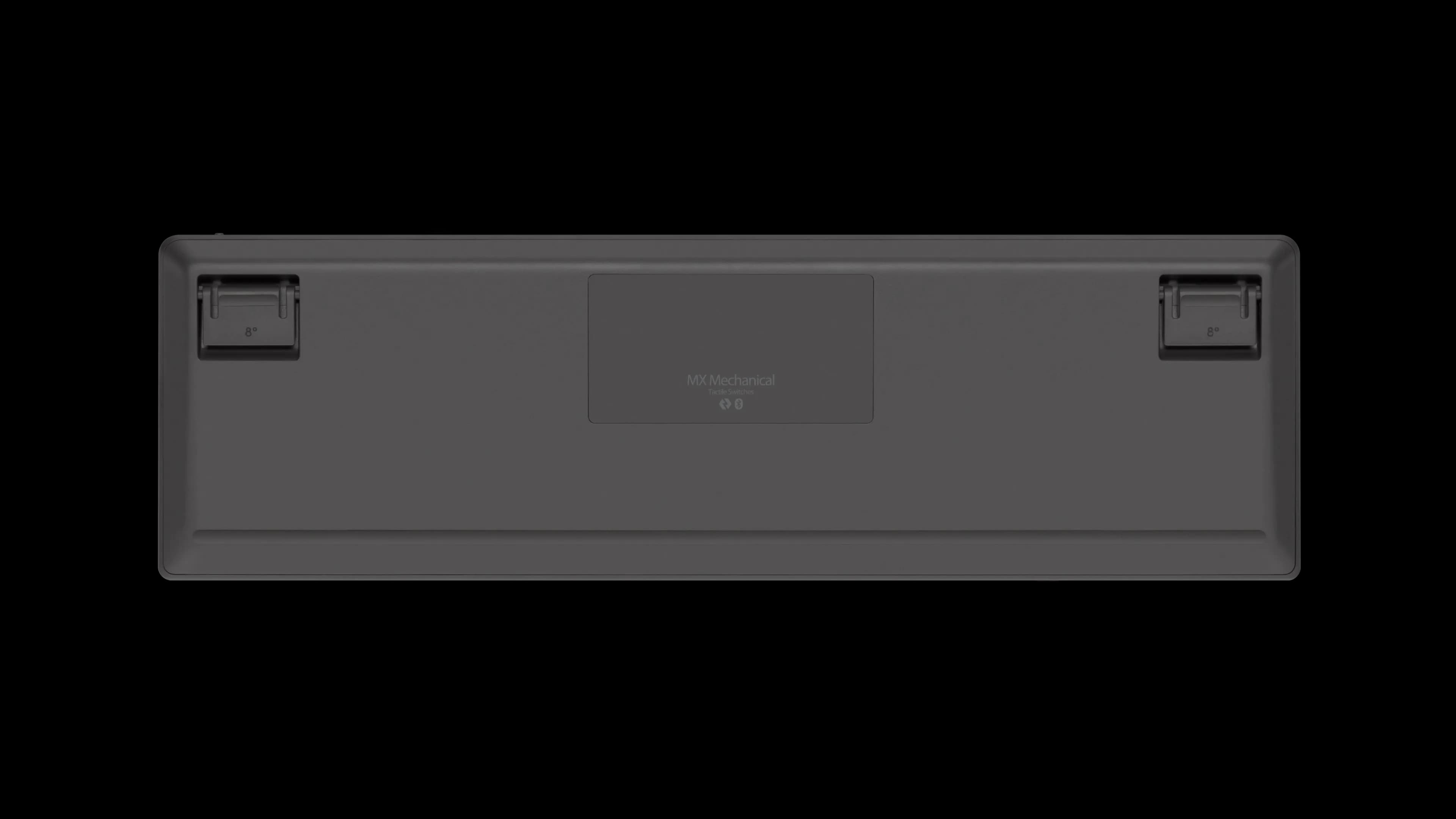
Logitech MX Mechanical Wireless Keyboard, Tactile Quiet, Graphite (920-010547)
The MX Mechanical suits anyone who wants a mechanical keyboard that still looks at home on a work desk.
View at LogitechIts low-profile mechanical switches come in Tactile Quiet, Linear or Clicky, and the version covered here is Tactile Quiet, a good default if you share the room. Logitech quotes up to 15 days per charge, or up to 10 months with the backlight off, so it outlasts the MX Keys S. At about 2.6 cm thick it sits higher, and Logitech lists the MX Palm Rest as compatible. Choose it if you want a defined switch feel and fewer charges. Pass on it if you work in a shared room and want the quietest possible board.
What we like
- Tactile Quiet, Linear or Clicky low-profile mechanical switches
- Up to 10 months per charge with the backlight off
- Works with Logitech’s MX Palm Rest
Watch out for
- About 6 mm thicker than the MX Keys S
- Logitech’s UK store lists a single English UK part number, so check which switch is selected
- Early firmware needed a fix for keys registering twice (July 2022); update through Logi Options+
The short version
- Buy the MX Keys S if you are used to a laptop keyboard, want the quieter of the two, or prefer Pale Grey to Graphite.
- Buy the MX Mechanical if you want mechanical switches and a choice of feel, or you would rather charge less often.
- On the MX Mechanical, avoid Clicky if you take Teams calls or share the room. Tactile Quiet and Linear have no click.
- Order the English UK layout. The part numbers are below.
- Neither has a split or curved layout. For those, see our best ergonomic keyboards guide.
Side by side
| Logitech MX Keys S | Logitech MX Mechanical |
|---|---|---|
Keys | Scissor keys, low profile | Low-profile mechanical: Tactile Quiet, Linear or Clicky |
Layout | Full size with number pad | Full size with number pad |
Backlight | Wakes on hand proximity, adjusts to room light | Wakes on hand proximity, adjusts to room light |
Battery | 1500 mAh; up to 10 days, or 5 months with backlight off | 1500 mAh; up to 15 days, or 10 months with backlight off |
Connection | Bluetooth Low Energy or Logi Bolt (included); 10 m range | Bluetooth or Logi Bolt (included); 10 m range |
Thickness | 20.5 mm | 26.1 mm |
Width | 430.2 mm | 433.85 mm |
UK layout part numbers | 920-011584 (Graphite), 920-011585 (Pale Grey) | 920-010756 (Graphite) |
Battery life is Logitech’s figure and varies with use.
Buying in the UK: layout and switch
Logitech sells both keyboards in many layouts, and its UK store lists them all. A UK keyboard has the tall ISO Enter key, the £ sign on Shift+3 and @ next to the semicolon, so a US or Nordic board will catch you out. Look for English UK (QWERTY) and these part numbers on Logitech’s UK MX Keys S page and MX Mechanical page:
- MX Keys S: 920-011584 in Graphite or 920-011585 in Pale Grey.
- MX Mechanical: 920-010756 in Graphite. The page has a separate switch selector, so make sure it shows the switch you want before you pay.
Amazon UK also sells both. Its MX Mechanical listing is titled Tactile, Graphite; check the layout in the product details before ordering.
Under the Consumer Rights Act 2015, a keyboard must be of satisfactory quality, fit for purpose and as described, and you can reject a faulty one for a refund within 30 days. A keyboard in the wrong layout isn’t faulty, though, so a return then depends on the shop’s own policy.
Scissor keys or mechanical switches?
Under each MX Keys S keycap is a scissor mechanism: a small hinged frame that keeps the key level, over a rubber dome that registers the press. It is what most laptops use, which is why the MX Keys S feels familiar from the first minute. Logitech adds dished keycaps and extra key stability for less noise.
The MX Mechanical puts a mechanical switch under every key, in a low-profile design that keeps it close to the MX Keys S in height. Logitech’s keyboard guide describes the three types it offers:
- Tactile Quiet: a clear bump tells you each key has registered. Logitech markets it as "Quiet mechanical typing" but gives no noise figure.
- Linear: a smooth, even press with no bump and no click.
- Clicky: the tactile bump plus an audible click on every press.
If your desk is in a bedroom or a shared living room, Clicky is the one to skip.
Battery and connection
Both use a 1500 mAh battery charged over USB-C. The backlight makes the big difference: Logitech quotes days with it on (10 for the MX Keys S, 15 for the MX Mechanical) and months with it off (5 and 10).
Each comes with a Logi Bolt USB receiver and also connects by Bluetooth, at up to 10 m. Neither works with the older Unifying receivers. If you use a Mac with FileVault, connect through the Logi Bolt receiver, because Bluetooth keyboards may not work at the FileVault login screen.
On the MX Mechanical, keep the firmware current. Logitech’s release notes show a July 2022 update that added a 70 ms delay to stop keys registering twice, and firmware now arrives through the Logi Options+ app.
Size on the desk
Both need about 43 cm of width and 13 cm front to back. The difference is height: 20.5 mm for the MX Keys S against 26.1 mm for the MX Mechanical. If the taller board leaves your hands hovering, the MX Palm Rest is the matching accessory. On a small desk, Logitech’s MX Keys Mini and MX Mechanical Mini drop the number pad; we haven’t covered them here.
Software and systems
Both work over Bluetooth with Windows, macOS, Linux, ChromeOS, iPadOS and Android, and the MX Mechanical also lists iOS. Logi Options+, for remapping keys and backlight settings, is Windows and macOS only; elsewhere, the keyboards type normally without it.
Which one is for you?
- You type on a laptop all day and want a desk keyboard that feels the same: MX Keys S.
- You want mechanical switches: MX Mechanical in Tactile Quiet, or Linear if you prefer a smooth press.
- You share a flat or take calls: MX Keys S, or the MX Mechanical without Clicky.
- You forget to charge things: MX Mechanical, with the backlight off.
- You want a split or curved keyboard, or a different mouse: see our ergonomic keyboards guide and our vertical mouse vs trackball comparison.
How we chose
We have not tested these keyboards. The comparison uses Logitech’s published specifications, its keyboard guide and firmware notes, and its UK store’s layout list for the part numbers. The scissor mechanism of the MX Keys S is listed on Logitech’s MX Keys spec sheet.
Questions people ask
Is the MX Keys S mechanical?
No. It uses scissor keys, the low-profile mechanism in most laptops. The MX Mechanical is Logitech’s mechanical alternative in a similar shape.
Which part number is the UK layout?
On Logitech’s UK store, the English UK (QWERTY) MX Keys S is 920-011584 in Graphite or 920-011585 in Pale Grey, and the MX Mechanical is 920-010756. Check the switch selection on the MX Mechanical before you pay.
Which MX Mechanical switch is best for an open-plan room?
Tactile Quiet or Linear. Clicky adds an audible click to every press. Logitech does not publish noise figures for any of them.
Which keyboard has the longer battery life?
The MX Mechanical: up to 15 days, or 10 months with the backlight off, against up to 10 days, or 5 months, for the MX Keys S.
Can I return a keyboard if I don’t like the feel?
Only under the shop’s own returns policy. The Consumer Rights Act 2015 covers faulty goods, not a change of mind, so check the policy before you buy.
Sources we used
- Logitech MX Keys S, layouts and part numbers (Logitech UK)
- Logitech MX Mechanical, layouts and part numbers (Logitech UK)
- Logitech MX Keys S specifications (Logitech)
- Logitech MX Mechanical specifications (Logitech)
- Logitech: Mechanical vs. membrane keyboards, how to choose the right one
- Logitech: MX Keys for Business specifications (keyboard type: scissor keys)
- Logitech Support: MX Mechanical firmware release notes
- Consumer Rights Act 2015 (legislation.gov.uk)